Google DeepMind unveils Magic Pointer, an AI-powered cursor that understands context and voice


7 Sources
[1]
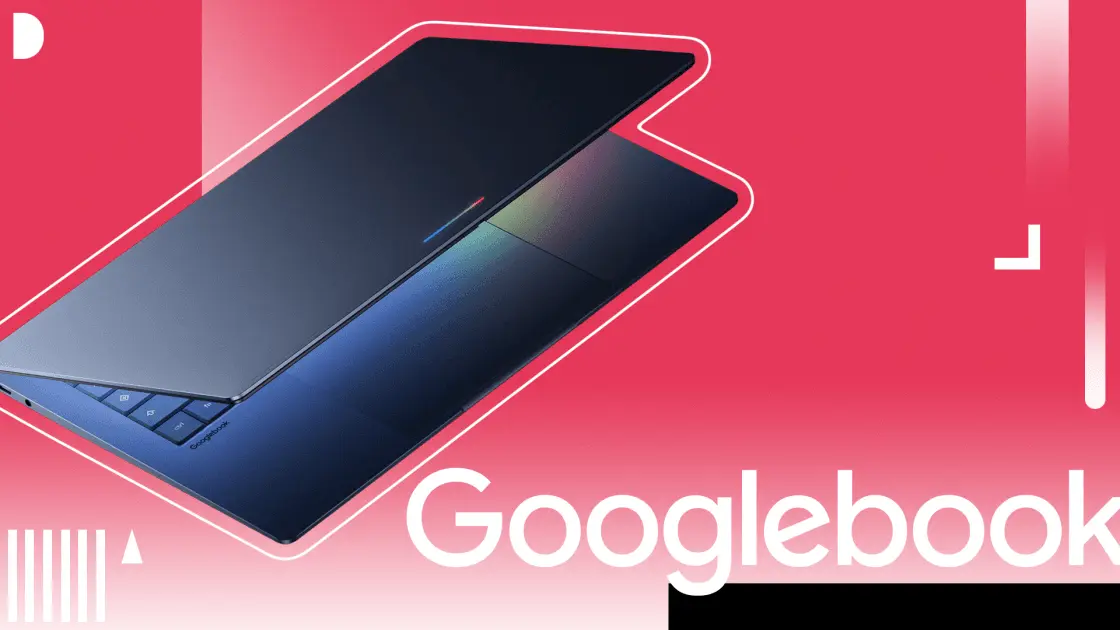
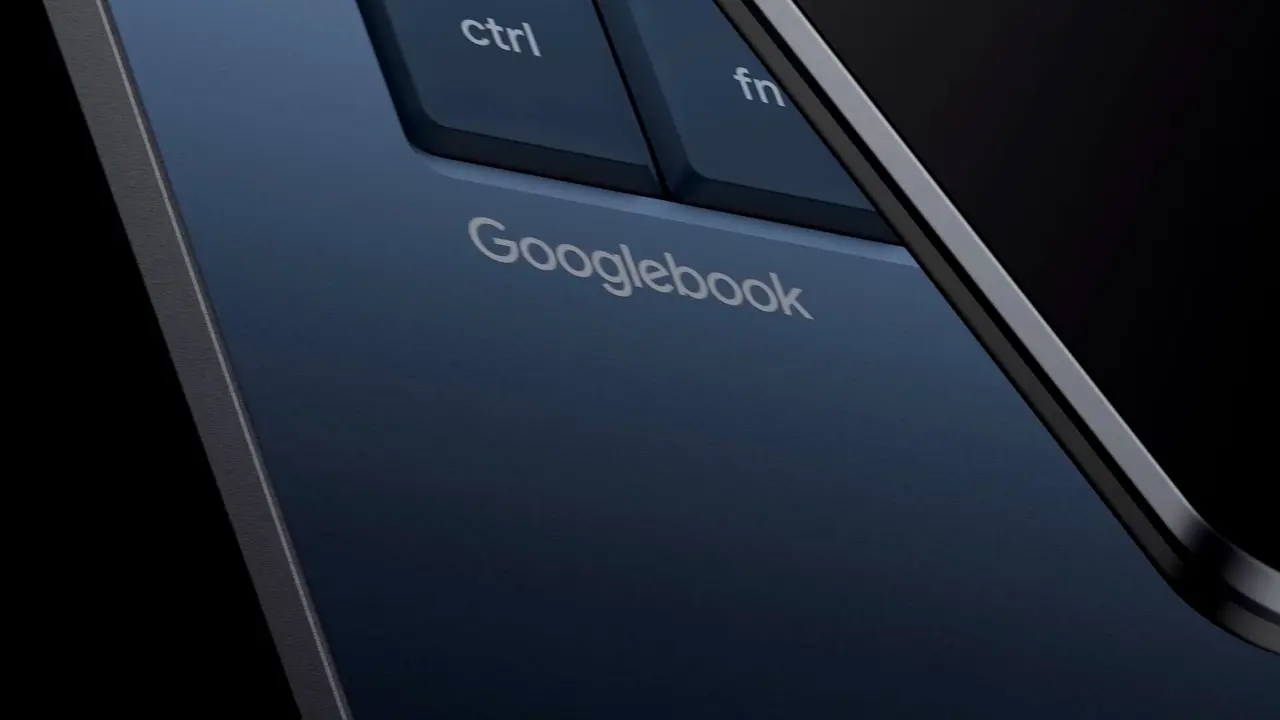
Google Details the New Magic Pointer Features Coming to Googlebooks
Shortly after its Android Show announcements on Tuesday, Google's DeepMind, the company's artificial intelligence lab, detailed the upcoming Magic Pointer, a feature that reimagines the mouse pointer with AI capabilities. The feature will be available in Googlebooks, Google's new AI-focused
[2]
Google's AI-enabled mouse pointer understands 'this' and 'that'
Right-clicking could go the way of the 3.5-inch floppy at the Chocolate Factory Google doesn't design mouse traps, so it's trying to design a better mouse. Google DeepMind announced a research effort to transform the standard computer mouse cursor into a context-aware, AI-powered tool, marking
[3]
Google's Magic Pointer turns your cursor into an AI assistant, and you can test it now
Karandeep Singh Oberoi is a Durham College Journalism and Mass Media graduate who joined the Android Police team in April 2024, after serving as a full-time News Writer at Canadian publication MobileSyrup. Prior to joining Android Police, Oberoi worked on feature stories, reviews, evergreen
[4]
DeepMind details Googlebook 'Magic Pointer' with demos you can try, also coming to Gemini in Chrome
The Magic Pointer on Googlebook was built with Google DeepMind. The research team behind this underlying capability shared more about the premise of AI-enabled pointers. DeepMind wants to use AI "to help the pointer not only understand what it's pointing at, but also why it matters to the
[5]

Shaping the future of AI interaction by reimagining the mouse pointer
We are developing more seamless, intuitive ways to collaborate with AI The mouse pointer has been a constant companion on computer screens, across every website, document and workflow. Despite how technologies have changed, the pointer has barely evolved in more than half a century. We've been
[6]

Google is redefining the cursor for computers, and it's AI-charged future looks ridiculous
Google's Magic Pointer could be the next evolution of AI on laptops The humble mouse pointer has barely changed in decades. It moves, clicks, selects, drags, and occasionally turns into a spinning wheel of frustration. Google now wants to turn that tiny arrow into one of the most powerful AI tools
[7]

'What if behind the pointer, there was an AI model': Google DeepMind wants to reinvent the humble mouse cursor
I don't doubt there's some worthwhile application of at least one technology lumped under the monolithic 'AI' banner. Unfortunately, big tech's major players seem preoccupied with reinventing the wheel and introducing an unnecessary agentic twist. Case in point, Google DeepMind's latest
Share
Copy Link
Google DeepMind introduced Magic Pointer, an AI-powered mouse pointer that understands screen context and voice commands. Launching on Googlebooks laptops this fall, the feature lets users interact naturally by pointing and speaking instead of typing detailed prompts. Early demos are already available in Google AI Studio, and the technology will soon integrate with Gemini in Chrome.
Google DeepMind Transforms the Mouse Pointer with AI Interaction
Google DeepMind has announced Magic Pointer, an ambitious project that transforms the traditional mouse cursor into an AI-powered mouse pointer with contextual understanding
5
. The feature, set to launch on Googlebooks laptops later this fall, marks what the company describes as the first major reimagining of the mouse pointer in more than 50 years2
. Developed by researchers Adrien Baranes and Rob Marchant, the system integrates Google's Gemini AI model to understand where users click, what they're clicking on, and the likely intent behind each interaction.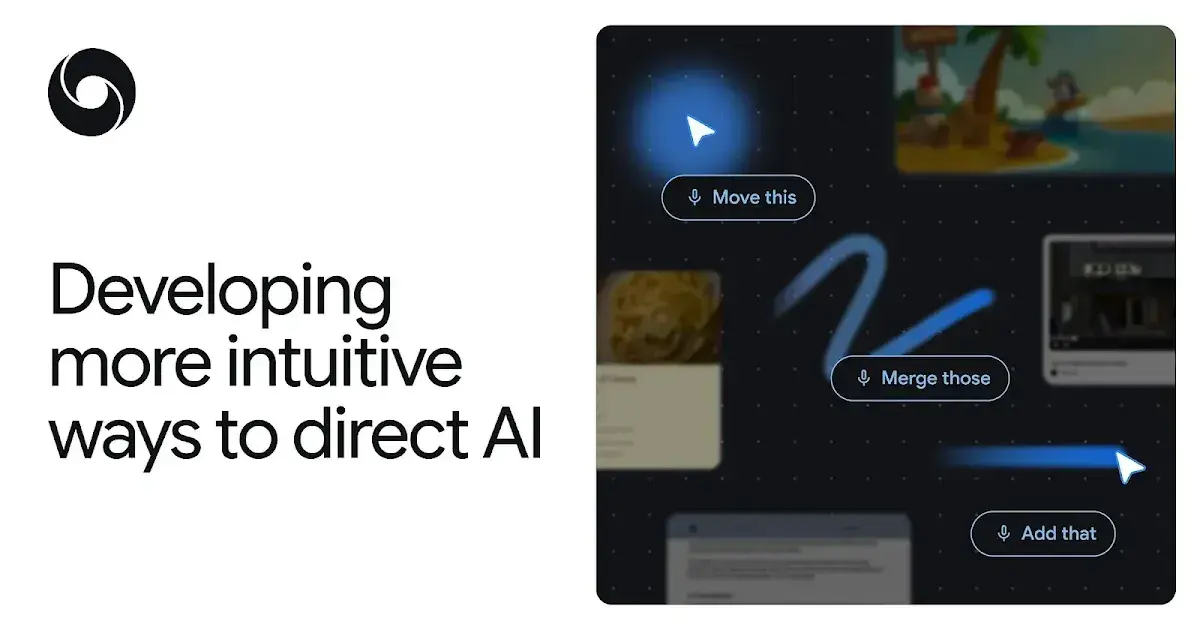
Source: DeepMind
The context-aware cursor addresses a fundamental friction in how people currently work with AI assistant tools. Rather than forcing users to copy, paste, or drag content into separate chat windows, Magic Pointer brings intuitive AI assistance directly into user workflow
4
. "We want the opposite: intuitive AI that meets users across all the tools they use, without interrupting their flow," the researchers stated in their blog post5
.How Magic Pointer Enables Natural Human Communication
The technology works by combining the mouse pointer with the computer's microphone, allowing Gemini to listen as users point at on-screen elements
2
. This enables natural interactions using pronouns like "this" and "that." In demonstrations, users can hover over a crab image and say "move this here," and the system understands enough context to execute the command. Similarly, pointing at a date allows quick creation of calendar entries or reminders without typing detailed text-based prompts3
.
Source: The Register
Google DeepMind outlined four design principles guiding the future of AI interaction. First, "Maintain the flow" ensures AI capabilities work across all applications rather than forcing users into separate AI-specific environments. Second, "Show and tell" reduces the burden of prompt writing by capturing visual and semantic context from the screen. Third, the system mimics how humans naturally communicate using short phrases and gestures. Fourth, "Turn pixels into actionable entities" lets the pointer recognize structured objects within on-screen content, such as converting a photo of a handwritten note into an interactive to-do list
2
.Magic Pointer Features and Current Availability
The Magic Pointer feature demonstrates several practical applications. Users can select text and adjust it without typing specific prompts, hover over spreadsheet columns and say "merge these" to combine them instantly, or point at an image of a building and request directions
1
. The system can also turn a paused video frame showing a restaurant into a booking link4
.While Googlebooks from manufacturers like Acer, ASUS, and Dell won't arrive until this fall, users can already test Magic Pointer through Google AI Studio
3
. Two demos are currently available: "Point and Speak" for getting directions and finding things, and "Show and Tell" for moving or editing objects in images by pointing and speaking4
.Related Stories
Integration with Gemini in Chrome and Broader Implications
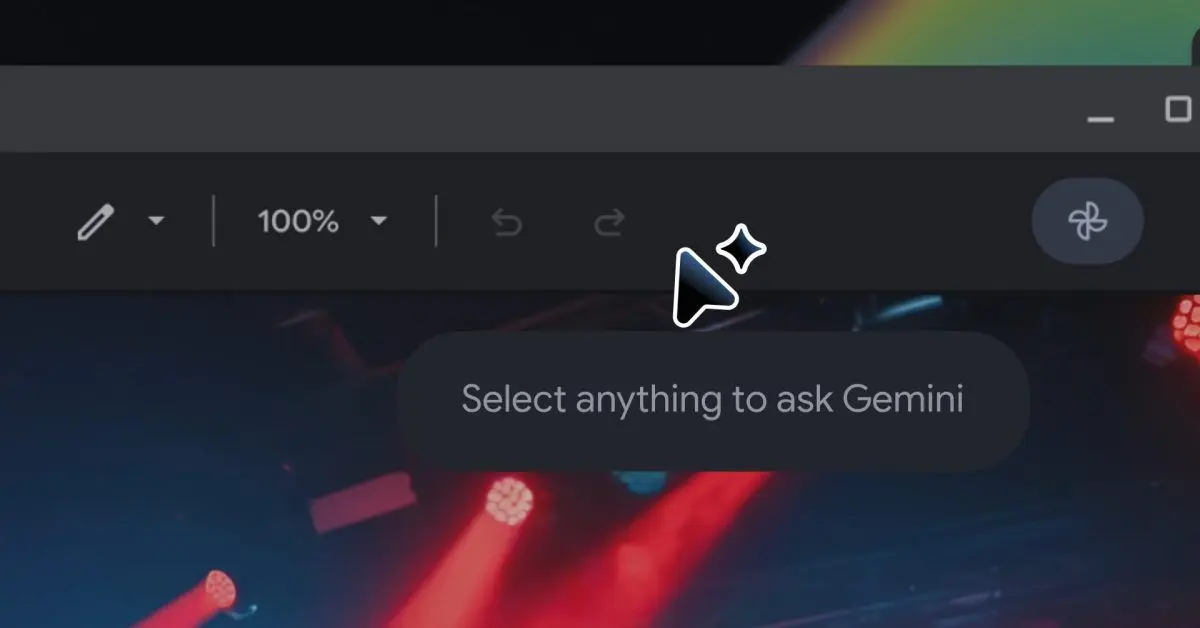
Beyond Googlebooks, the technology will soon enable users to leverage their cursor with Ask Gemini functionality in Chrome
1
. This feature allows users to point at specific webpage elements and ask questions, such as selecting multiple products and having Gemini automatically compare them, without composing full text prompts. Google stated it plans to continue testing the concept across additional platforms, including Google Labs' Disco2
.
Source: 9to5Google
The initiative reflects a broader vision articulated by mouse inventor Doug Engelbart, who foresaw more flexible human-computer interfaces during his 1997 Lemelson-MIT Prize acceptance speech
2
. By pushing the boundaries of smart tools that live beyond dedicated windows, Google DeepMind aims to change how we interact with computers, making AI assistance feel less like a separate application and more like an integrated part of every digital task1
.References
Summarized by

Navi
[2]
[3]
[4]
Related Stories
Google's Googlebook brings Magic Pointer and Gemini AI to replace Chromebooks this fall
21 May 2026•Technology
Google releases Magic Pointer app, revealing how Gemini AI will work on Googlebooks
10 Jul 2026•Technology
Google Unveils Project Mariner: An AI Agent That Can Navigate the Web for You
12 Dec 2024•Technology

Recent Highlights
1
Microsoft and Nvidia Launch Surface Laptop Ultra: A $2,599 AI-Ready PC With RTX Spark Chip
Technology

2
Google Unveils Gemini 4 Argon AI Model, Restricts Access to Trusted Cyber Defenders
Technology
3
OpenAI Releases 722 AI-Generated Math Papers on GitHub, Igniting Fury Among Mathematicians
Science and Research

Recent Highlights
Today's Top Stories





Don’t drown in AI news. We cut through the noise - filtering, ranking and summarizing the most important AI news, breakthroughs and research daily. Follow topics that matter to you and stay ahead.


