Microsoft Auto SR Exits Preview: 120 FPS AI Upscaling Arrives for ROG Ally X Handheld Gaming


4 Sources
[1]
Microsoft Auto SR exits preview, making handheld games look better without a dock
You can now enjoy sharper games on your handheld without docking it, while upcoming updates promise smoother gameplay at up to 120 FPS. Microsoft's Automatic Super Resolution, or Auto SR, has officially left preview. You can now use it on the ROG Xbox Ally X and ROG Xbox Ally X20, and supported
[2]
Microsoft's AI-powered Auto SR upscaling tech is now officially available for ROG Xbox Ally handhelds
Microsoft's Automatic Super Resolution (Auto SR), a Windows AI upscaling solution for gaming, is now officially available for handhelds. Microsoft's Automatic Super Resolution (Auto SR) is now out of preview and officially available for the ROG XBOX Ally X and the ROG XBOX Ally X20 gaming
[3]
Microsoft Auto SR Exits Preview On ROG XBOX Ally X, New Performance Mode Raises FPS Limit To 120
Microsoft has officially announced the general availability of its Automatic Super Resolution (Auto SR) technology on the ROG XBOX Ally X and X20, alongside expanded support for AMD Ryzen AI-powered Copilot+ PCs. The Windows 11 AI upscaling solution is also receiving several improvements, most
[4]
Microsoft Auto SR Update: 120 FPS Gaming Comes to ROG Ally X
Microsoft has launched Auto SR for ROG Xbox Ally X handhelds, adding 120 FPS Performance Mode, 1080p support and Auto HDR compatibility. The update brings AI-powered gaming upscaling without requiring a dock or external display. Microsoft has officially launched Automatic Super Resolution (Auto
Share
Copy Link
Microsoft officially launched Automatic Super Resolution for ROG Xbox Ally X and X20 handhelds, introducing 120 FPS Performance Mode and undocked AI-powered upscaling. The update removes preview restrictions, adds 1080p support, and brings Auto HDR compatibility to enhance gaming visuals without requiring external displays.
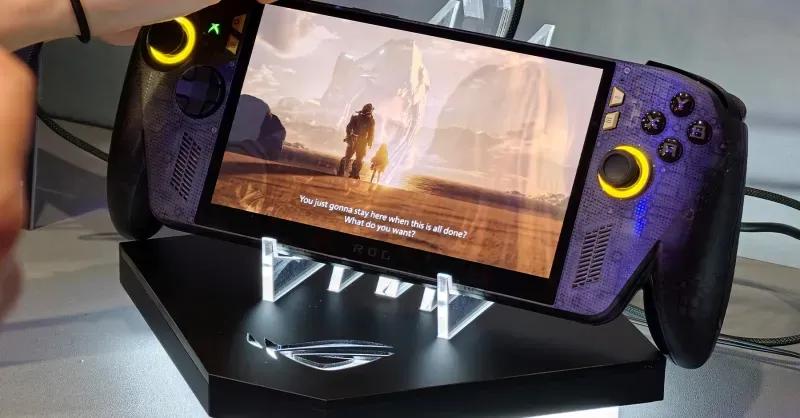
Microsoft Auto SR Officially Available for Handheld Gaming
Microsoft has officially launched Automatic Super Resolution (Auto SR) for the ROG Xbox Ally X and ROG Xbox Ally X20 gaming handhelds
1
2
. The AI-powered upscaling technology has exited its preview phase and now supports select AMD Ryzen AI-powered Copilot+ PCs with integrated RDNA 3.5 graphics3
. This Windows 11 solution uses the neural processing unit (NPU) inside Ryzen processors to upscale games rendered at lower resolutions, improving visual quality while reducing the rendering workload on the GPU2
.Undocked Play Removes Major Limitation
The most significant change addresses a critical limitation from the preview period. Microsoft Auto SR now runs directly on handheld displays without requiring a dock or external monitor
1
. During the Xbox Insider preview, the feature only worked while docked, which contradicted the core appeal of handheld gaming4
. Community feedback drove Microsoft to add undocked Auto SR mode, and the technology now functions whether devices are charging or running on battery power3
.120 FPS Performance Mode Transforms Gaming Experience
Microsoft introduced a 120 FPS Performance Mode that dramatically increases the frame rate ceiling
3
. Previously, Auto SR operated around 60 to 75 FPS during its preview phase1
. The new Performance Mode supports up to 120 FPS, delivering smoother gameplay particularly beneficial for racing games and shooters4
. Microsoft demonstrated this improvement using Rocket League running on the ROG Xbox Ally X at 720p with High graphics settings, showing 70 FPS in Quality Mode versus 115 FPS in Performance Mode—representing approximately 64% performance improvement3
. Players can switch between Quality and Performance modes directly through Xbox Game Bar without restarting games3
.Related Stories
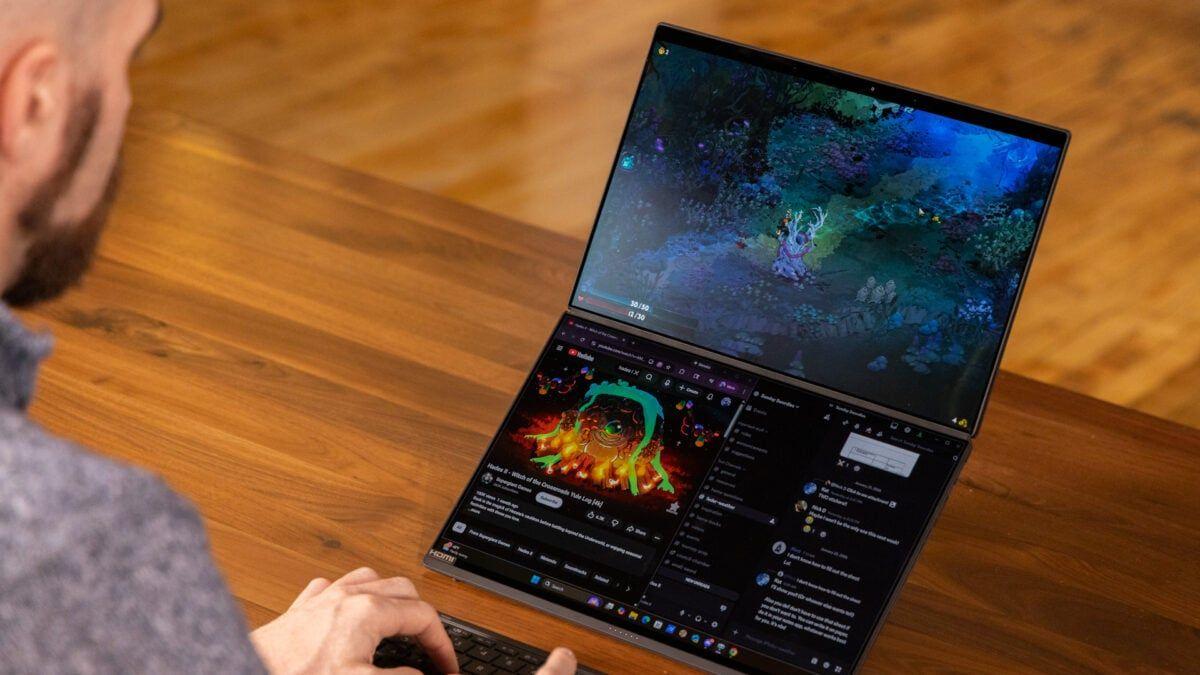
1080p Support and Auto HDR Compatibility Expand Functionality
Microsoft expanded supported input resolutions to include 1080p support, eliminating the need to manually reduce resolution to 720p
3
. Most games on these handhelds default to 1080p, the screen's native resolution, but the preview didn't work until users dropped the resolution—a step many players missed1
. Now 1080p games work immediately, and when connected to external displays, Auto SR can upscale 1080p content to 1440p3
. Auto HDR compatibility represents another major advancement. Previously, enabling Auto HDR meant switching off Auto SR1
. Both features now work together, allowing players to combine AI-powered upscaling with enhanced HDR presentation that adds HDR-like lighting to games without native implementation4
.Rollout Timeline and Hardware Requirements
While handheld play, 1080p support, and expanded Copilot+ PC lineup are available immediately, Performance Mode and Auto HDR compatibility are tied to upcoming Windows updates and will roll out gradually
1
3
. The rollout requires compatible AI hardware, specifically the NPU inside the ROG Xbox Ally X and X204
. Base ROG Xbox Ally models with older Z1 processors cannot access Microsoft Auto SR4
. Eligible users must update Game Bar, install the latest Windows updates, and download the latest Auto SR package from the Microsoft Store3
. The technology supports compatible DirectX 10 and newer games but excludes DirectX 9, Vulkan, OpenGL, and 32-bit x86 titles3
. Microsoft's product manager Stefan Bojanic announced these changes through a DirectX Developer Blog post4
, cautioning that 1080p handheld gaming may deliver less optimal gaming performance than other configurations, though older games should still show noticeable visual improvements1
.References
Summarized by

Navi
[2]
[3]
[4]
Related Stories
Microsoft's Auto SR finally arrives on ROG Xbox Ally X, promising 30% better frame rates
30 Apr 2026•Technology

Xbox Ally X gets Auto Super Resolution in April, promising 30% performance boost with AI upscaling
13 Mar 2026•Technology
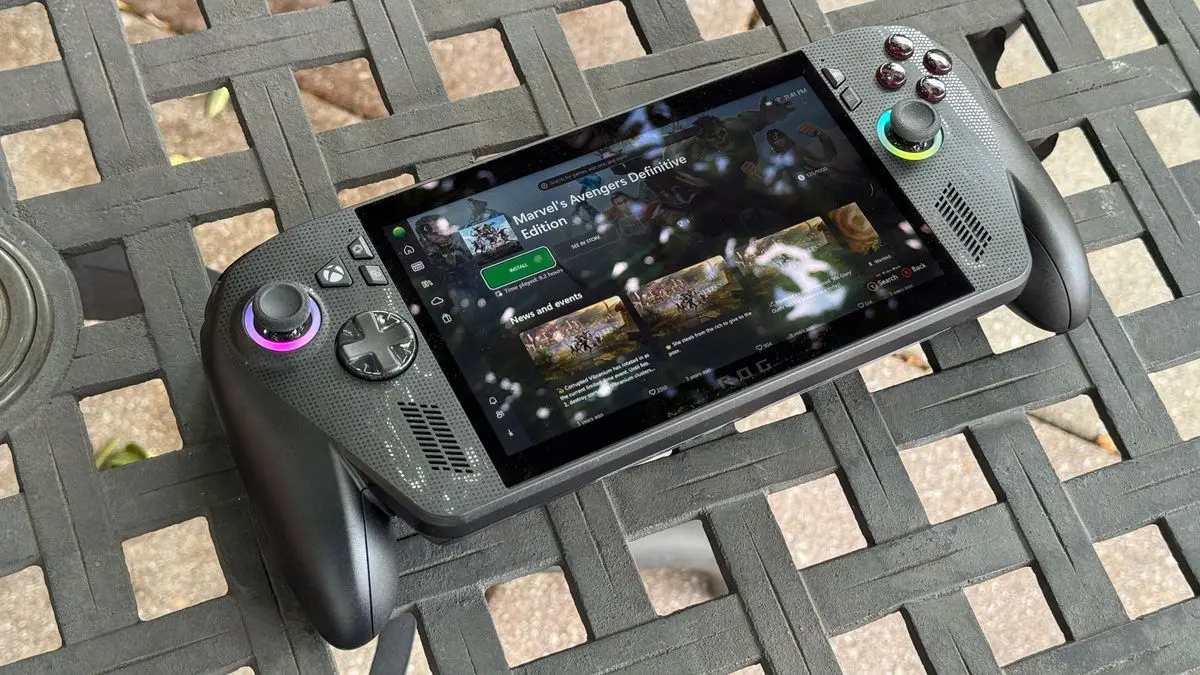
AMD FSR 4.1 Brings AI-Powered Upscaling to RX 6000 GPUs, Xbox Series X/S, and Ryzen Handhelds
20 Oct 2026•Technology
Recent Highlights


Recent Highlights
Today's Top Stories








Don’t drown in AI news. We cut through the noise - filtering, ranking and summarizing the most important AI news, breakthroughs and research daily. Follow topics that matter to you and stay ahead.


