NotebookLM Enhances Productivity with Intelligent Google Drive Search Integration


4 Sources
[1]
NotebookLM Makes It Easier to Find Sources From Your Google Drive
(Credit: Algi Febri Sugita/SOPA Images/LightRocket via Getty Images) Don't miss out on our latest stories. Add PCMag as a preferred source on Google. NotebookLM is one of the most useful AI tools if you have lots of sources you want to combine in one work space. It's popular with professionals
[2]
NotebookLM can now search your Google Drive for sources instantly
NotebookLM's biggest advantage is that it remains grounded in sources you upload. What this essentially means is that the tool only references material you've uploaded to a specific notebook (or information you've shared with the tool via the Chat panel). The only feature in the tool that resorts
[3]
NotebookLM just got even more useful with another handy Google Drive integration
The update appears to have been rolled out quietly, as there's no official announcement from Google. NotebookLM is one of the best and most practical applications of AI for average users like you and me. Since it only uses the sources you provide, it doesn't hallucinate like other AI tools, making
[4]
NotebookLM Can Now Search Inside Your Google Drive Files - Phandroid
Google NotebookLM added a feature that makes finding information in your Google Drive much easier. The new Discover Sources tool can now search inside your Google Docs and Slides, not just their filenames. Instead of scrolling through dozens of documents trying to remember where you saved
Share
Copy Link
Google's AI-powered NotebookLM tool now offers improved Google Drive integration, allowing users to search for sources within their Drive using natural language queries. This update streamlines the process of finding and incorporating relevant documents into research and work projects.
NotebookLM's New Google Drive Integration
Google has quietly rolled out a significant update to its AI-powered tool, NotebookLM, enhancing its integration with Google Drive. This new feature allows users to search for sources within their Drive using natural language queries, making it easier to find and incorporate relevant documents into their work
1
2
.
Source: XDA-Developers
How the New Feature Works
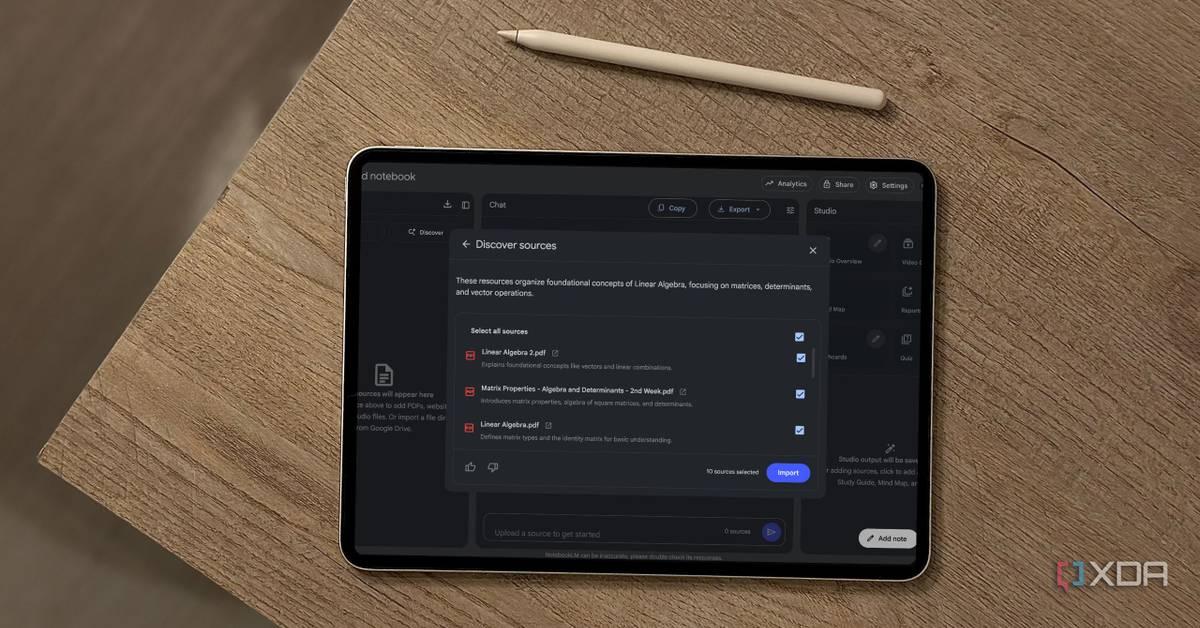
Previously, users had to know the exact file title to add a document as a source in NotebookLM. The new update introduces a more intuitive search functionality. When users click on the 'Discover Sources' button, they now have the option to choose between a Web search and a Google Drive search
1
.Users can input queries like "docs about Q4 planning," "slides from Tim," or "notes from last week," and NotebookLM will scan their connected Google Drive for relevant documents
2
. The tool uses AI to understand context and can find files based on content rather than just file names4
.Benefits and Limitations
This update significantly improves productivity for professionals, researchers, students, and teams dealing with large volumes of documents
4
. It saves time by eliminating the need to manually scroll through numerous files to find specific information.Currently, the feature primarily works with Google Docs and Slides files
4
. The tool respects user privacy by only searching through files that the user owns or has access to, ensuring that private documents remain secure4
.
Source: Phandroid
User Experience and Performance
Early user experiences suggest that the feature works quickly, with search results appearing almost instantly
2
. However, some users have reported inconsistencies in search results, with certain documents not appearing as expected2
.Related Stories

NotebookLM's Unique Approach
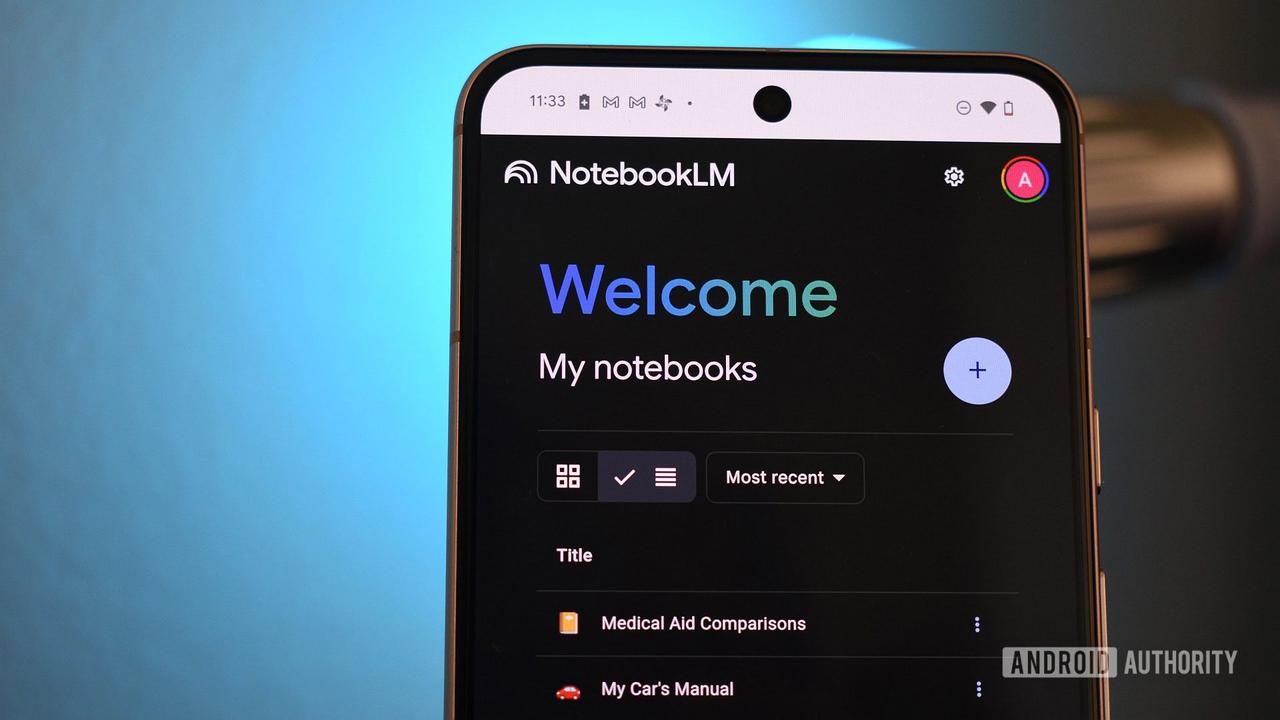
NotebookLM stands out from other AI tools due to its source-grounded approach. It only references material that users have explicitly uploaded or shared, reducing the risk of AI hallucinations
3
. This new Google Drive integration enhances this approach by making it easier for users to incorporate their own content2
.
Source: Android Authority
Future Developments
While Google has not made an official announcement about this feature, it appears to be widely available to users
1
3
. As the tool continues to evolve, users can expect further refinements and possibly expanded compatibility with other file types beyond Docs and Slides.References
Summarized by

Navi
[2]
[3]
Related Stories
Google's NotebookLM Unveils Deep Research Tool and Enhanced Mobile Features
07 Nov 2025•Technology

Google NotebookLM Unveils Deep Research Feature and Expanded File Support for Enhanced AI-Powered Research
14 Nov 2025•Technology

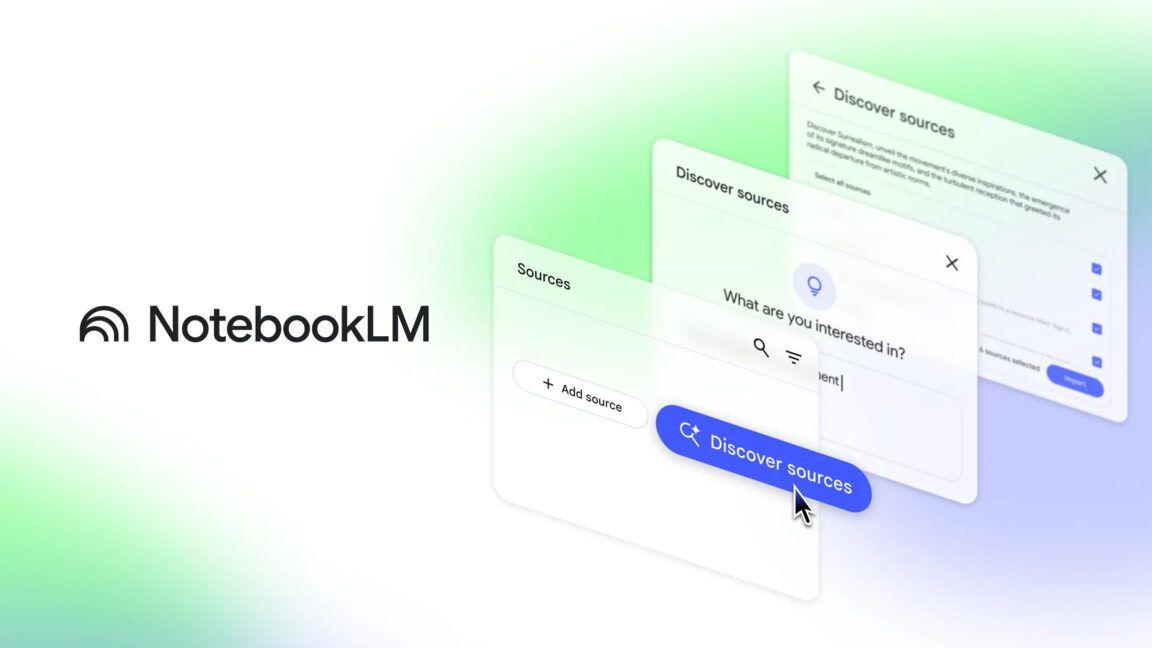
Google's NotebookLM Introduces 'Discover Sources' Feature for AI-Powered Research
03 Apr 2025•Technology
Recent Highlights



Recent Highlights
Today's Top Stories




Don’t drown in AI news. We cut through the noise - filtering, ranking and summarizing the most important AI news, breakthroughs and research daily. Follow topics that matter to you and stay ahead.


