Nothing Essential Apps enters beta, letting users vibe code widgets with AI-powered prompts


4 Sources
[1]
Vibe coding Nothing's apps is fun, until you try to make them useful
After a week vibe coding apps using Nothing's Essential Apps Builder, I'm conflicted. I buy into the smartphone maker's vision for software that adapts to you, not the other way around, but right now it doesn't deliver. It's hard to see how this goes from cool novelty to a reliable tool without
[2]
Hands-on: Nothing 'Essential Apps' hit beta so you can vibe code your homescreen [Gallery]
One of the places AI has really made an impact is on app coding, opening new doors both for professionals and the casual user. "Vibe coding," as it's come to be known, is exactly what you can do with Nothing's new "Essential Apps," which lets you create homescreen widgets, "apps," using text
[3]
Nothing's "Essential Apps" let you build personalized widgets with text-based prompts
Instead of downloading apps you'll never open again, Nothing wants you to generate tiny tools on demand, powered by AI and shaped entirely around your habits. One of Nothing's boldest ideas, Essential Apps, is now available for Phone 3 users, unlocking a new way to create highly personalized,
[4]
Nothing's Essential Apps Builder Now in Beta; Lets You Vibe Code Apps
* Essential Apps Builder is rolling out to Nothing Phone 3 * Essential Apps Builder can create apps from text prompts * Essential Apps can build location-based reminders Nothing unveiled its new Essential Suite of AI tools in September 2025. Claiming it to be a step towards building an AI native
Share
Copy Link
Nothing has launched its Essential Apps Builder in beta for Phone 3 users, enabling them to create personalized widgets through text-based prompts without coding. Part of CEO Carl Pei's vision for an AI-native operating system, the tool shows promise but faces challenges with functionality, accuracy, and user expectations in its current early state.
Nothing Essential Apps Builder Enters Beta with AI-Powered Widget Creation
Nothing has rolled out its Essential Apps Builder in beta, marking a significant step toward CEO Carl Pei's vision of an AI-native operating system
1
. The AI-powered tool, accessible through Nothing Playground, allows Nothing Phone 3 users to create personalized widgets using text-based prompts and vibe coding—no programming knowledge required2
. The beta is rolling out in batches through a waitlist, with a full public release planned for later this year4
.
Source: 9to5Google
Carl Pei told The Verge that Essential is the company's umbrella "name for all our AI-related products," positioning these homescreen widgets as the foundation for Essential OS
1
. Rather than traditional apps, users create small, functional widgets that live directly on their home screen, updating in place and responding to context. Nothing frames this as making your phone "feel like it's actually yours"2
.How Essential Apps Builder Works Through Natural Language Prompts
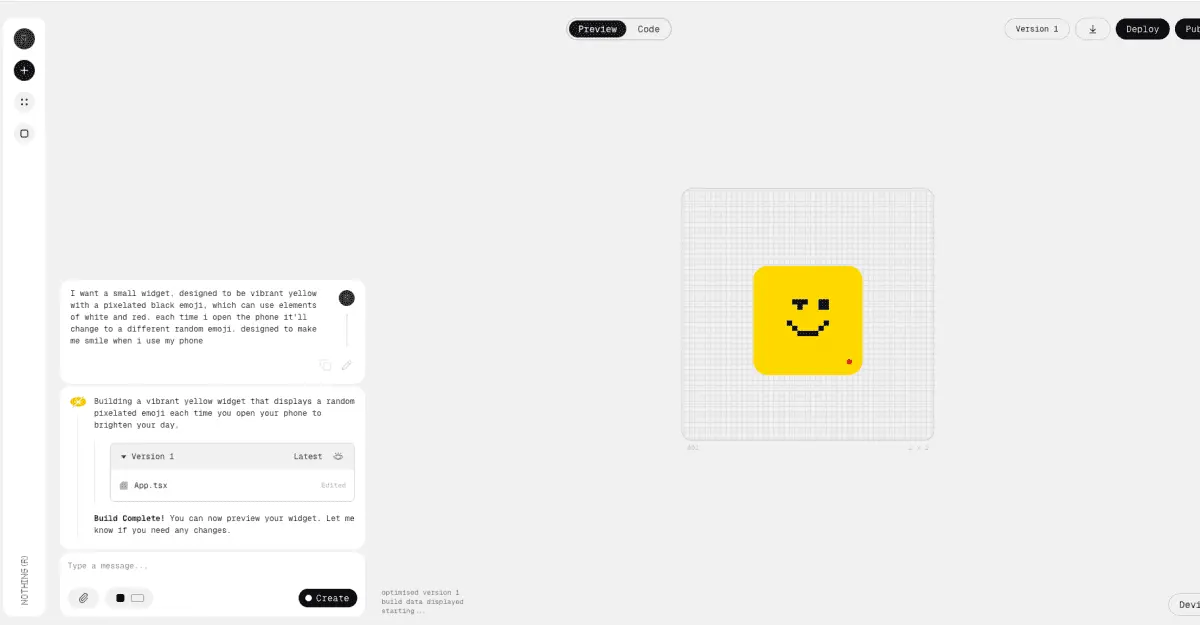
The process is straightforward: describe what you want in plain language, and the Essential Apps Builder generates it
3
. Nothing's example involves a widget that analyzes weather and calendar data to suggest optimal days and times for outdoor runs2
. The AI sometimes asks clarifying questions, and if the first attempt misses the mark, users can iterate rather than start from scratch1
.
Source: The Verge
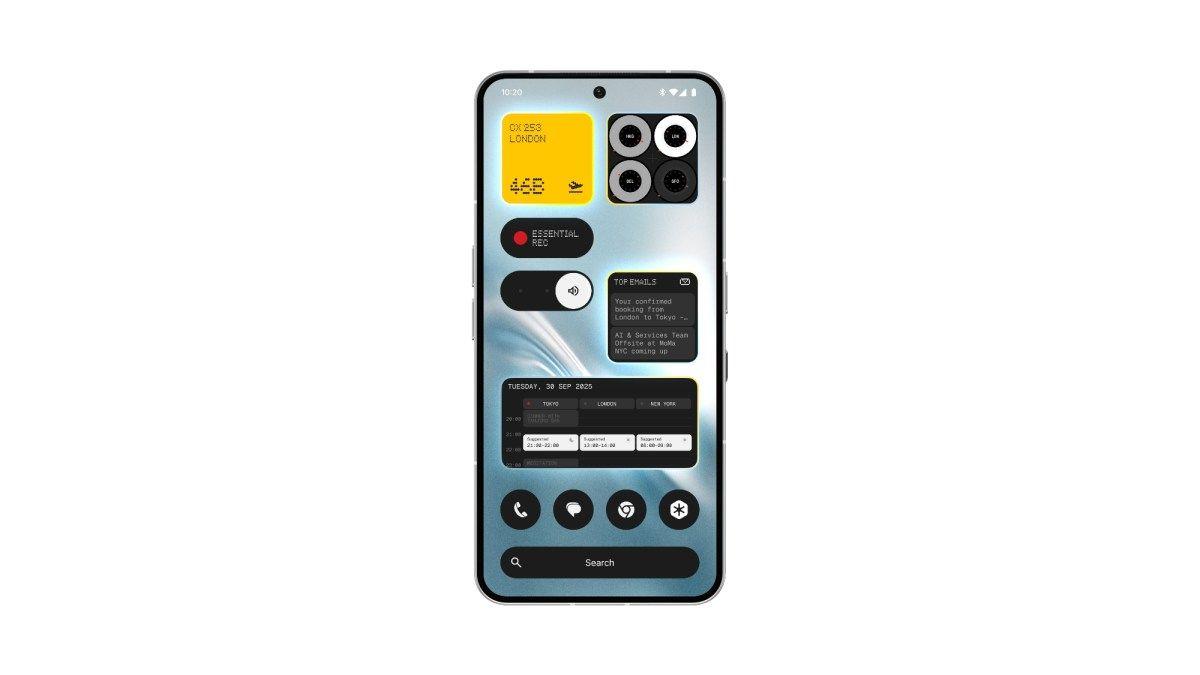
Currently, the beta supports only 2x2 and 4x2 widget sizes, with additional formats including compact 1x2 and larger 4x4 layouts planned for late March
1
. For device permissions, Essential Apps can access location, calendar (read-only), and contacts, enabling creation of location-based reminders, agenda views, meeting countdowns, and one-tap contact widgets4
.Early Testing Reveals Functionality Gaps and User Interface Challenges
Hands-on testing reveals a stark gap between "it works" and "I'd use this." Simple widgets like water trackers and calendar views function adequately, but more ambitious projects expose limitations
1
. A Pomodoro timer stopped counting when the phone locked, defeating its purpose. A photo widget pulling from the camera roll didn't work at all, and even the "fix with AI" button couldn't resolve it1
.Location features proved particularly tricky. One tester requested a weather widget using current location but instead received forecasts for four London locations provided as examples
1
. Another created a widget to track soil moisture for disc golf conditions but had no way to verify data accuracy—it could be completely correct or wildly wrong2
. The user interface also struggles to align between the web app and what actually appears on your homescreen2
.Related Stories


Future System Integrations and Expanded Capabilities on the Horizon
Nothing acknowledges that beta apps may "feel unfinished" and has outlined an ambitious roadmap
2
. Future updates will introduce camera and microphone access, network fetching, notifications, vibration, calling, and Bluetooth capabilities4
. A late February OS update will add activity recognition, usage statistics, sensor data, and system weather API4
.The public release will arrive "once system integrations are stable, permission handling is reliable and compatibility across devices is confirmed," according to Nothing
1
. This launch will include a "Remixing Apps" feature, allowing users to adapt and modify widgets created by others, fostering a creator ecosystem1
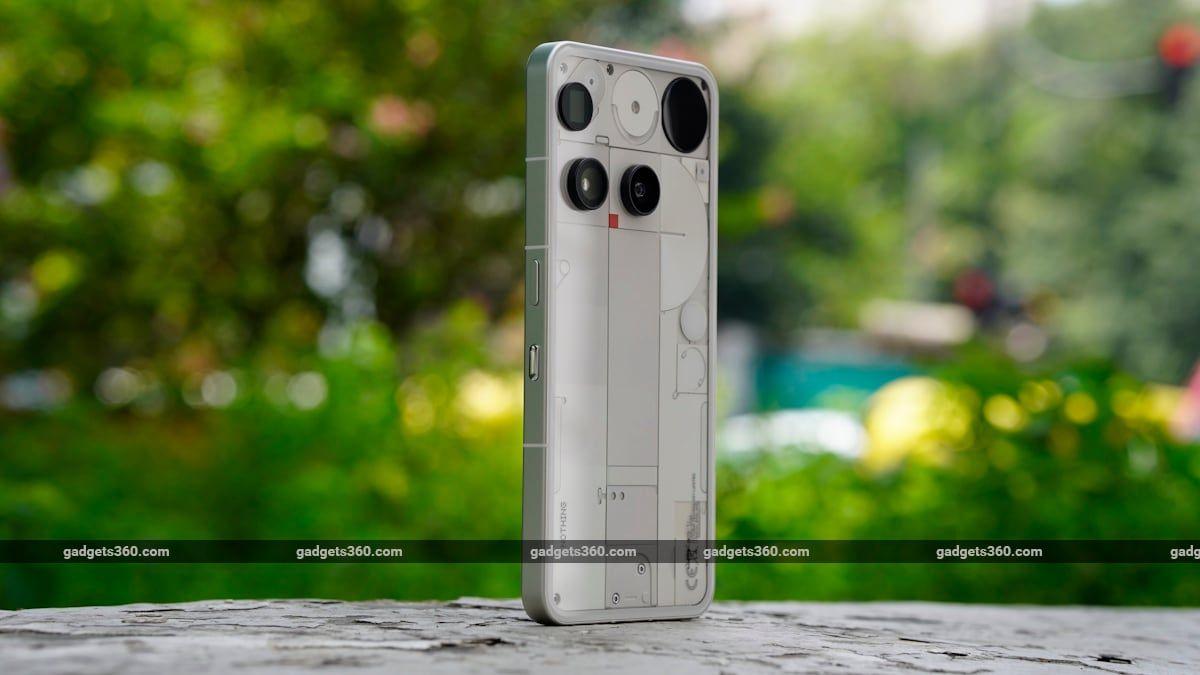
. While currently exclusive to Nothing Phone 3, support will extend to other Nothing and CMF devices running Nothing OS 4.0 after the beta stabilizes4
.
Source: Gadgets 360
The Challenge of Vibe Coding: Promise Meets Practical Limitations
The fundamental challenge extends beyond technical refinement. Even with capable AI systems, the hardest part remains knowing how to use them effectively
1
. Users don't always know what they want, and when they do, articulating it through natural language prompts can be difficult. "An ecosystem built on vibes is a great idea, but sometimes vibes aren't enough," notes one reviewer1
.Nothing's vision centers on software that adapts to users rather than forcing users to adapt to software
1
. The company wants home screens to become more purposeful, with small personal apps that stay visible, update in place, and respond to context2
. Whether this novelty can evolve into a reliable tool depends on substantial refinement and consumer patience—commodities that may prove scarce as users encounter the gap between concept and execution.References
Summarized by

Navi
[2]
[3]
Related Stories
Recent Highlights



Recent Highlights
Today's Top Stories










Don’t drown in AI news. We cut through the noise - filtering, ranking and summarizing the most important AI news, breakthroughs and research daily. Follow topics that matter to you and stay ahead.


