Samsung's One UI 8 Introduces Advanced AI-Powered Voice Captioning Feature


4 Sources
[1]
One UI 8 is adding a powerful new Galaxy AI feature, but there's a catch
The catch is that the feature isn't available officially yet, so you'll have to download an APK to access it. Samsung has added a new feature called Voice Captioning to its suite of Galaxy AI tools on One UI 8. It allows users to convert speech to text in real time, whether it's from a video,
[2]
Samsung's secret Galaxy AI feature gives live captions a powerful upgrade
T-Mobile is automatically 'upgrading' Magenta Max customers to its new Go5G plans While not as big of an upgrade as One UI 7, Samsung's Android 16-based One UI 8 still packs plenty of meaningful improvements. There's deeper Galaxy AI integration as well for a better experience. Samsung also
[3]
One UI 8 tipped to bring a major Galaxy AI upgrade -- plus quality of life improvements to Galaxy S26
A recent post on social media has indicated that Samsung is working on a big improvement for Live Captioning with Galaxy AI. The post in question comes from Galaxy Techie, who posted on X about a new Galaxy AI feature called Voice Captioning. Like Live Captions, this feature will convert speech
[4]
Samsung's New AI Feature Can Transcribe Your Voice in Real-Time
The text summaries and transcriptions can be saved as a Word file Samsung is reportedly launching a new artificial intelligence (AI) feature in China, which is essentially an enhanced version of the existing Live Captions. As per the tipster, the feature is called Voice Captioning, and it can
Share
Copy Link
Samsung's new Voice Captioning feature in One UI 8 offers real-time speech-to-text conversion with multi-language translation and summarization capabilities, currently available in China with potential for global rollout.
Samsung Introduces Advanced Voice Captioning Feature in One UI 8
Samsung has unveiled a powerful new addition to its Galaxy AI suite with the introduction of Voice Captioning in One UI 8. This feature significantly enhances the existing Live Captions functionality, offering users a more comprehensive and versatile tool for real-time speech-to-text conversion
1
.Key Features and Capabilities
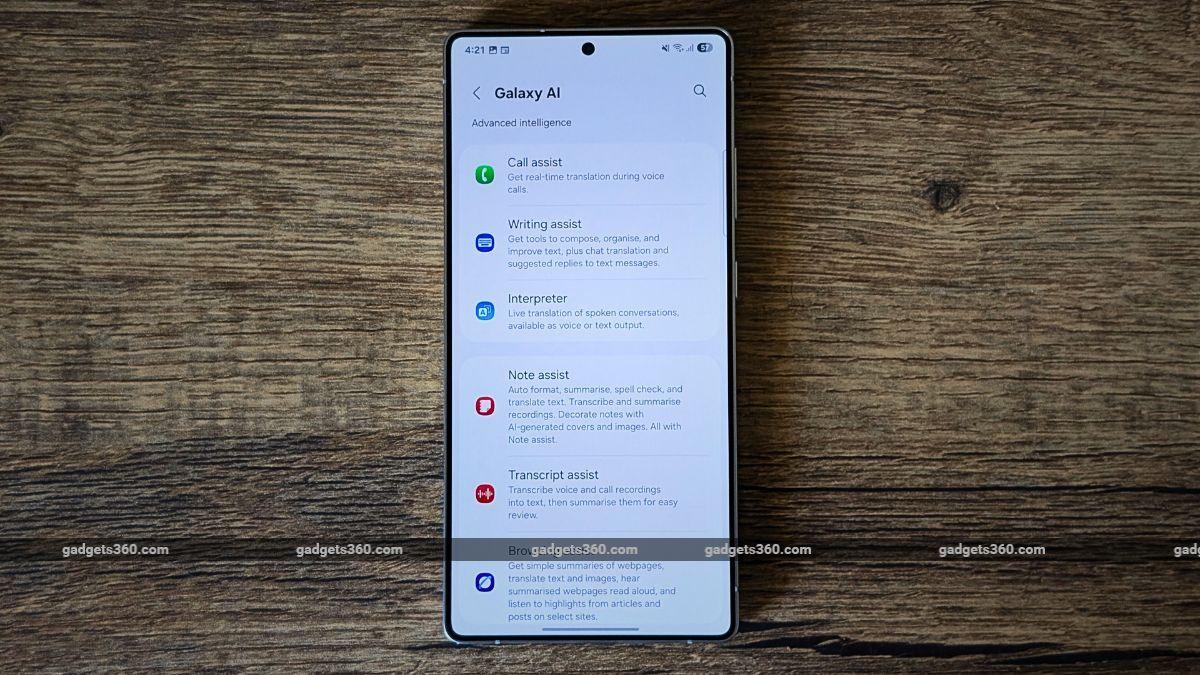
Source: Gadgets 360
Voice Captioning goes beyond simple transcription by providing real-time translation across multiple languages, similar to the Live Translate feature on Pixel phones
1
. The feature can convert speech to text from various sources, including videos, calls, and live conversations. Additionally, it offers the ability to summarize the transcribed content and save both text and audio for future reference2
.Users can utilize Voice Captioning with their phone's audio, microphone audio, or both simultaneously. The translated text appears in a movable, transparent overlay that can be resized according to user preference
2
.Availability and Installation
Currently, Voice Captioning is officially available only in China. However, tech-savvy users can manually install the APK on Galaxy phones running One UI 8 or One UI 7
3
. The installation process involves adding the Voice Captioning shortcut to the Quick Settings panel and granting necessary permissions. Users must also select supported languages for translations4
.Compatibility and Performance

Source: Android Police
While the feature shows promise, its performance may vary across devices. Some users have reported successful usage on One UI 8 and One UI 7, while others experienced crashes, particularly on beta versions of One UI 8
1
. The APK version of the feature has been noted to be unstable on some devices3
.Potential Impact and Future Rollout
The introduction of Voice Captioning represents a significant step forward in Samsung's AI capabilities. It could prove particularly useful for international travelers and those engaging in multilingual communications
3
. Industry observers speculate that Samsung might include Voice Captioning in the stable One UI 8 build for the upcoming Galaxy S25 series and potentially extend it to its newest foldable devices2
.Related Stories


Privacy and Security Considerations
As with any new software feature, especially those involving AI and language processing, users should be mindful of privacy and security implications. When sideloading APKs, it's crucial to ensure device security by using reputable antivirus apps and VPNs
3
.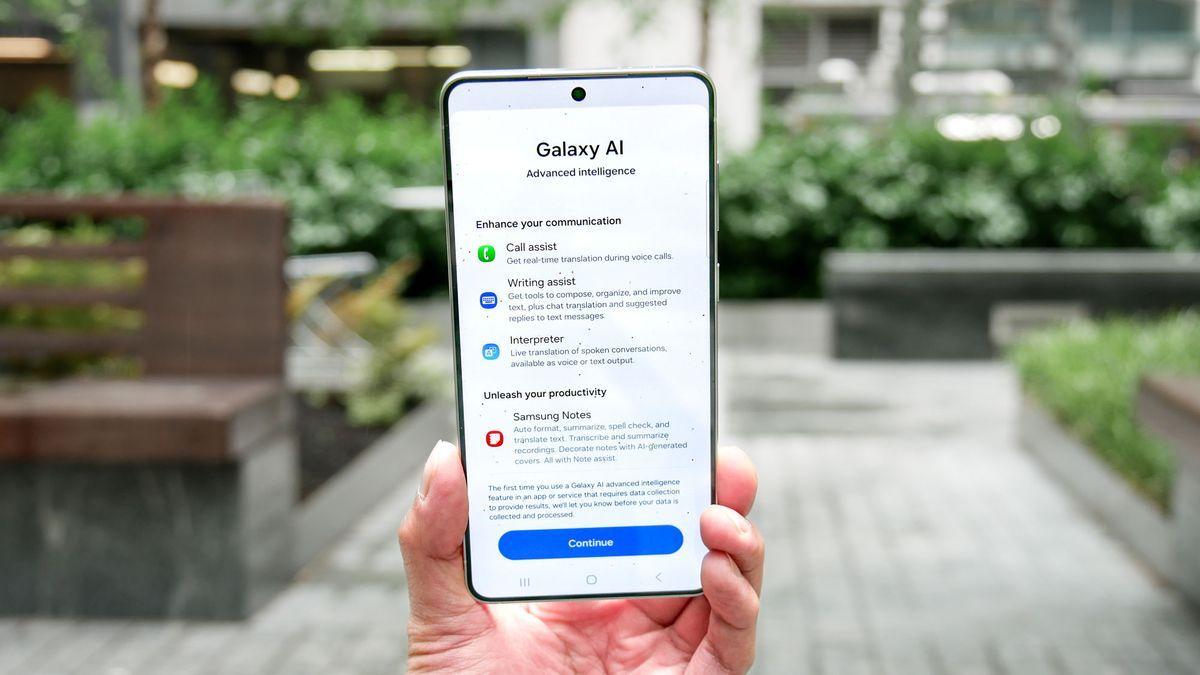
Source: Tom's Guide
Broader Context of One UI 8 Development
The Voice Captioning feature is part of Samsung's ongoing efforts to enhance its One UI operating system. While One UI 8 may not be as substantial an upgrade as its predecessor, it still incorporates meaningful improvements and deeper Galaxy AI integration
2
. This development aligns with the broader trend in the smartphone industry of leveraging AI to provide more intuitive and powerful user experiences.As Samsung continues to refine and expand its AI capabilities, features like Voice Captioning could play a crucial role in differentiating its devices in the competitive smartphone market. The global rollout of such features will be closely watched by both consumers and industry analysts alike.
References
Summarized by

Navi
[1]
[3]
Related Stories
Recent Highlights
1
OpenAI's AI Models Disprove 27-Year Exponential Time Hypothesis, Rendering Decades of Research Obsolete
Science and Research

2
Google DeepMind unveils Genie 4 world model with audio and 2-minute interactive simulations
Technology

3
OpenAI Cuts Internet Access for AI Model Training After Security Breaches
Technology

Recent Highlights
Today's Top Stories





Don’t drown in AI news. We cut through the noise - filtering, ranking and summarizing the most important AI news, breakthroughs and research daily. Follow topics that matter to you and stay ahead.


