Samsung's One UI 8.5 brings Galaxy S26 AI features to older flagships and foldables


4 Sources
[1]
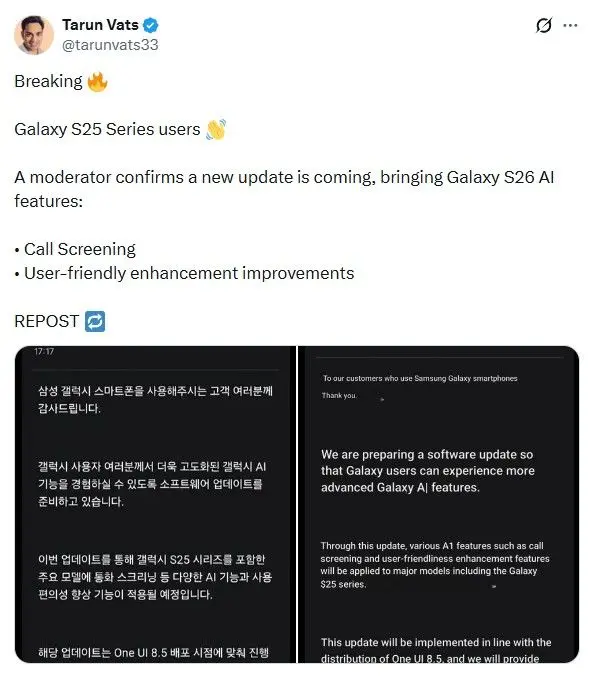
Galaxy S25's One UI 8.5 changelog leaks: Here's what new with this update
Exclusive! 🔥 Galaxy S25 Series One UI 8.5 Stable changelog has been spotted. 👀 Build Version 👇 S931BXXU9CZDN (Could Change) All details are in the images attached in the thread. 📸 We're close to the official rollout now. 👀 Repost 🔄, Galaxy Fam! pic.twitter.com/Pi14XpMSP6 -- Tarun Vats
[2]
Some of Galaxy S26's new tricks are heading to older Samsung flagships and foldables
Samsung's latest Galaxy S26 upgrades will not stay exclusive for long Samsung is gearing up for a wider One UI 8.5 update release, which is set to bring some of the Galaxy S26's best AI features to older models. The company's One UI 8.5 beta roll out will cover the Galaxy S24 series, Galaxy Z Fold
[3]
Free Samsung Galaxy update brings S26 AI features to older phones - is yours on the list? | Stuff
New Galaxy AI tools are rolling out via One UI 8.5, breathing new life into your old phone If you're not planning to upgrade to the Samsung Galaxy S26 Ultra (which happens to be on our list of the best smartphones), this might soften the blow. A new free Samsung Galaxy update is bringing some
[4]
Samsung's One UI 8.5 Beta 10 is Here: Game-Changing AI Features You Need to Try
Samsung has officially launched the One UI 8.5 beta update, introducing a variety of advanced features and improvements to millions of Galaxy devices. Initially exclusive to the Galaxy S26 Ultra, this update now extends to older models, including the Galaxy S25, S24 and Z Fold series. With a strong
Share
Copy Link
Samsung is rolling out One UI 8.5 beta, bringing flagship Galaxy S26 AI capabilities to older devices including the Galaxy S25, S24 series, and recent foldables. The update introduces Creative Studio app for AI-generated content, enhanced Audio Eraser that works in real-time across third-party apps, and Call Screening powered by on-device AI. Leaked changelog reveals extensive Galaxy AI features focused on image manipulation and editing with text prompts.
Samsung Galaxy Update Extends Premium AI Features Beyond Flagship Devices
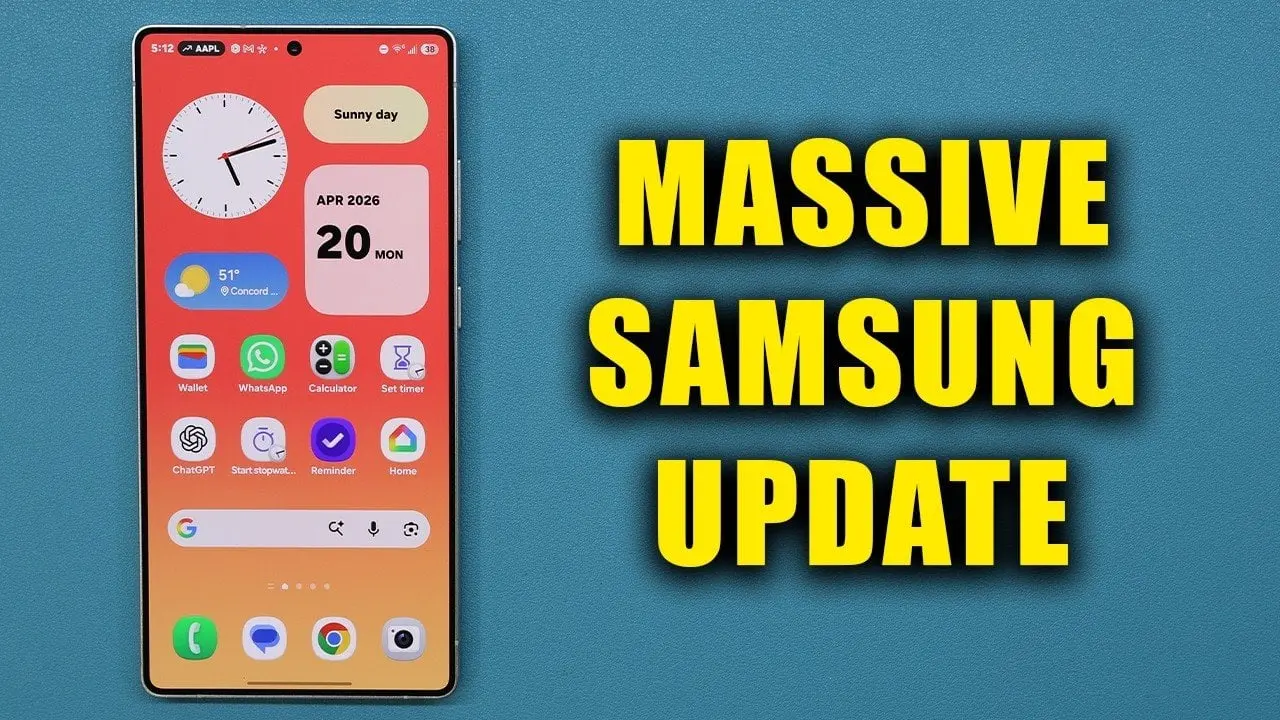
Samsung is preparing to democratize its most advanced Galaxy AI capabilities through the One UI 8.5 beta update, bringing Galaxy S26 features to a broader range of devices. The software update targets the Galaxy S25 series, Galaxy S24 lineup, Galaxy Z Fold 6, Galaxy Z Flip 6, Galaxy Z Fold 7, and Galaxy Z Flip 7, with the Galaxy S25 FE also included in the rollout
2
. A leaked changelog spotted by industry insider Tarun Vats reveals build version S931BXXU9CZDN, signaling the stable release is approaching1
. Currently in version 10 with an approximate 1 GB download size, the beta update represents Samsung's commitment to extending premium functionalities to older Galaxy devices without requiring hardware upgrades4
.
Source: Geeky Gadgets
Creative Studio App Transforms Content Generation
One of the standout additions in One UI 8.5 is the Creative Studio app, which harnesses generative AI to simplify personalized content creation. Users can now generate custom wallpapers, stickers, invitation cards, greeting cards, and profile cards using either text prompts or pre-set styles
4
. The app includes an app drawer shortcut for quick access, making AI sticker and wallpaper creation more accessible than ever1
. Samsung has expanded the design studio with additional customization options, allowing users to tailor creations for social media or personal device personalization4
. This tool positions Galaxy AI as a practical creative assistant rather than just a technical novelty.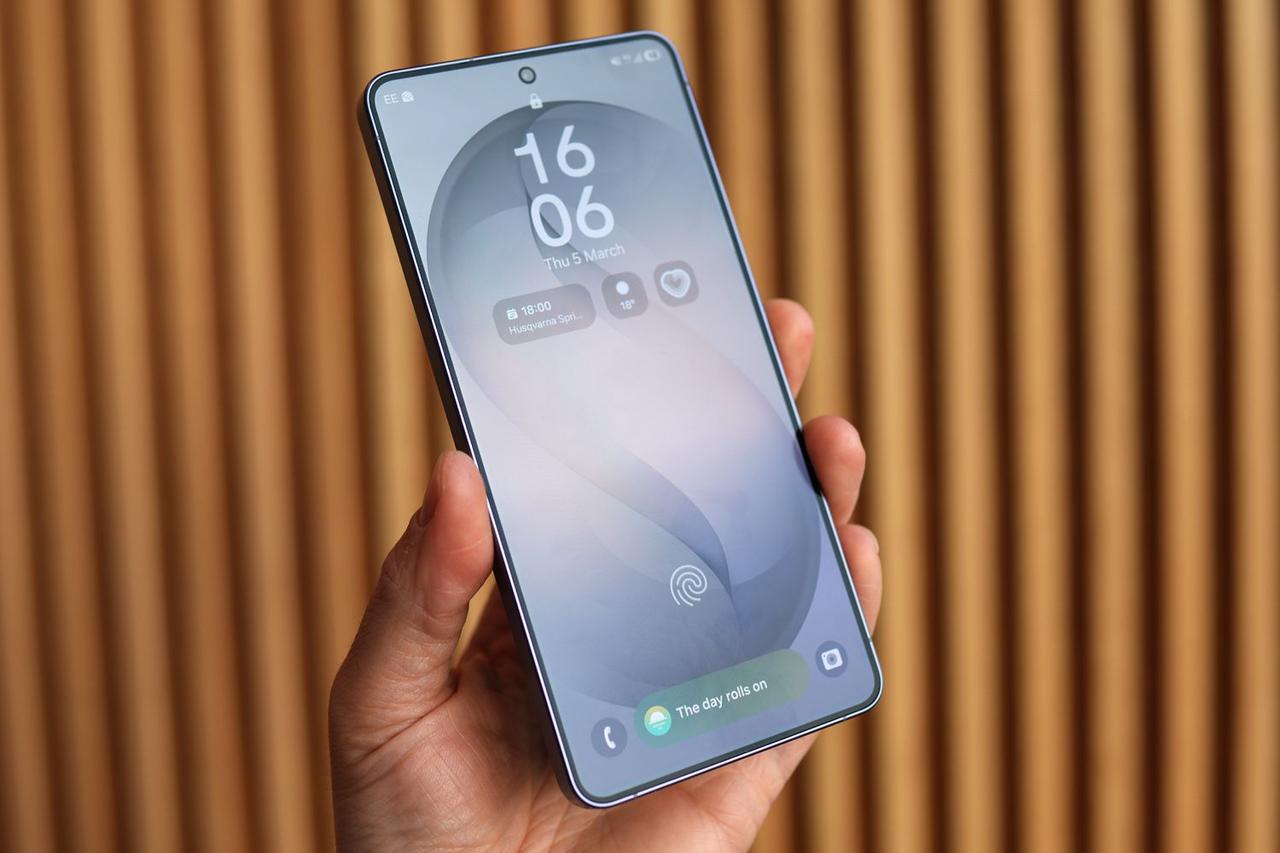
Source: Stuff
Advanced Photo Assist Enables Sophisticated Image Manipulation
The updated Photo Assist feature introduces powerful AI photo editing capabilities that were previously exclusive to the Galaxy S26. Users can now edit photos with text prompts, instructing the AI to make specific adjustments through written commands
1
. The software update also enables users to copy objects from one photo to another, facilitating generative photo edits that seamlessly blend elements across images1
. Enhanced object removal and background filling tools provide more refined editing with text prompts, giving users greater control over their visual content2
. These image manipulation features represent a significant leap in accessible mobile photography editing.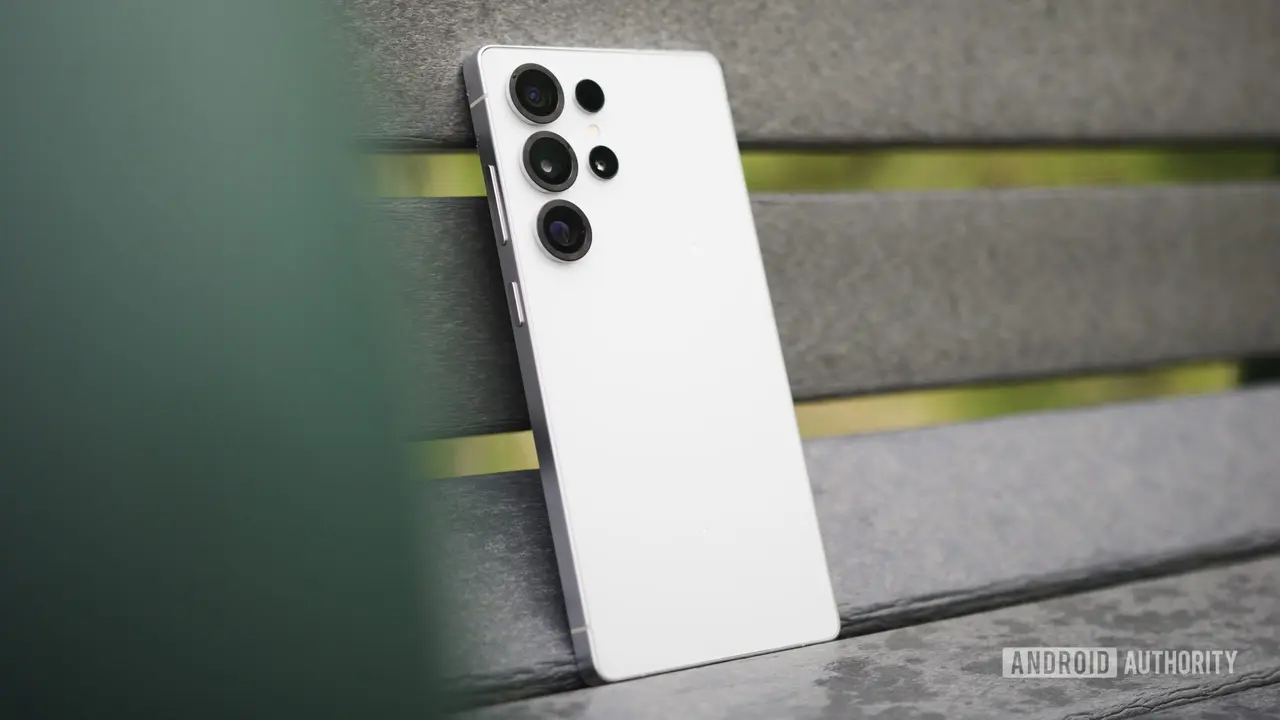
Source: Android Authority
Audio Eraser Expands to Third-Party Apps with Real-Time Processing
Audio Eraser has evolved from a post-recording tool into a versatile background noise removal solution that works across multiple platforms. The feature can now identify and independently reduce wind, traffic, and background chatter, allowing voices to emerge more clearly
3
. Samsung has expanded Audio Eraser to work with third-party apps like WhatsApp, Instagram, YouTube, and Netflix, not just videos captured in the default camera app2
. The tool now operates in real-time while watching videos, with controls accessible directly from the Quick Panel for on-the-fly audio adjustments3
. This enhancement improves the user experience for anyone consuming video content in noisy environments.Related Stories

Call Screening Leverages On-Device AI for Privacy
Call Screening uses on-device AI to answer unknown callers automatically, asking who's calling and their purpose before presenting a transcript and recording for review
3
. The feature utilizes Bixby Text Call technology to show live transcripts on your phone during the interaction2
. While the leaked changelog highlights this capability, it's worth noting that Call Screening was already available on the Galaxy S25 prior to One UI 8.5, though the exact enhancements this update brings remain unclear1
.Security Patch and UI Refinements Enhance Device Stability
Beyond Galaxy AI features, the beta update includes the April security patch, addressing vulnerabilities and protecting against emerging threats
4
. Samsung has implemented several UI tweaks affecting the Quick Settings panel, Galaxy Now Bar, and notifications2
. Performance improvements resolve stability issues, contributing to a more responsive device experience4
. Eligible users can access the One UI 8.5 beta through the Samsung Members app, with the stable release expected soon based on the leaked changelog1
. While current beta coverage focuses on recent flagships and foldables, older models like the Galaxy S23 series could potentially receive these features in future rollouts3
.References
Summarized by

Navi
[1]
[2]
[3]
Related Stories
Samsung confirms Galaxy S25 will get Galaxy S26 AI features through One UI 8.5 update
06 Apr 2026•Technology
Samsung's One UI 8.5 expands to older Galaxy flagships with AI upgrades and AirDrop support
15 May 2026•Technology
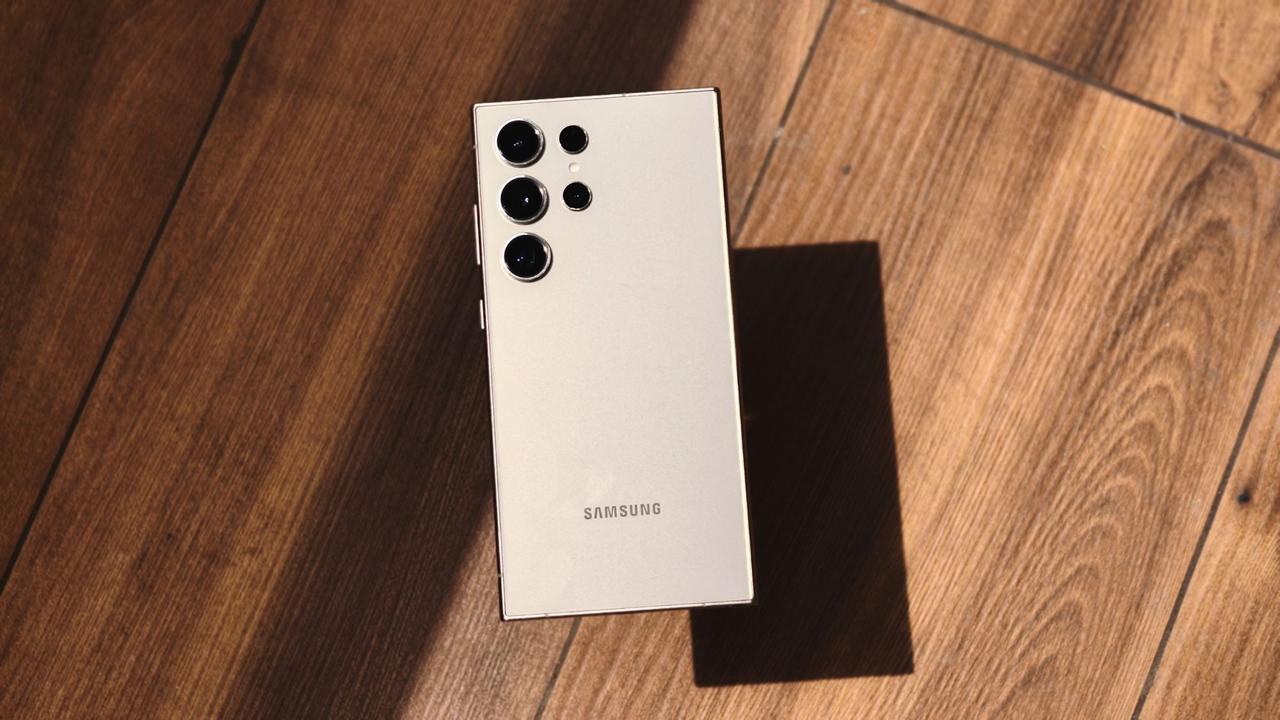
Samsung launches One UI 8.5 beta for Galaxy S25 with expanded AI features and connectivity
03 Dec 2025•Technology

Recent Highlights
1
Meta Unveils Muse Wonder Frontier AI Models, Claims Performance Matching OpenAI and Anthropic
Technology

2
IMF Report Warns AI Market Correction Could Spark Global Financial Crisis With $1.4T at Risk
Business and Economy

3
OpenAI Releases 722 AI-Generated Math Solutions, Triggering Existential Crisis in Mathematics
Technology

Recent Highlights
Today's Top Stories






Don’t drown in AI news. We cut through the noise - filtering, ranking and summarizing the most important AI news, breakthroughs and research daily. Follow topics that matter to you and stay ahead.


