Canva Unveils Brush Vision-Language Model to Combat AI-Generated Graphic Design Slop


2 Sources
[1]
Could Canva's newest AI feature end graphic design slop?
Canva just announced its own vision-language model for design. AI slop has a signature style. At a glance, it's easy to clock the hallmarks of an AI-generated poster: Crowded blocks of cliché-ridden text. Cutesy characters straight from the uncanny valley. Inexplicably explosion-filled
[2]
Canva's New Vision-Language Model Lets You Refine Designs Using Prompts
Canva says it is up to 69 percent faster than previous design agents Canva announced a new vision-language model for powering its AI design tools on Friday. Called Canva Brush, it is said to help edit and refine existing creations within Canva while preserving their original elements. According to
Share
Copy Link
Canva launched Brush, a vision-language model that enables step-by-step design edits through natural language prompts. Running 69% faster than previous design agents, the AI feature for Canva Pro subscribers tackles graphic design slop by preserving original elements while making targeted changes.
Canva Tackles Graphic Design Slop with New AI Feature
Canva announced Brush, a vision-language model built specifically for design, marking a shift in how AI-assisted graphic design tools operate
1
. Unlike traditional AI image-generation models that produce complete graphics from scratch, Canva Brush takes designs step by step the way a human would, thanks to training on real design processes1
. The AI feature addresses a growing concern in the design community: the proliferation of graphic design slop characterized by crowded text blocks, uncanny valley characters, and cluttered backgrounds that immediately signal AI generation.
Source: Gadgets 360
How Canva Brush Delivers Creative Control Through Natural Language Prompts
Developed by Canva's 160-person AI lab, Canva Research, Brush operates on natural language prompts and can handle changes from a single line of text to entire presentations
1
2
. The vision-language model understands an existing design's structure and makes requested changes while keeping other elements intact2
. Users can ask Brush to create a three-page pitch deck for a bakery with Art Nouveau visuals and backgrounds, and the model will plan the narrative across pages, generate and position text, select imagery, and maintain a consistent visual style2
. This approach gives designers more creative control than previous tools that often created unwanted changes across entire graphics when users requested single edits.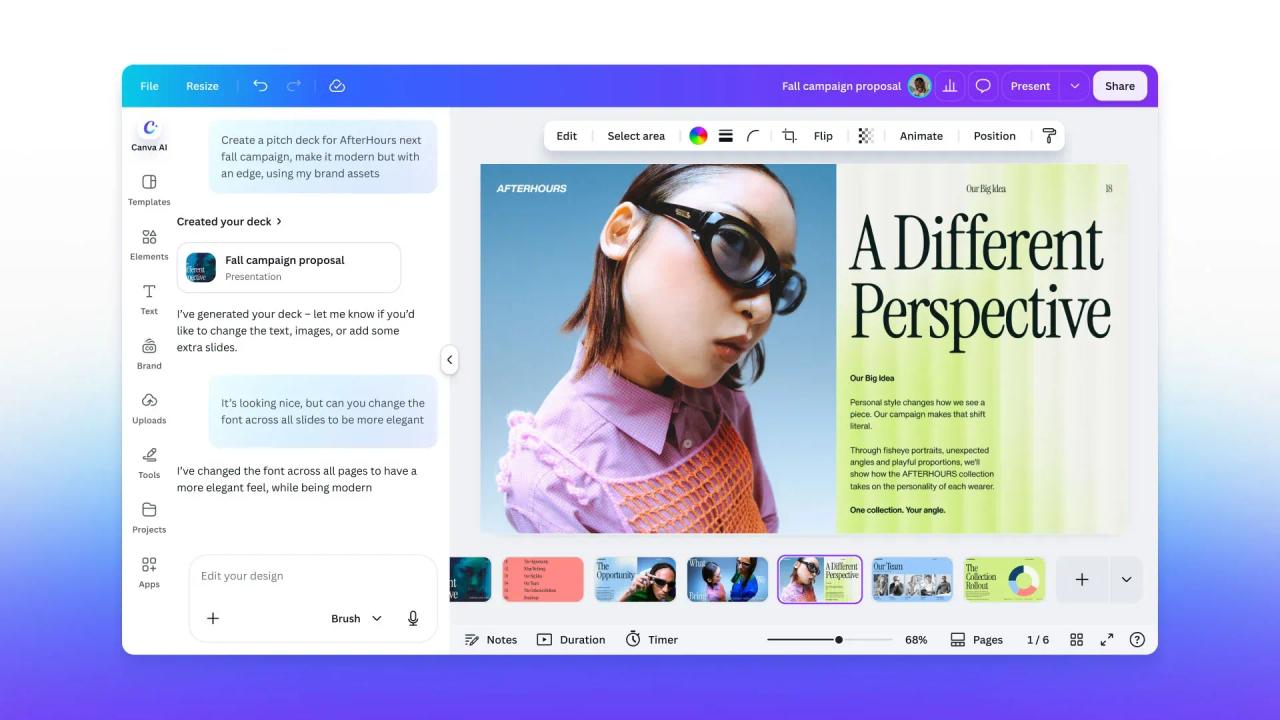
Source: Fast Company
Step-by-Step Design Edits Using Agentic Process
The vision-language model uses an agentic process that writes and runs code to adjust design elements, then inspects the resulting page to guide further changes
2
. By keeping track of its interconnected decisions, Brush can isolate design aspects to make small changes without the domino effect that plagues other AI tools1
. The model maintains consistency across complex design tasks including typography, colors, spacing, imagery, and layouts2
. All elements created by the design agent remain fully editable, allowing users to modify text, imagery, colors, and layouts manually at any time2
.Related Stories

Performance Gains for Canva Pro Subscribers
Canva Brush runs up to 69% faster than its previous design agent, with each editing task costing 46% less
1
2
. Internal testing showed Brush matched or exceeded the quality of previous setups on most editing tasks, delivering particularly strong results when restyling designs and adapting them to different formats2
. Launched on October 29, the AI feature is currently available only to Canva Pro subscribers for supported design edits, though expanded availability is planned1
2
.Market Response and Future Development
The announcement video showcasing Brush creating ice cream brand mock-ups and Halloween-themed cartons garnered more than 2.2 million views on X
1
. Social media users responded positively, with one commenter noting that editing is the most time-consuming part of design work1
. Brush arrives one week after Canva launched Craft, its first image-generation model, which ranks second in quality only to OpenAI's image models according to DesignArena1
. Canva is already developing expanded features including brand kit integration and the ability to reference attachments, signaling the company's commitment to iterative design improvements that give users more ways to refine designs using prompts1
.References
Summarized by

Navi
[1]
Related Stories
Canva Unveils AI-Powered Creative Operating System and Makes Affinity Apps Free
30 Oct 2025•Technology
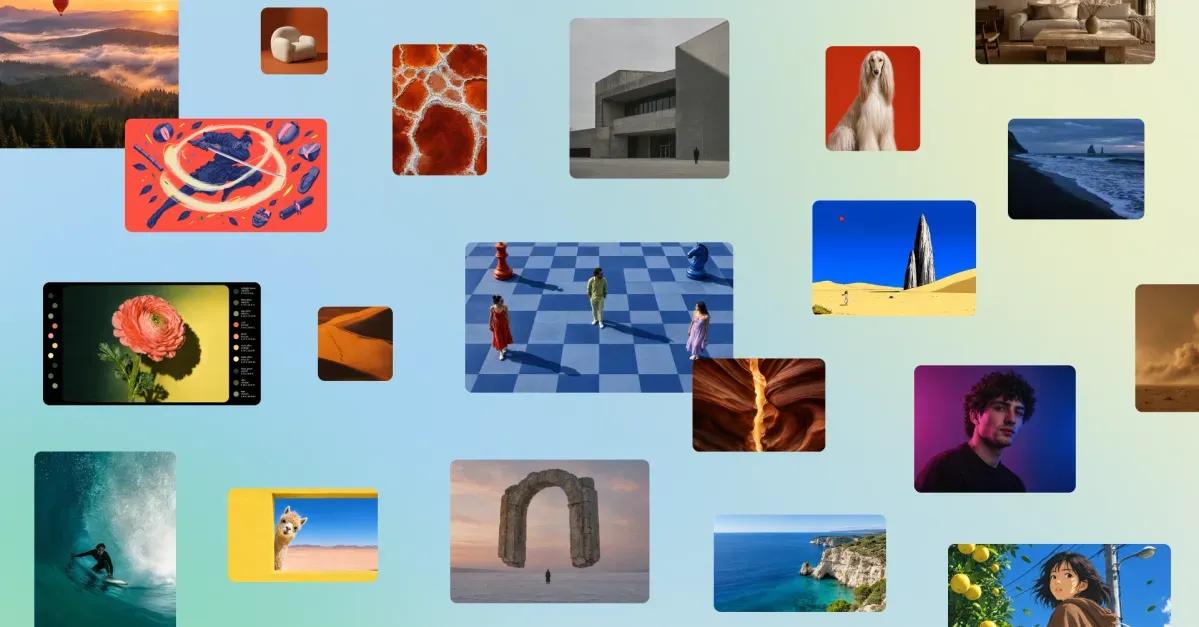
Canva Launches Craft, Its First AI Image Model Trained on Design Templates Not Photographs
23 Oct 2026•Technology
Canva AI 2.0 transforms design platform with memory, automation, and third-party integrations
16 Apr 2026•Technology

Recent Highlights
1
OpenAI's AI Models Disprove 27-Year Exponential Time Hypothesis, Rendering Decades of Research Obsolete
Science and Research

2
Google DeepMind unveils Genie 4 world model with audio and 2-minute interactive simulations
Technology

3
OpenAI Cuts Internet Access for AI Model Training After Security Breaches
Technology

Recent Highlights
Today's Top Stories





Don’t drown in AI news. We cut through the noise - filtering, ranking and summarizing the most important AI news, breakthroughs and research daily. Follow topics that matter to you and stay ahead.


