3 Sources
[1]
I built a complex website using a prompt in Google Antigravity 2.0 and Cursor 3.0 and only one acted like a professional developer
Parth, a seasoned tech writer, wields the keyboard (or pen) with finesse to unravel the intricacies of both Windows and Mac operating systems. He has covered evergreen content on mobile devices and computers for multiple publications over the last six years. You can find his work on AndroidPolice, GuidingTech and TechWiser. Whether it's demystifying system updates, deciphering error codes, or exploring hidden features, Parth's prose guides readers through the binary maze. When not immersed in tech jargon, you'll find him sipping chai, pondering the next software review, and occasionally indulging in a friendly debate about mechanical keyboards. Google Antigravity 2.0 and Cursor 3.0 are both built around an agentic coding experience in which the tool can plan a project, create files, make design decisions, run commands, and refine the result with minimal supervision. I wanted to see how well those promises held up with something more demanding than a basic landing page, so I gave both platforms the same prompt to build a complex website from scratch. Both produced working websites, but only one approached the task list like a senior developer who understood the bigger picture rather than simply checking requirements off the list. Forget Cursor and Claude Code, Google Antigravity is the perfect example of vibe coding Stop coding, start commanding. Posts 52 By Parth Shah A word on the prompt Let's set the rules I asked both Cursor 3.0 and Google Antigravity 2.0 to build a complex website for Redstone, a diamond manufacturing company with more than 30 years of industry experience. Both tools recently underwent a major design and functional makeover, with an agentic approach front and center. I did not want either tool to produce another generic luxury storefront filled with rings, necklaces, and oversized product photography. Redstone was positioned as a B2B diamond supplier serving jewelers, designers, retailers, and international buyers. My prompt included almost every section I would expect to see on a professional company website. Both tools had to create a premium hero section, a company overview, an explanation of the four Cs, featured diamond inventory, a manufacturing process, certifications, testimonials, and a detailed footer. I also requested working filters for shape, carat, color, clarity, and price, as well as interactive product cards and diamond data. The design brief called for generous white space, elegant typography, subtle animations, and premium imagery built around deep red, charcoal, white, and muted gold. To keep the comparison fair, I used the default coding agent on each platform: Composer in Cursor and Gemini in Google Antigravity. I didn't switch to a third-party model. This was also a strict one-shot test. Each platform received the same prompt once, and I judged the initial website it produced without submitting another prompt to fix the design, add missing features, or correct its interpretation. Cursor Impressed with the speed The first thing that stood out to me about Cursor was its speed. Once I submitted the prompt, Composer moved through the project quickly and produced a complete, working website without making the process feel drawn out. More importantly, the speed did not come at the expense of functionality. The navigation worked, the inventory filters responded correctly, the product cards were interactive, and Cursor covered nearly every requirement I had listed in the prompt. I was also pleased with the copywriting. The headings, descriptions, calls to action, and supporting text felt relevant to a diamond manufacturer. Cursor clearly understood the purpose of Redstone. However, the visual execution did not leave the same impression. The overall theme was clean and decent, but it never felt premium. The colors and spacious layout were appropriate, yet the final design lacked refinement and personality. The hero section was the biggest missed opportunity. It looked functional but bland, lacking a striking visual or a memorable focal point to immediately establish Redstone's identity. The iconography also felt generic. Overall, Cursor delivered the structure, functionality, and relevant copy with impressive efficiency, but the design needed a stronger creative direction. Google Antigravity Wins the round for me Google Antigravity took a little longer than Cursor to complete the website, but the result immediately felt more considered. The black-and-red theme, with a well-designed hero section, gave Redstone a stronger identity than a basic white luxury template. The design felt cohesive from top to bottom rather than like a collection of individual sections assembled from a template. I liked Antigravity's treatment of the four Cs. Instead of placing cut, clarity, color, and carat inside four predictable cards, it divided the section into visual areas that made each factor easier to understand. The manufacturing process section was another highlight. Antigravity presented the journey from rough diamond selection to final inspection through a neat vertical timeline. It gave the section a natural flow and made the process easy to scan without oversimplifying it. The iconography was also far more polished than Cursor's. The copywriting could have been tighter in a few places. Some descriptions were longer or more promotional than necessary, and I would revise them before presenting the website to a client. Reworking a few paragraphs takes far less effort than redesigning a bland hero section. That is why Google Antigravity is the winner for me. I tested Claude Code, Codex, Lovable, and Replit side by side, and only one felt ready for real work May the best AI ship. Posts 12 By Mahnoor Faisal From prompt to polished website Cursor and Antigravity both proved that agentic coding tools can build far more than a basic landing page from a single prompt. Cursor behaved like a fast and capable coding assistant, while Antigravity approached the project more like a professional developer who understood both the technical requirements and the broader brand vision. Of course, this is just one example. I will continue to push both the apps to their limits as they release new models in the future. Google Antigravity Antigravity is a Gemini-powered IDE tool that takes on VS Code and Cursor. See at Google Antigravity Expand Collapse
[2]
I gave Claude Code and Google Antigravity a full project, and they finished twice as fast as VS Code alone
Anurag is an experienced journalist and author who's been covering tech for the past 5 years, with a focus on Windows, Android, and Apple. He's written for sites like Android Police, Neowin, Dexerto, and MakeTechEasier. Anurag's always pumped about tech and loves getting his hands on the latest gadgets. When he's not procrastinating, you'll probably find him catching the newest movies in theaters or scrolling through Twitter from his bed. I have been experimenting with Claude Code and Google Antigravity extensively as part of my development workflow. I have used them to build an enterprise-grade tool. I would not credit the tools alone, though. There was plenty of human input involved throughout the process. Even so, working with them made me realize just how capable these tools have become. That became even more apparent recently when I gave Claude Code and Google Antigravity an entire project. I wanted to build something useful, not just run another coding tool benchmark. The project was a resume builder microsite for a friend who was actively looking for a job. He already had a solid resume, but he needed a way to edit it properly and create versions tailored to different roles. A single resume rarely works across every application because each job requires a slightly different emphasis. I wanted the microsite to provide templates, editable sections, and role-specific versions without turning the process into a manual copy-and-paste exercise. I ran Claude Code inside Google Antigravity through the terminal while also using Antigravity's agents to plan and structure the project. That combination finished the build almost twice as fast as my usual VS Code workflow. I tried Cursor, Claude Code, and Google Antigravity for a month and I have a clear winner for you The state of AI dev tools in 2026. Posts 9 By Parth Shah Using Antigravity for planning And Claude Code for execution My plan was to use both Google Antigravity and Claude Code to my advantage. I started by giving Antigravity a prompt to begin project planning. The plan is for Antigravity to break the project into milestones, generate the architecture, and define the database schema. While this particular project did not require APIs, if yours does, you can create API specs and ask it to identify risks and edge cases. Finally, you can ask it to create implementation tasks. This helped get things moving in minutes. I then asked Claude Code to start executing the plan. The best way is to give it executable tasks and milestones generated by Antigravity. For my resume builder, that meant tasks such as building the template system, creating editable sections, and implementing PDF exports. You ask Claude to start working on milestone one and complete the milestones generated by Antigravity. Claude Code performs much better when working on a specific task instead of a prompt like "build everything." If you want real speed, let Claude Code operate on the repository. Claude Code can create files for you. It can edit existing files, run tests, fix lint errors, and search the entire repository. VS Code, on the other hand, asks you to jump between tabs manually. For example, while working on the resume builder, I could ask Claude Code to update every template to support a new field or modify the PDF export flow. It could work through dozens of files without opening them and get the task done. Making use of both tools Both tools have their own strengths Once you have a reasonable output from Claude Code, you can use Antigravity as a second opinion. You can ask Claude Code to do something, then ask Antigravity to review it, and then feed the review back into Claude Code. Antigravity can identify edge cases, usability issues, or architectural problems. Once those issues are highlighted, you can prompt Claude Code to implement the changes. While my resume builder project did not require both tools to work over time, if you are working on something much larger, you can also split the work into parallel streams. Instead of giving Claude Code a prompt to build the backend, waiting, then asking it to build the frontend, waiting again, and asking it to write documentation, you could run multiple sessions. In my case, Session A could focus on building authentication, while Session B could focus on the template editor. At the same time, Session C could handle PDF generation or documentation. The idea is to use multiple agents at once so that different parts of the project can move forward in parallel. I have also found it useful to divide implementation and reasoning between the two tools. I have found Antigravity to be better with architecture planning, design decisions, and reviewing work in general. Claude Code is brilliant at writing code, refactoring code, running commands, and creating tests, so you could essentially divide these functions between the tools to get a much better output. VS Code feels behind for agentic development It's lagging far behind at this point VS Code still has a massive ecosystem, and I understand why developers use it. It gives you extensions, debugging, Git support, and almost every workflow a developer expects. Microsoft has also recently added AI features and Copilot-based agent workflows to VS Code. But my issue with VS Code comes from how the workflow feels during a full project. You can add extensions, open terminals, install Copilot, configure tools, and build a decent setup. That setup still depends on you stitching the workflow together. Subscribe to the newsletter for agentic AI workflows Want deeper coverage? Subscribing to the newsletter provides focused analysis of agentic AI workflows, comparative tool breakdowns, and multi-agent project patterns -- practical coverage to understand tool roles, tradeoffs, and real-world approaches. Get Updates By subscribing, you agree to receive newsletter and marketing emails, and accept our Terms of Use and Privacy Policy. You can unsubscribe anytime. VS Code also carries baggage because the official product differs from the Code OSS repository. Microsoft develops Code OSS under the MIT license, but Visual Studio Code ships as a Microsoft product with Microsoft-specific customizations under a traditional Microsoft product license. It also explains why tools like VSCodium exist for people who want cleaner open-source binaries. Telemetry also adds to my frustration with VS Code. Other tools now feel more aggressive about the future of coding. Cursor, Antigravity, Zed, Warp, and similar tools focus more directly on agent workflows. VS Code still gives you most features through extensions and integrations, but that does not automatically make it the fastest workflow. Using multiple agents is the way to go We have reached a point where using a single agent for everything is probably no longer the best approach. You can use multiple agents on the same project and get much more value out of them. I also found this to be cheaper than running everything through one agent. It lets you use cheaper models for simpler tasks while saving the more capable models for work that actually needs them. Google Antigravity 2.0 beats Claude Code and Codex at their own game The AI coding war is over. Posts 32 By Parth Shah
[3]
I stopped using Claude on VS Code after Google added this feature to Antigravity 2.0
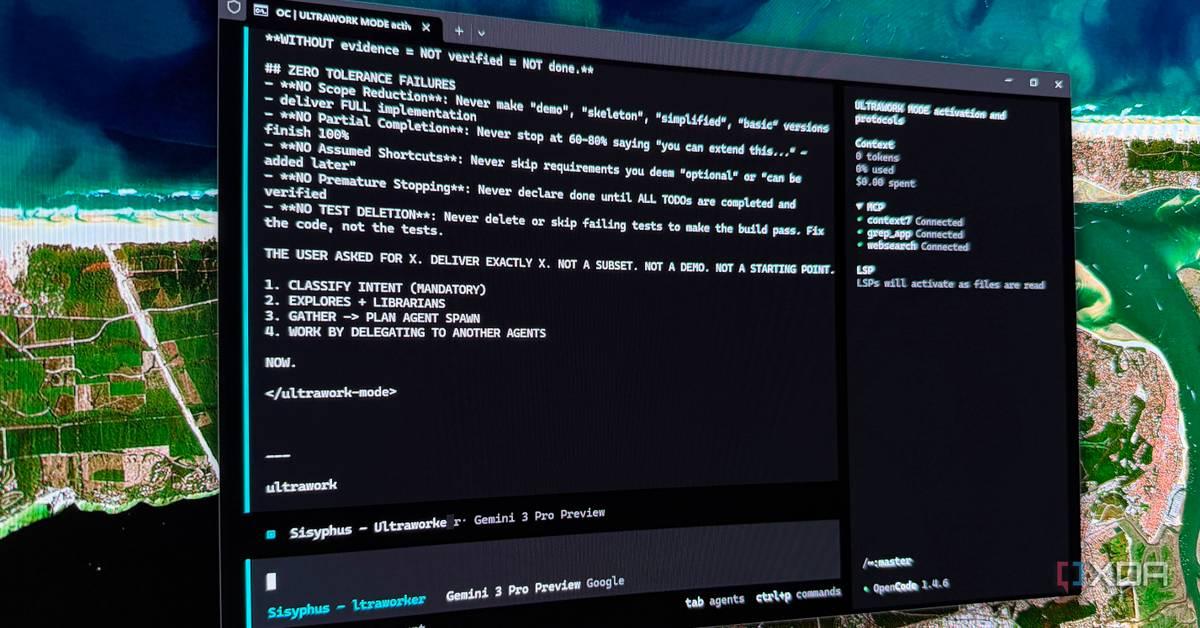
Aggy is a writer and editor who has worked for many high-traffic digital publications. He's a technology and gaming fanboy who has been a writer, editor, consultant, and computer animator. Most AI coding tools treat the development process like a one-way street. You write a prompt; the model starts generating, and you lose all control until it finishes. Even if you know all the tips and tricks, this is frustrating when you know that it has gone wrong with your prompt. If it misreads something early, you watch it burn through tokens heading in the wrong direction, and your only option is a hard abort that leaves the workspace in pieces. Antigravity 2.0 became much better than its competitors, like Claude on VS Code, because it saw the issue and fixed it. Antigravity writes better code than Claude, but I still use Claude first I stopped picking one AI and started running them like a team; Antigravity builds better code, but Claude plans it first. Posts 1 By Jorge Aguilar The old Antigravity tried to do everything itself The old model treats you like a watcher, not a developer Most AI coding tools work in the same basic way that most people are used to at this point. You type a prompt, hit enter, and then you wait. While the model is running, you're completely locked out. You can't edit files, tweak your instructions, or tell it to stop and go a different direction. If you've built an app on Gemini or any other AI, you know this can take a moment. This is usually a good time to go somewhere else while it works, but that gets you out of the mindset you need to make projects. It's even worse when you have to go into a loop due to issues. Then you ask, wait, review, correct, wait again. This was an issue for the original Antigravity and Claude on VS Code. These are still chatbots that wait for instructions before working, and don't let you interrupt unless you stop the process. That cycle kills your momentum and wastes time you don't have. This gets really frustrating when something goes wrong early. If the model misreads your instruction midway through the process, you have no way to nudge it back on track. You just have to watch it barrel ahead, generating code you don't need, searching the wrong directories, heading down a completely wrong path. You can stop it, but sometimes you don't catch it until near the end, and you've burned through your token budget the whole time. That's rarely clean, though. A hard stop can corrupt the active context and leave your workspace a mess. This is because you now have partial files and incomplete changes, which can lead to a codebase that won't compile. I didn't even realize that if you stop Antigravity or Claude in the middle, you have to do damage control. You need to delete fragments, untangle half-written code, or roll back through git just to get back to where you started. If you're building something complicated like an extension, then you know broken code is hard to fix. That is one of the biggest reasons that Antigravity 2.0 is better than anything that came before. Live commenting is the best addition This is why it's better than Claude on VS Code Antigravity 2.0 finally gives users the ability to steer code generation in real time. Google added a real-time feedback system that lets you guide and adjust the Antigravity while it works, without ever stopping the stream. It's a new live commenting feature. Instead of being locked out while the agent writes, you can drop inline feedback directly on the workspace in real time. It works much like a shared Google Doc, where you add comments in specific areas. If you notice a function heading down the wrong logic path, you can avoid hitting stop and just communicate the issue to Antigravity. You flag the block, the agent pauses, reads your note, adjusts course, and keeps going. You never touch the raw code yourself, and nothing gets reset. Antigravity just adapts and picks back up where it left off. It is a lot more precise than you would think because, instead of going through the same chatbox, you're looking into the interface. When a block of code needs correcting, you go to that specific line in the Artifact Detail Viewer, open an inline text editor with a shortcut, and write your feedback. Instead of a hard stop, it's more of a nudge, and the work continues without wasting time or tokens. It won't chat back to clarify, but it'll drop a note in the window to show it understood your feedback. It is so much faster and better than the old way, which is why I'd rather use Antigravity 2.0 than Claude in VS Code. Even if you have a plan, API tokens are really precious. Once you use them, there's no getting them back. Wasting tokens fixing things after you stop this kind of thing is a huge waste, and I hope Claude adds this ability too. You won't break anything It's hard to understand that you're not making a new command at all It's understandable to be kind of worried about doing something like this. It seems there should be a risk of interrupting AI code generation midstream, which could break the model's context. However, that isn't true, and I've done it enough times to know that it will never happen. Subscribe to the newsletter for smarter AI coding tips Curious about navigating AI coding tools and workflows? Subscribing to the newsletter delivers clear comparisons, practical how-tos, and expert analysis so you can make better tool choices and adopt productive AI-assisted development practices. Get Updates By subscribing, you agree to receive newsletter and marketing emails, and accept our Terms of Use and Privacy Policy. You can unsubscribe anytime. This would be true for older chatbots and especially the older versions of Antigravity or AI on IDEs. Stopping a generation from injecting a correction would kill the session history, forcing you to start fresh with a new prompt that had no memory of what came before or what changed. So this isn't you giving another command; it is not treated like an interruption or a stop at all. It's just like editing a shared Google Doc. The model picks these up as course corrections at the moment, not as brand-new prompts. So you don't have to worry about anything getting screwed up. Your feedback is just a nudge rather than a total disruption. The model adjusts on the fly, and the output stays on track. It's simple. This is the best feature I've ever seen on a Chatbot with an IDE Using Google Antigravity means you have to keep an eye on things. You have to start reading what it says it's doing instead of just sitting there passively. It isn't a problem if you're used to doing the real work, but you may have trouble if you expect all your programming to be done for you. I'm sticking with Antigravity 2.0 until a competitor adds a similar feature; it's too valuable to lose, especially since it saves me so many tokens. Google Antigravity OS Windows, macOS, Linux Developer(s) Google Google Antigravity is an agent-first integrated development environment (IDE) designed for autonomous software development. Built on a modified Visual Studio Code foundation, it enables multiple AI agents to independently plan, code, and test applications. See at Google Expand Collapse
Share
Copy Link
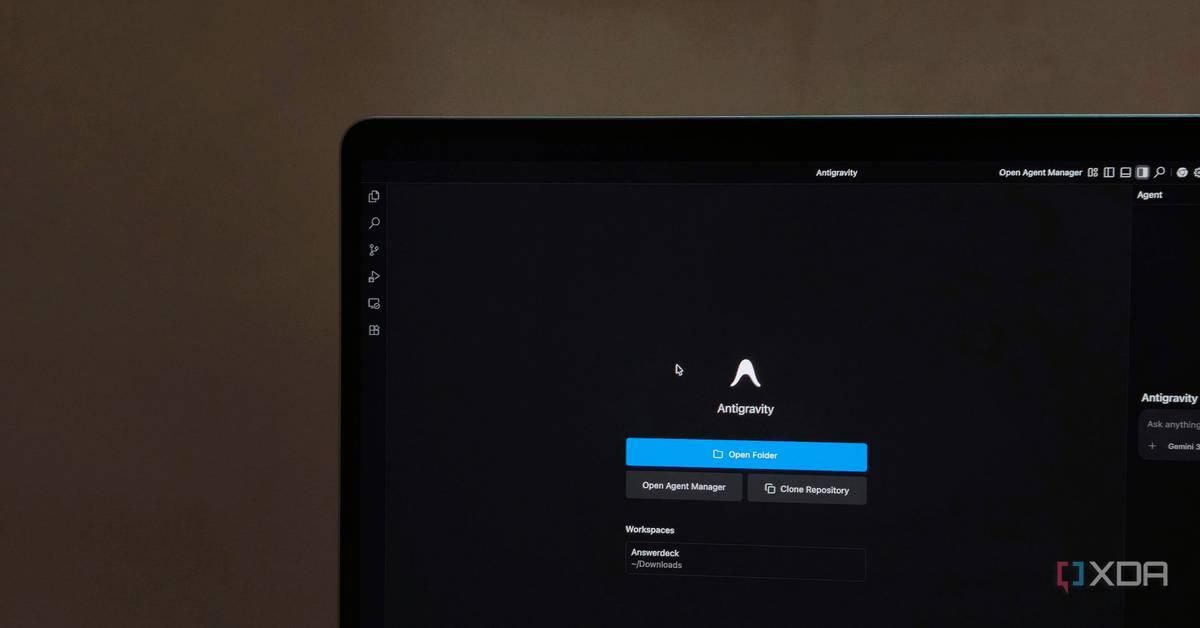
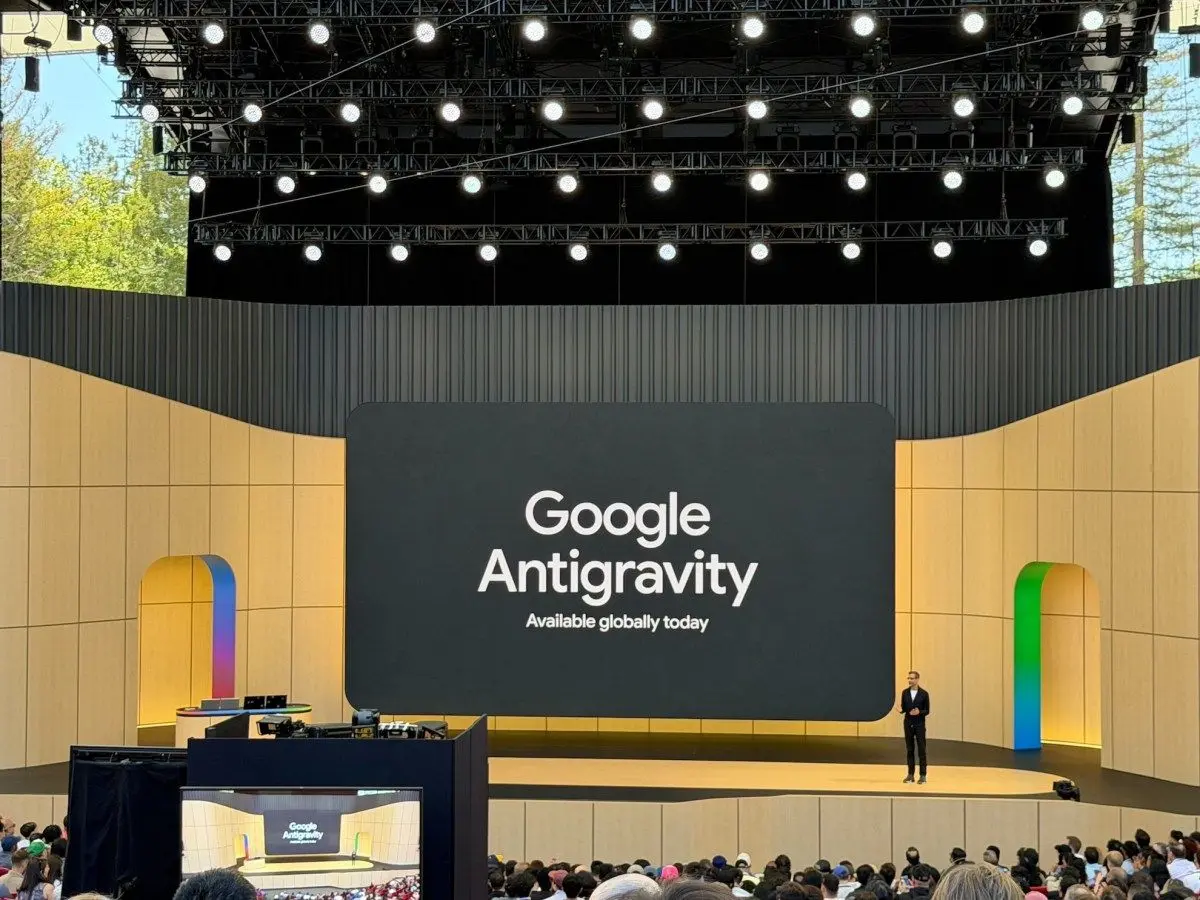
Google Antigravity 2.0 is gaining attention after head-to-head tests showed it outperforming Cursor 3.0 and Claude Code in building complex websites and full projects. A new live commenting feature allows developers to guide code generation in real time without stopping the workflow, addressing a major frustration with traditional AI coding tools that lock users out during execution.
Google Antigravity 2.0 has emerged as a standout among AI coding tools after recent tests demonstrated its ability to deliver superior design quality and workflow efficiency compared to competitors like Cursor 3.0 and Claude Code. The platform's most significant advancement is its live commenting feature, which fundamentally changes how developers interact with AI-assisted coding by allowing real-time feedback without interrupting code generation
3
.
Source: MakeUseOf
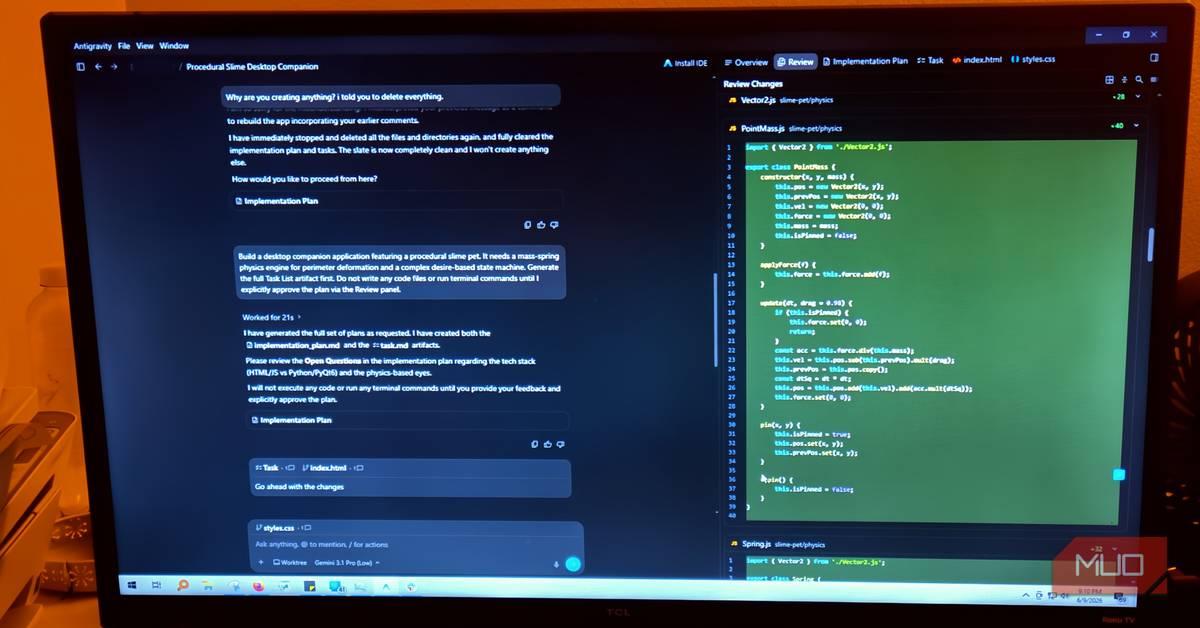
Unlike traditional AI-powered coding tools that lock developers out during execution, Google Antigravity 2.0 enables users to drop inline feedback directly on the workspace while the agent works. This functions similarly to commenting in a shared Google Doc, where developers can flag specific blocks of code, provide guidance, and watch the agent adjust course without resetting the entire process. The feature addresses a critical pain point in AI-driven development: watching models burn through API tokens while heading in the wrong direction, with no option except a hard abort that often leaves the workspace fragmented and requires extensive cleanup
3
.In a one-shot test comparing Google Antigravity 2.0 and Cursor 3.0, both platforms received identical prompts to build a complex website for a B2B diamond manufacturer. While Cursor 3.0 impressed with speed and delivered working filters, interactive product cards, and relevant copywriting, its visual execution fell short of premium standards. The hero section appeared functional but bland, lacking a memorable focal point
1
.Google Antigravity took slightly longer but produced a more cohesive result with a black-and-red theme and well-designed hero section that established stronger brand identity. The platform demonstrated superior design thinking in its treatment of the four Cs section for diamonds, dividing information into visual areas rather than predictable cards. This approach suggested Google Antigravity understood the bigger picture like a senior developer, rather than simply checking requirements off a list
1
.
Source: XDA-Developers
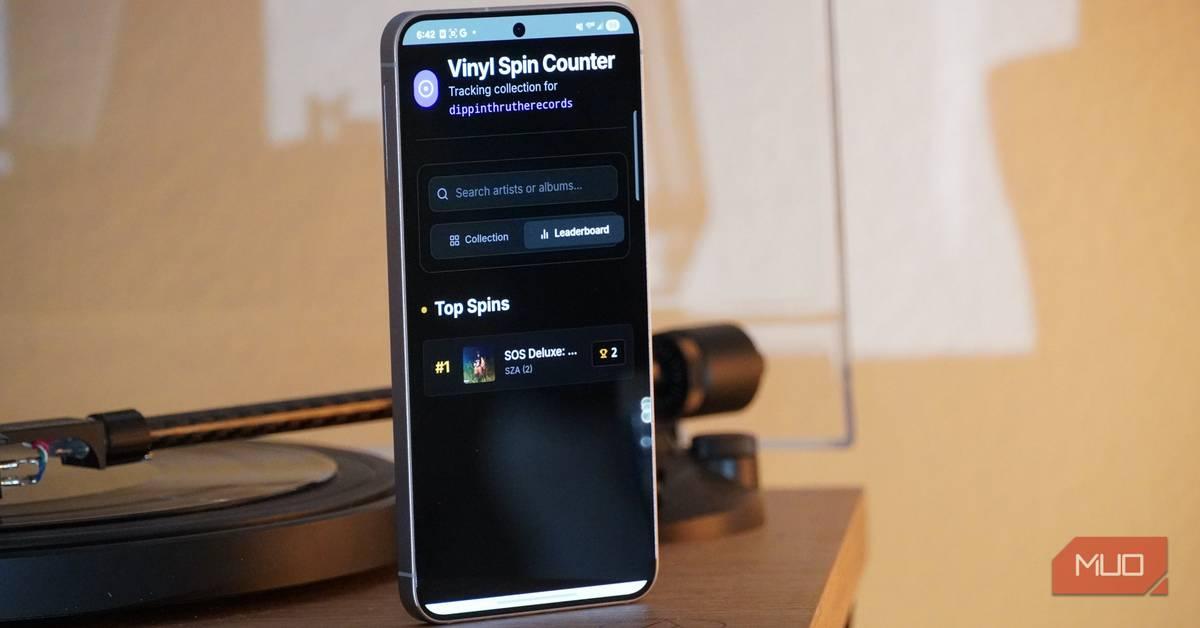
When building a resume builder microsite, developers found that combining Google Antigravity for planning with Claude Code for execution completed projects almost twice as fast as traditional VS Code workflows. The strategy involved using Google Antigravity to break projects into milestones, generate architecture, and define database schemas, then feeding those executable tasks to Claude Code for implementation
2
.This division of labor leverages each platform's strengths in agentic coding. Google Antigravity excels at architecture planning, design decisions, and code review, while Claude Code handles writing code, refactoring, running commands, and creating tests. Developers can also run multiple sessions in parallel, with different agents working on authentication, template editors, and PDF generation simultaneously
2
.Related Stories
The live commenting feature in Google Antigravity 2.0 represents a shift from treating developers as watchers to active participants in AI in software development. When a function heads down the wrong logic path, developers can flag the block through the Artifact Detail Viewer, open an inline text editor with a shortcut, and provide feedback. The agent pauses, reads the note, adjusts course, and continues without wasting tokens or requiring damage control on partial files and incomplete changes
3
.This precision comes from commenting directly in the interface rather than through a chatbox, making corrections more targeted and efficient. The agent acknowledges understanding by dropping a note in the window, then continues work without the momentum-killing cycle of ask, wait, review, correct, and wait again that characterizes older AI coding assistance models.
As AI coding tools evolve toward more agentic approaches, the ability to maintain control during code generation becomes increasingly valuable. Google Antigravity 2.0's live commenting addresses token efficiency concerns that directly impact development costs and speed. For teams building enterprise-grade tools or complex websites, the combination of superior design judgment and real-time steering capability positions Google Antigravity as a practical choice over alternatives that still operate as traditional chatbots. The question now is whether competitors like Claude Code and Cursor 3.0 will adopt similar real-time feedback mechanisms to keep pace with this shift in software development expectations.
Summarized by
Navi
[1]
[2]
11 Dec 2025•Technology

18 Nov 2025•Technology

10 Apr 2026•Technology

1
Policy and Regulation

2
Policy and Regulation

3
Business and Economy