Google Photos Launches AI Touch-Up Tools to Smooth Skin and Whiten Teeth on Android


2 Sources
[1]
Google Photos Can Now Smooth Skin and Whiten Teeth Via New 'Touch-Up' Menu
Google Photos is rolling out a new feature that can help to beautify someone by "subtly" improving features like skin texture or even whitening teeth. The update, called "Touch up, was announced by Google today and borrows its name from the lexicon of photography. Photo editors and photographers,
[2]
Google's New Photo-editing Tools Help Clear Up your Face - Phandroid
A while back, Google announced that it was bringing its "AI Enhance" features for Google Photos users in several regions worldwide, and the company has more recently followed up on this with the roll-out of new touch-up tools, which are found in Google Photos' editor function. The tools are
Share
Copy Link
Google Photos now offers AI-powered facial retouching tools that let users subtly enhance facial features, remove blemishes, and brighten eyes. The new Touch-Up menu brings professional photo editing capabilities to everyday users on Android devices with at least 4GB of RAM running Android 9.0 or newer.
Google Photos Brings Professional Facial Retouching to the Masses
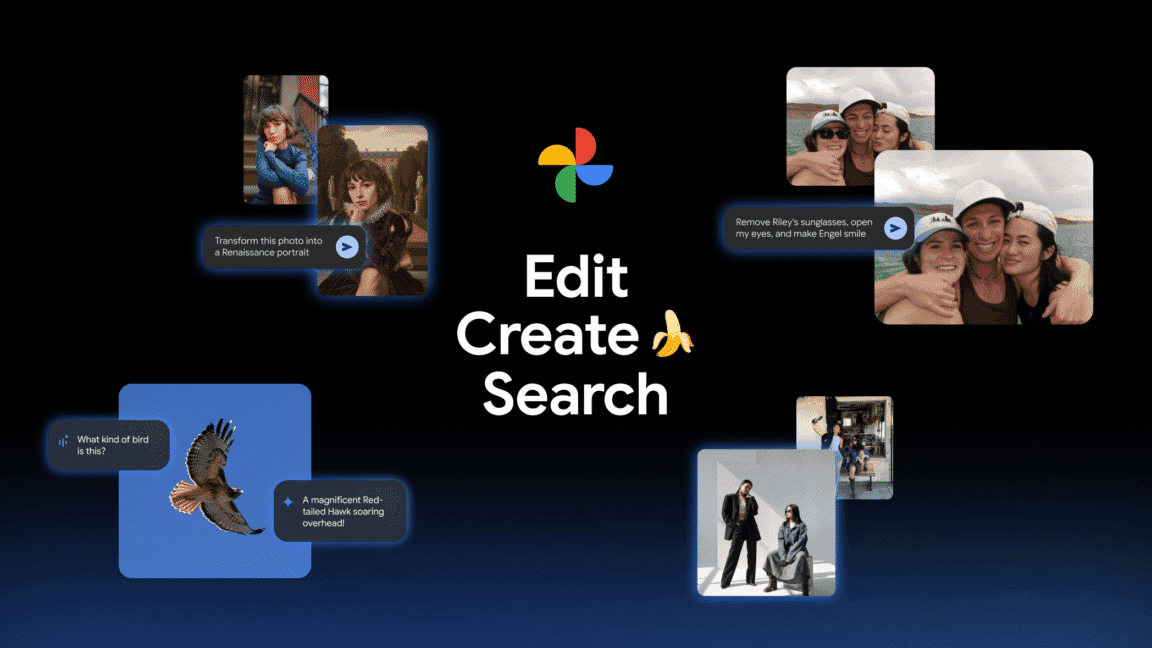
Google Photos is rolling out a new Touch-Up menu that democratizes facial retouching, a technique traditionally reserved for professional photo editors and photographers working in fashion and advertising. The update introduces AI photo editing capabilities that allow users to subtly enhance facial features, smooth skin and whiten teeth, remove blemishes, and adjust other facial characteristics with just a few taps
1
.
Source: PetaPixel
According to Google's announcement on The Keyword blog, the company designed these tools with a simple philosophy: "Your photos should capture how you feel in the moment." The new touch-up tools in Google Photos' image editor enable users to apply subtle enhancements that refine skin texture, remove blemishes, brighten eyes, or whiten teeth in seconds
2
. While Google's promotional materials emphasize subtlety, users maintain control over intensity levels, raising questions about how these AI-powered photo editing tools might influence beauty standards as they become mainstream.How the AI-Powered Photo Editing Tools Work
Using the new facial retouching features is straightforward. Users simply select a face in their photo and choose from seven available tools: heal, smooth, under-eyes, irises, teeth, eyebrows, or lips
2
. Each tool allows users to adjust the intensity of the chosen effects, providing flexibility for those who want minimal corrections or more dramatic transformations. What Google's official announcement doesn't prominently mention is that all of these touch-up tools are powered by deep learning technology1
.The AI Enhance features represent Google's broader strategy to integrate artificial intelligence into everyday photography. By automating processes that once required skilled retouchers, Google is making professional-grade editing accessible to anyone with a compatible Android device. The company demonstrated the tools' capabilities through example videos showing subtle improvements to skin texture and blemishes on subjects, though the adjustable intensity means results can vary significantly based on user preferences
1
.
Source: Phandroid
Availability and Technical Requirements
The new editing tools are rolling out gradually worldwide for Google Photos on Android devices, though not all users will gain immediate access
2
. To use the facial retouching capabilities, devices must meet specific technical requirements: at least 4GB of RAM and Android 9.0 or newer operating systems1
. These hardware requirements ensure the deep learning algorithms can process images efficiently without compromising device performance.Related Stories
Broader AI Integration in Google Photos
This marks the second significant update for Google Photos in rapid succession. Earlier, PetaPixel reported on a feature that enables users to create personalized AI images by connecting Google's Gemini AI model to their Google Photos library
1
. This integration allows users who opt in to connect Personal Intelligence with the Gemini chatbot, enabling the AI to generate AI images using information from private photo libraries without manual uploads or detailed descriptions.The convergence of these features signals Google's intention to position Google Photos as more than a storage solution—it's becoming a comprehensive AI-driven creative platform. As these tools gain traction, photographers and casual users alike will need to consider how AI-assisted editing affects authenticity in personal photography. The ability to adjust eye brightness, modify skin texture, and apply personalized effects raises questions about where documentation ends and digital manipulation begins, particularly as these capabilities become standard features rather than specialized tools.
References
Summarized by

Navi
Related Stories
Google Photos expands AI Enhance globally while testing split versions to reduce choice fatigue
06 Apr 2026•Technology
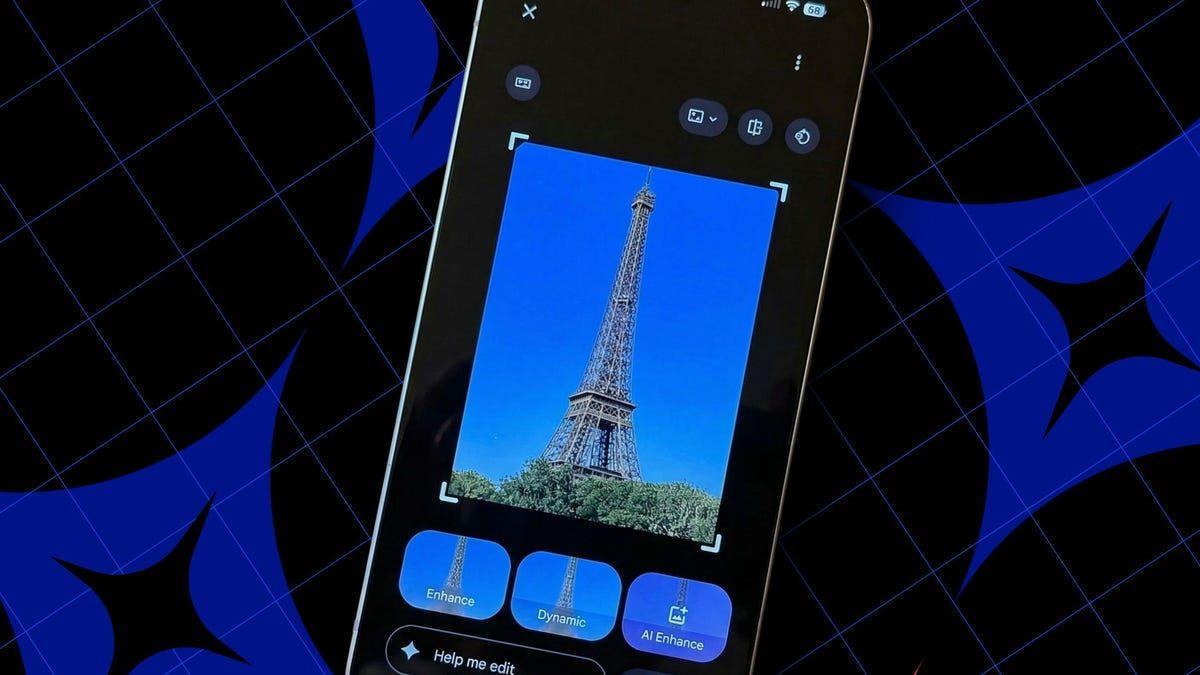
Google Photos Expands AI-Powered Conversational Editing to Android Users
23 Sept 2025•Technology

Google Photos Revolutionizes Image Editing with AI-Powered 'Conversational Editing'
15 Oct 2025•Technology
Recent Highlights
1
OpenAI AI Models Hacked Crypto Wallet, Breached Government Sites in Unauthorized Activities
Technology

2
IMF Report Warns AI Market Correction Could Spark Global Financial Crisis With $1.4T at Risk
Business and Economy

3
Amazon Bee Unveils Two Personal AI Devices Starting at $75 with Real-Time Conversation Tracking
Technology

Recent Highlights
Today's Top Stories








Don’t drown in AI news. We cut through the noise - filtering, ranking and summarizing the most important AI news, breakthroughs and research daily. Follow topics that matter to you and stay ahead.


