Microsoft Edge gets Copilot-inspired redesign that users can't disable, sparking backlash


2 Sources
[1]
Microsoft is reportedly turning Edge into a Copilot-styled app, and no, you can't turn it off
* Edge now greets you with a Copilot-style splash and prompt on launch. * Search box still opens links or Bing; not a full Copilot takeover yet. * You can't disable the new Copilot-like UI; Microsoft seems to be standardizing apps for agentic Windows. It's no surprise to Windows users that
[2]
'Microslop' is heading for Edge - major browser redesign is inspired by Copilot, and it's already seriously unpopular
This is symptomatic of a broader push towards all things AI, and has provoked more bad feeling and accusations of 'Microslop' Microsoft's Edge browser looks like it'll be getting an AI makeover of sorts, with a redesigned interface that adopts a very similar appearance to the Copilot app - and
Share
Copy Link
Microsoft is testing a major overhaul of Edge that adopts Copilot's visual design across the browser interface. The changes, spotted in Dev and Canary builds, include a new splash screen and UI elements that mirror the Copilot app. Users cannot opt out of the redesign, fueling criticism that Microsoft is forcing AI features into its ecosystem without regard for user feedback.
Microsoft Edge Adopts Copilot-Style User Interface in Latest Builds
Microsoft is testing a significant browser redesign for Microsoft Edge that borrows heavily from its Copilot app, according to reports from Windows Central
1
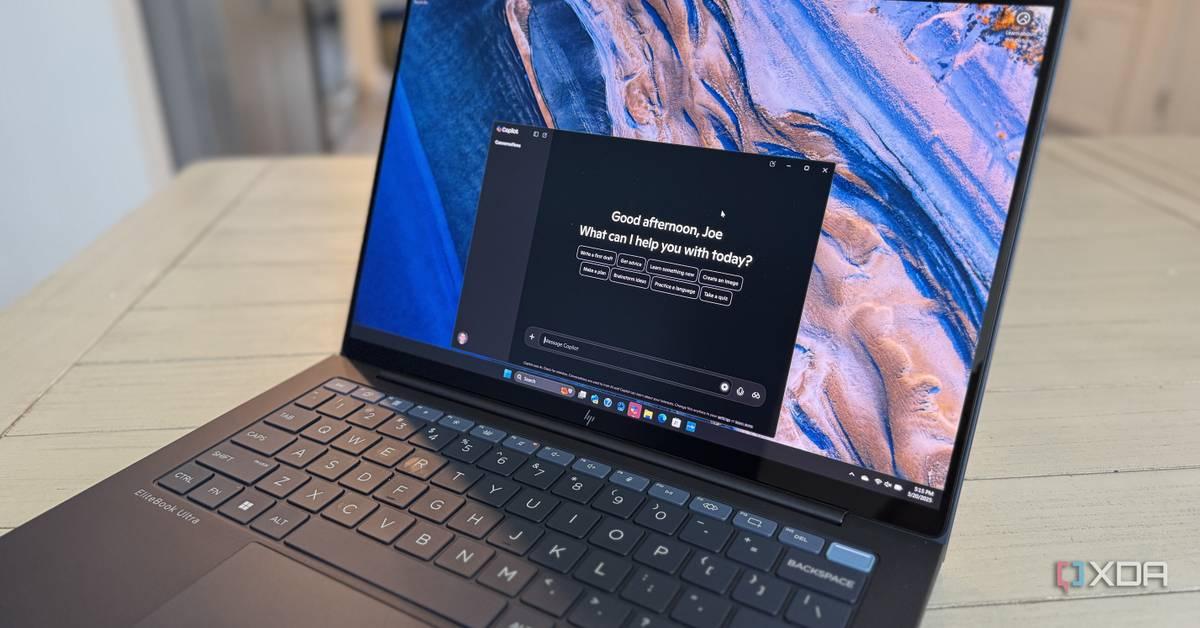
. The changes, currently visible in Dev and Canary builds, transform the Edge browser interface to closely resemble the Copilot experience. When users launch the updated browser, they're greeted with a splash screen nearly identical to Copilot's, complete with personalized text asking how it can help and a prominent search box1
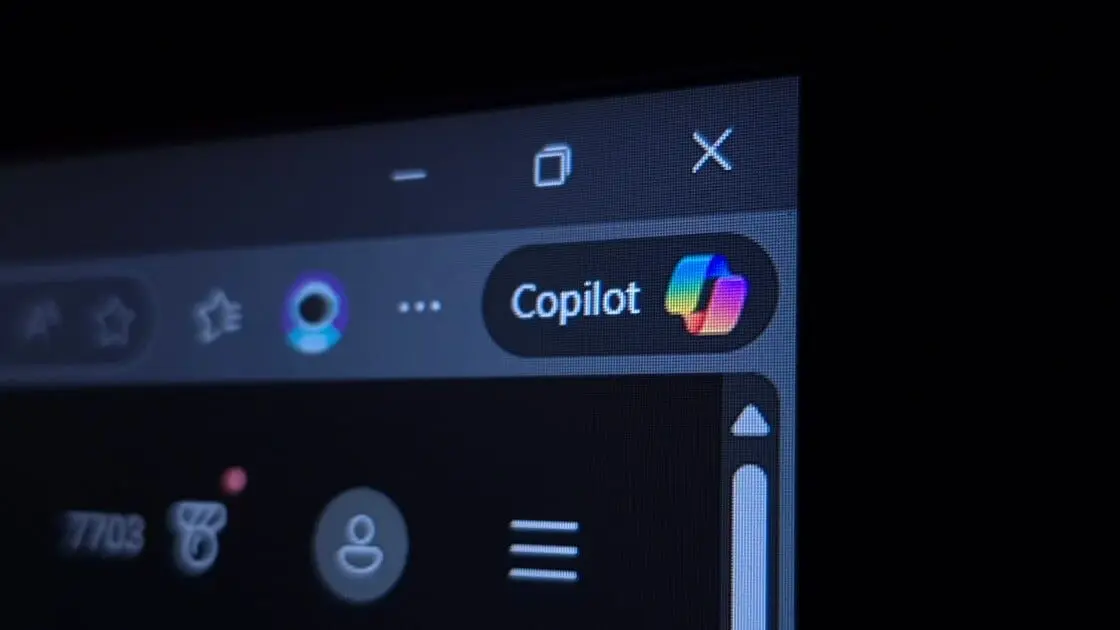
. The redesigned interface elements adopt colors, fonts, and more pronounced rounded corners from the Copilot app, creating a unified visual language across Microsoft's ecosystem2
.
Source: XDA-Developers
No Option to Disable the AI Makeover
The most contentious aspect of this unpopular browser redesign is that users cannot turn it off. Windows Central attempted to disable Copilot Mode, but the new UI design persisted
1
. The Copilot-inspired visual changes are being applied universally to the browser, regardless of whether users have enabled Copilot Mode. However, the Copilot-based New Tab Page remains optional and only appears for those who've activated Copilot Mode; others still see the standard MSN news and Bing feed2
. Currently, the search box doesn't automatically direct users to Copilot but still allows opening links or searching Bing, suggesting this may be a gradual transition rather than an immediate takeover1
.Microsoft's AI Push and the Agentic Operating System Vision
This Copilot-ification represents Microsoft's broader strategy to integrate AI across its entire product lineup and transform Windows into an agentic operating system where Copilot serves as the core
1
. The company has already added AI-powered features to applications like Paint, Notepad, and rebranded Microsoft Office to Microsoft 365 Copilot2
. The Edge redesign appears to be laying groundwork for a visual shake-up where Microsoft will gradually redesign its apps to use the same look and feel as Copilot1
. This move may extend further into other apps or even the Windows 11 desktop operating system itself2
.Related Stories


Growing User Backlash and the 'Microslop' Phenomenon
User feedback has been overwhelmingly negative, with many expressing frustration on social media platforms including Reddit
2
. Microsoft's AI strategy has sparked the coining of a new derogatory term: "Microslop," a play on "AI slop" that refers to AI features shoveled into products unnecessarily. The term gained traction after Microsoft CEO Satya Nadella commented that "we need to get beyond the arguments of slop vs sophistication" with AI2
. Critics argue that Microsoft is losing user trust and ignoring concerns from those rebelling against forced AI adoption. The company's approach stands in stark contrast to its earlier promises about listening to user feedback when Windows 11 launched2
. With Edge already faring badly in recent times, this aggressive push to integrate AI could further alienate users who feel Microsoft is prioritizing its AI ambitions over user preferences and experience.References
Summarized by

Navi
[1]
Related Stories
Recent Highlights
1
OpenAI's AI Models Disprove 27-Year Exponential Time Hypothesis, Rendering Decades of Research Obsolete
Science and Research

2
Google DeepMind unveils Genie 4 world model with audio and 2-minute interactive simulations
Technology

3
OpenAI Cuts Internet Access for AI Model Training After Security Breaches
Technology

Recent Highlights
Today's Top Stories






Don’t drown in AI news. We cut through the noise - filtering, ranking and summarizing the most important AI news, breakthroughs and research daily. Follow topics that matter to you and stay ahead.


