Microsoft Makes Copilot AI Optional in Windows 11 Search Box After User Backlash


3 Sources
[1]
Microsoft plans two big interface changes for Windows 11 -- one sounds useful, but the other involving AI is seriously divisive
Incoming App Updates panel looks nifty, but Copilot integration being inbound for the search box is controversial * Windows 11 is getting two further sizeable changes with the interface * One involves the introduction of an App Updates panel in Settings to help manage third-party software updates
[2]
Copilot is coming to the reworked Windows 11 search box, but Microsoft claims it will be an 'opt-in' feature
Microsoft is integrating Copilot into its reworked Windows 11 taskbar search box it is developing currently and will launch in 'certain markets' this year. Microsoft recently announced plans to overhaul the Windows 11 taskbar search experience, including decluttering the search window and
[3]
Microsoft Learns Its Lesson With Copilot Being Shoved Down The User's Throat; Promises Optional Addition In Windows 11 Search UI
Windows 11's optimizations don't just include making the operating system more responsive and more suitable for 8GB RAM systems, but also providing a refined experience for users without forcing them to use or rely on certain features. The company learned this the hard way when its Copilot strategy
Share
Copy Link
Microsoft is integrating Copilot AI into the Windows 11 search UI, but this time as an opt-in feature rather than a forced addition. The move comes after user backlash against intrusive AI features, alongside plans for an App Updates panel in Settings to streamline third-party software management.
Microsoft Shifts Strategy with Optional Copilot Integration
Microsoft is integrating Copilot AI into the reworked Windows 11 search UI, but in a significant departure from past practices, the AI assistant will be an opt-in feature. The integration will begin rolling out to select markets later this year, requiring users to actively enable it through Settings before it becomes functional
1
2
. This decision marks a notable shift in Microsoft's approach to AI deployment, acknowledging past missteps where Copilot AI was perceived as being forced upon users.
Source: TweakTown
The Copilot integration into search box will allow users to get quick answers inline from the taskbar search box, with the option to jump directly to the full Copilot app for more detailed conversations
3
. The functionality builds upon Microsoft's previously tested "Ask Copilot" experience, which blended Copilot prompts into a search interface similar to the current redesign2
.Windows 11 Search UI Receives Performance Overhaul
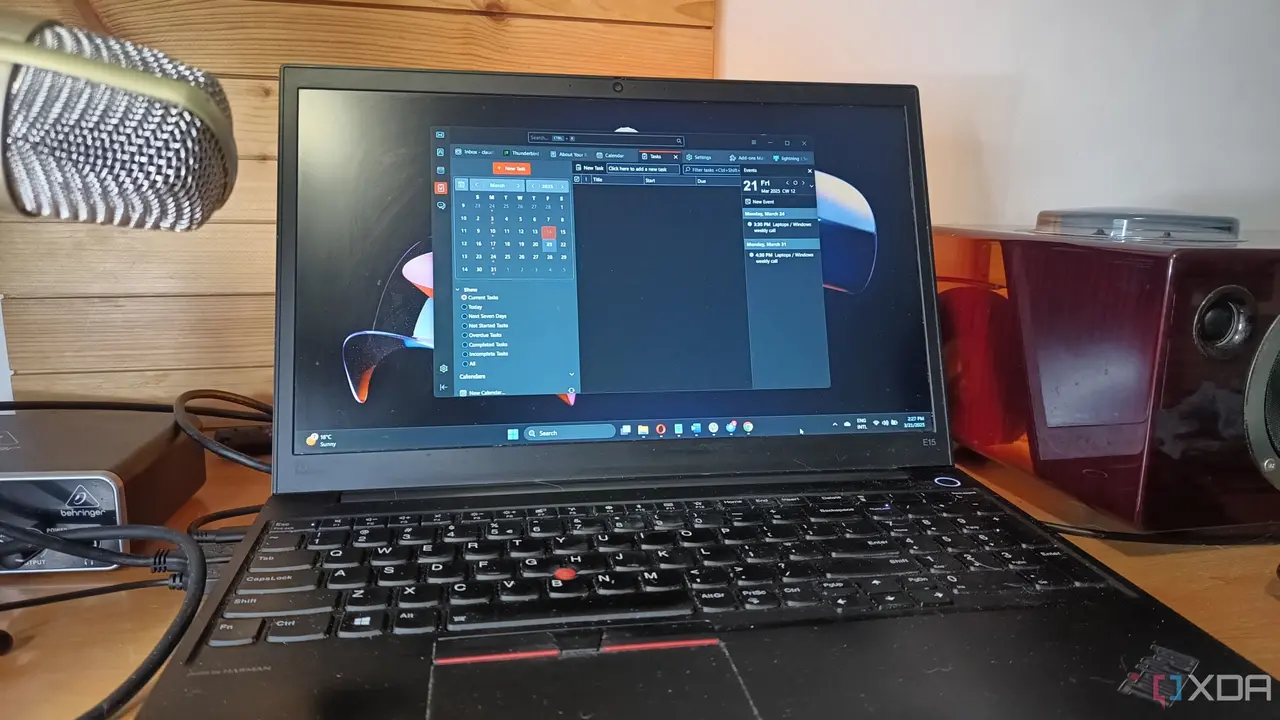
The taskbar search box is undergoing a complete architectural rebuild using WinUI 3, which improves performance and reduces memory usage
2
. Microsoft has removed the right pane entirely and streamlined the search window as part of its broader debloating initiative. The Windows 11 search UI redesign introduces native actions that enable users to execute system-level controls directly from the query box without requiring complex language models or dedicated NPUs3
.Users will be able to perform routine tasks like switching to dark mode or muting audio through instant, one-click interactions
3
. This approach aligns with Microsoft's hybrid intelligence strategy, which aims to balance local hardware capabilities with cloud-based AI services while respecting user choice.App Updates Panel Streamlines Third-Party Software Management
Alongside the search improvements, Microsoft is testing an App Updates panel within Settings that consolidates third-party app updates into a single hub
1
. This interface changes allows users to see what needs updating at a glance, eliminating random update notifications and ensuring critical security fixes aren't missed for infrequently used applications. The feature gives third-party apps the same update management capabilities currently available for Microsoft Store software, though developers must register their apps for inclusion—none have done so yet as testing remains in early stages1
.Related Stories
User Skepticism Remains Despite Optional AI Feature Approach
While making Copilot integration into search box an optional AI feature represents progress, user reactions remain divided. Some users express skepticism about Microsoft's long-term intentions, fearing that opt-in features eventually become opt-out defaults before being permanently baked into the interface
1
. Trust in Microsoft remains low among certain user segments despite the company's ongoing initiative to fix Windows 11 across multiple fronts.
Source: Wccftech
However, others view the opt-in approach as a positive sign of user-centric AI adoption. The decision follows Microsoft's recent scaling back of Copilot presence in Windows 11, including allowing users to remove the floating Copilot button in Word and Excel, and completely removing it from Notepad
2
. Microsoft followed a similar trajectory with OneDrive, eventually allowing users to opt out instead of facing persistent reminders3
.What This Means for Windows 11's Future
By treating the AI assistant as a modular choice rather than a mandatory component, Microsoft may finally strike the right balance between modernizing desktop functionality and preserving traditional PC control
3
. Users will retain access to core operating system search improvements without being forced to enable Copilot AI, addressing concerns about resource utilization on low-end systems where the AI previously cluttered the taskbar and consumed valuable system resources.The success of this user choice approach will likely influence how Microsoft deploys AI features across Windows 11 going forward. Watch for the initial rollout in select markets and whether Microsoft maintains its commitment to keeping Copilot integration truly optional as adoption data emerges.
References
Summarized by

Navi
[2]
Related Stories
Microsoft pulls back Copilot AI from Windows 11 apps after users revolt over bloatware
23 Mar 2026•Technology

Microsoft rolls back Copilot AI bloat on Windows 11 after mounting user pushback
16 Mar 2026•Technology

Microsoft lets users uninstall Copilot as AI assistant faces widespread rejection
22 May 2026•Technology

Recent Highlights
1
Jensen Huang's Affair with Suspected Chinese Spy Exposes $7 Billion AI Chip Smuggling Network
Policy and Regulation

2
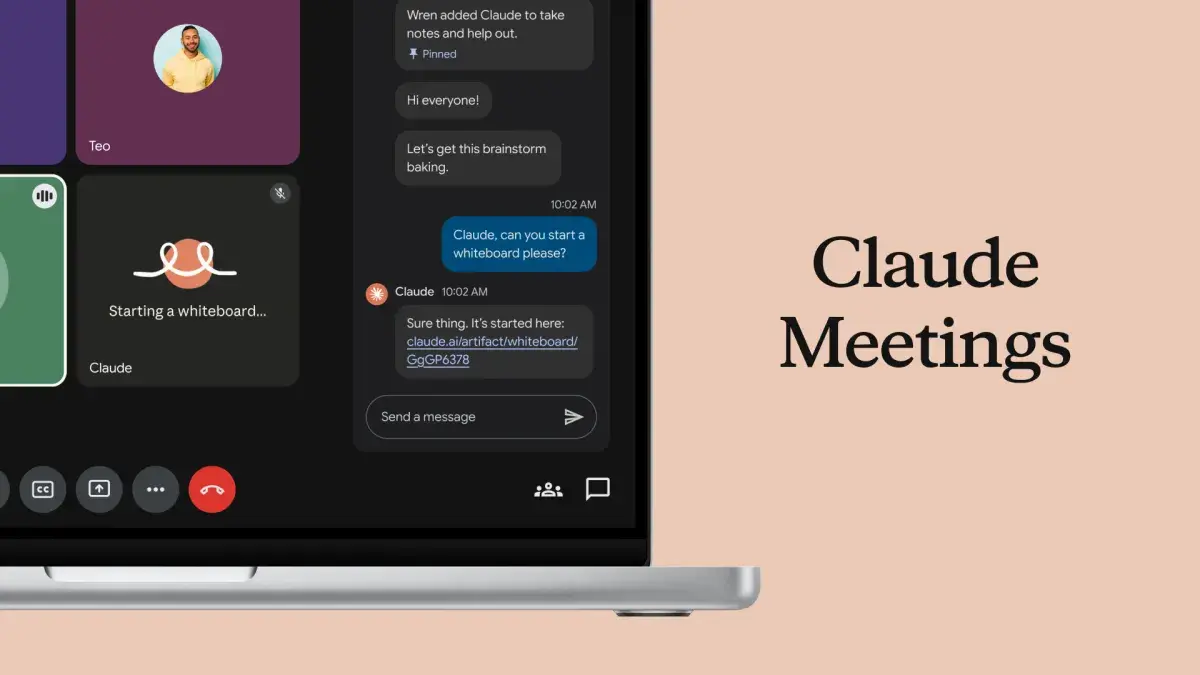
Anthropic Launches Claude Meetings and AI-Powered Office Tools to Challenge Microsoft and Google
Technology
3
Anthropic launches Fable 5.2 and Mythos 5.2 with 20% price cut and 30% faster output
Technology

Recent Highlights
Today's Top Stories










Don’t drown in AI news. We cut through the noise - filtering, ranking and summarizing the most important AI news, breakthroughs and research daily. Follow topics that matter to you and stay ahead.


