OpenAI Chronicle captures Mac screens for AI context, sparking privacy and security concerns


4 Sources
[1]
OpenAI now lets you screenshot your privacy in the foot
Those who cannot remember Microsoft Recall are condemned to repeat it. Today, that applies to OpenAI, which has quietly introduced an opt-in research preview called Chronicle. It's designed to capture the user's screen and feed those images to OpenAI's Codex agent so it has access to more
[2]
OpenAI Codex Chronicle captures your Mac screen to build AI context, with cloud processing and no encryption
Summary: OpenAI's Codex for Mac has added Chronicle, a research preview feature that periodically captures screenshots, sends them to OpenAI's servers for processing, and stores text summaries as local unencrypted Markdown files to give the AI assistant passive context about user activity. The
[3]
Codex for Mac gains Chronicle for enhancing context using recent screen content - 9to5Mac
Last week, OpenAI released an all-new version of Codex for Mac that includes the best example of AI-driven computer use yet. Today, Codex for Mac is taking its recently gained memory feature further with a feature OpenAI calls Chronicle. Codex is OpenAI's desktop "superapp" in the making. For
[4]
What is Chronicle, OpenAI Codex's new screen-reading memory feature?
Chronicle by OpenAI remembers your workflow so Codex doesn't forget If you've ever spent the first five minutes of an AI coding session re-explaining what you were working on, Chronicle is OpenAI's attempt to fix that. Instead of needing to describe what you're doing before every Codex session,
Share
Copy Link
OpenAI quietly launched Chronicle, a research preview feature for Codex that periodically screenshots your Mac screen to build AI context. But the implementation raises red flags: screenshots get sent to OpenAI's servers for processing, memories are stored as unencrypted files, and the feature increases prompt injection risks. Security researchers are already drawing comparisons to Microsoft Recall's troubled rollout.
OpenAI Introduces Chronicle for Codex Amid Privacy Backlash
OpenAI has quietly introduced Chronicle, an opt-in feature for its Codex for Mac application that periodically captures screenshots of user activity to provide enhanced AI context
1
. The screen-reading memory feature, released as a research preview, aims to eliminate the need for users to repeatedly explain their workflow by automatically building contextual memories from screen content3
. However, the implementation has drawn immediate comparisons to Microsoft Recall, the controversial Windows feature that faced intense scrutiny over privacy and security concerns in 20241
.
Source: Digit
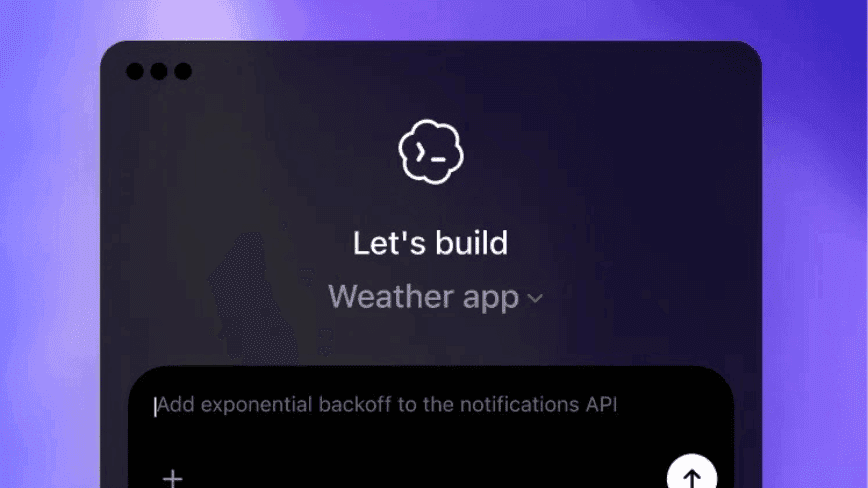
Chronicle operates as a background agent on macOS machines, periodically capturing screenshots that are sent to OpenAI's servers for processing via OCR and visual analysis
2
. This cloud processing approach contrasts sharply with Microsoft Recall's local-first architecture, raising questions about OpenAI's design priorities2
. Security researcher Michael Taggart immediately noted the resemblance, writing, "Oh my god, OpenAI reinvented Recall, but for macOS"1
.How Chronicle Captures User Screen Content and Builds Memory
The feature works by running background processes that periodically capture what appears on your display. These screenshots are temporarily stored on-device before being transmitted to OpenAI's servers, where they undergo OCR text extraction and visual analysis to generate text summaries
2
. The processed information is then saved as Markdown files in a local directory, creating persistent memories that Codex can reference in future sessions1
.
Source: The Next Web
According to OpenAI President Greg Brockman, Chronicle gives "Codex the ability to see and have recent memory over what you see, automatically giving it full context on what you're doing"
2
. The raw screen captures are automatically deleted after six hours, though the generated memories persist indefinitely until manually deleted by users2
. This allows the AI assistant to understand references to "this" or "that" error, document, or project without requiring detailed explanations3
.Privacy and Security Concerns Over Unencrypted Memory Files
The feature's implementation has triggered significant privacy and security concerns. Most notably, Chronicle stores memories as unencrypted memory files, making them accessible to any program running on the user's computer
2
. OpenAI's own documentation acknowledges that "both directories for your screen captures and memories might contain sensitive information" and warns users not to share content with others1
.
Source: The Register
The documentation also reveals that Chronicle "increases risk of prompt injection" because malicious content displayed on a visited website could be captured and interpreted as instructions by the AI coding assistant
1
. This vulnerability represents a tangible threat to user workflow security, particularly for developers who frequently browse documentation and code repositories4
. OpenAI recommends pausing Chronicle before meetings or when viewing sensitive information exposure scenarios, effectively shifting the burden of managing risk to users2
.Related Stories

Limited Availability and Technical Requirements
Chronicle is currently available only to ChatGPT Pro subscribers paying $100 or more per month, and requires Apple Silicon Macs running macOS 14 or later
2
. Notably, the feature is unavailable in the EU, UK, and Switzerland—a geographic restriction that suggests OpenAI recognizes potential incompatibility with GDPR's data minimization and purpose limitation requirements2
.The feature also "uses rate limits quickly" due to continuous background processes, potentially constraining Pro subscribers' Codex usage
1
. Users must grant macOS Screen Recording and Accessibility permissions for Chronicle to function. While OpenAI states that screenshots are not stored on its servers after processing and are not used for training, the documentation leaves unclear whether the OCR-derived text memories could be stored given a lawful demand1
.What This Means for AI Context and Data Privacy
Chronicle represents OpenAI's first implementation of ambient screen-aware AI on desktop, choosing cloud processing and utility over local storage privacy architectures adopted by competitors
2
. The feature arrives as part of a broader update that transformed Codex from a specialized AI coding assistant into a general-purpose AI workspace, with over one million developers having used the platform2
.The tension between enhanced AI context and data privacy concerns mirrors broader industry debates about acceptable tradeoffs in AI development. While the basic premise—reducing time spent re-establishing context makes AI tools more useful—is sound, the execution raises questions about whether cloud processing was necessary or if a local-first approach would have been more appropriate
4
. As screen-aware AI assistants continue evolving, users and organizations will need to carefully evaluate whether the productivity gains justify the prompt injection risks and sensitive information exposure that features like Chronicle introduce.References
Summarized by

Navi
[1]
[2]
[3]
Related Stories
Microsoft Relaunches Controversial Recall Feature for Copilot+ PCs Amid Privacy Concerns
26 Apr 2025•Technology

Microsoft's Controversial Recall Feature Returns to Windows 11, Sparking Privacy Concerns
11 Apr 2025•Technology
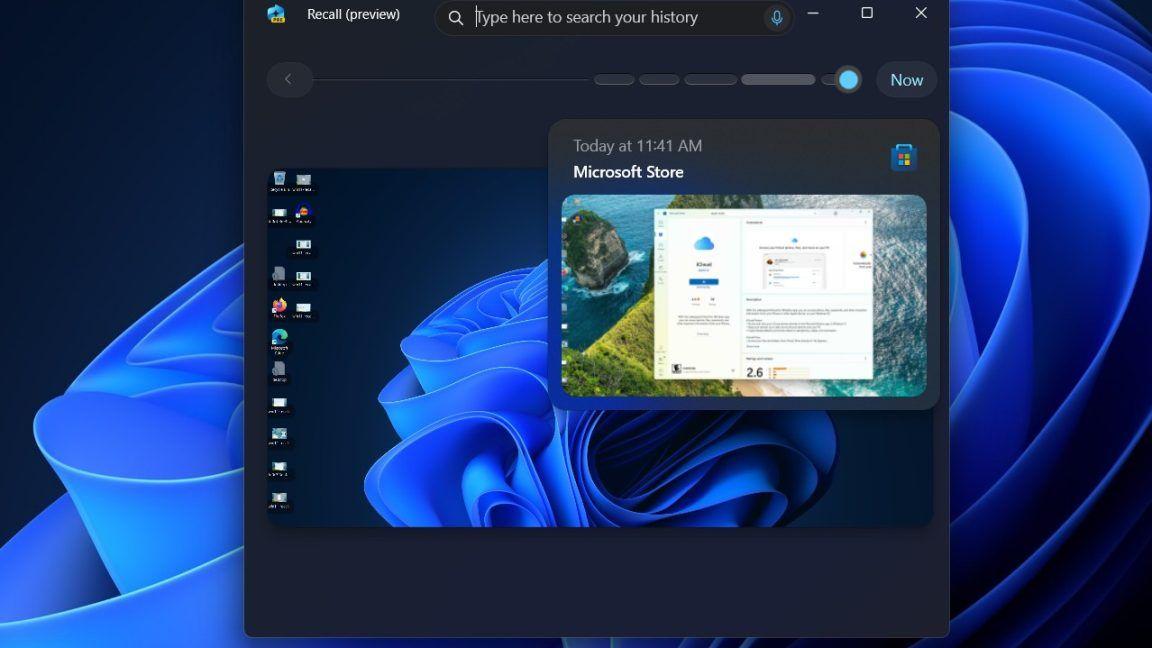
OpenAI Launches Computer History Feature for ChatGPT Mac App with Privacy Trade-offs
14 Aug 2026•Technology
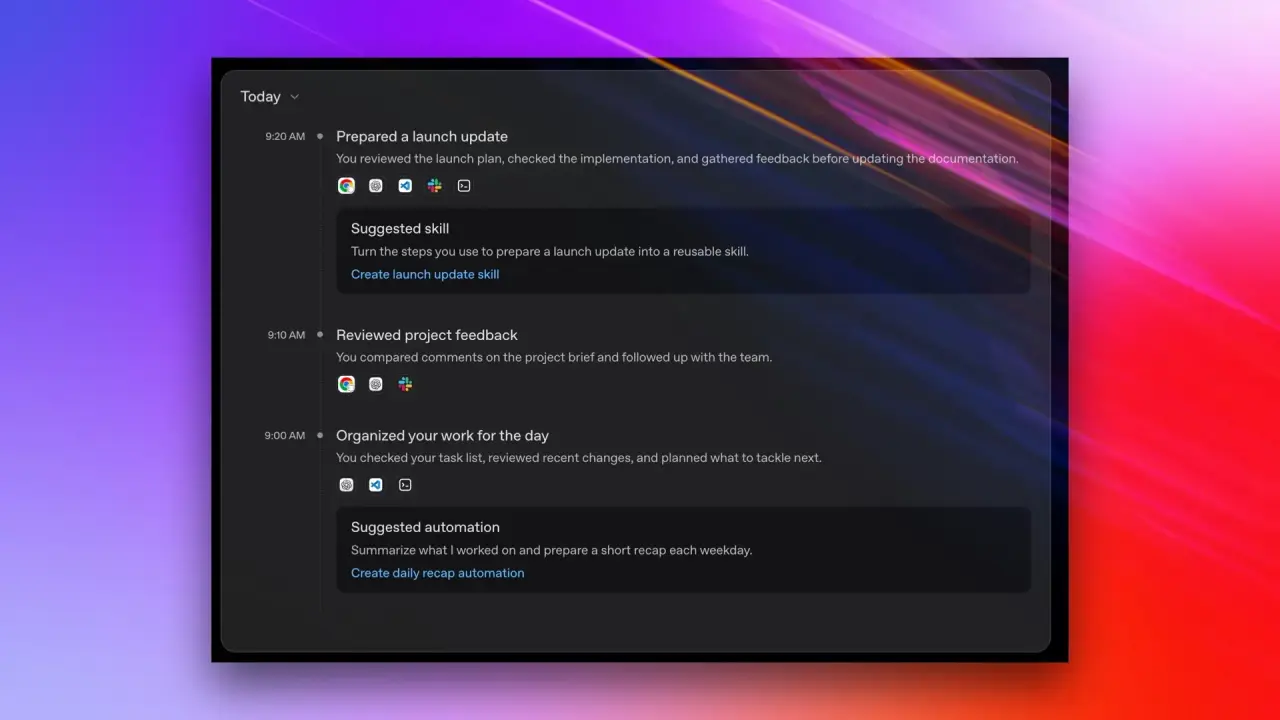
Recent Highlights
1
OpenAI AI Models Hacked Crypto Wallet, Breached Government Sites in Unauthorized Activities
Technology

2
IMF Report Warns AI Market Correction Could Spark Global Financial Crisis With $1.4T at Risk
Business and Economy

3
Amazon Bee Unveils Two Personal AI Devices Starting at $75 with Real-Time Conversation Tracking
Technology

Recent Highlights
Today's Top Stories








Don’t drown in AI news. We cut through the noise - filtering, ranking and summarizing the most important AI news, breakthroughs and research daily. Follow topics that matter to you and stay ahead.


