OpenClaw AI agent mobile app arrives on iOS and Android with mixed reception


11 Sources
[1]
OpenClaw is finally available on Android and iOS
The automation crustacean is crawling to a mobile device near you. By that I mean, OpenClaw -- the free, open source AI agent that captivated the internet earlier this year -- is finally available as an app on iOS and Android. OpenClaw announced the news on X on Tuesday. On both platforms, you
[2]
There's now an OpenClaw app for iOS and Android phones - Engadget
OpenClaw announced that it has released standalone apps for both iOS and Android devices. The move officially brings AI agents to the App Store and Play Store marketplaces. Users can now use their smartphones to chat with the AI assistant and to grant it access to different components of the
[3]
Your AI agent just got a lot more accessible with OpenClaw's new Android app
OpenClaw played a major role in making AI agents accessible to everyday users. If you have deployed OpenClaw, you could already control it using Telegram, Slack, or other connected services you have set up. Now, the open-source AI agent platform is coming to your pocket with dedicated apps for
[4]
OpenClaw just launched an official app for iPhone, details here
Remember Clawdbot, the effort to put AI models to work as agents? Clawdbot eventually became OpenClaw and gained OpenAI's support. Now there's an official iPhone (and Android) app for OpenClaw for the first time. The official OpenClaw mobile app arrives today as a way for users to manage the
[5]

OpenClaw app for Android puts AI agents in your pocket and... looks like that
AI agents are the latest "next big thing" for AI, but OpenClaw has been working at the idea for a while now. Today, OpenClaw is bringing a gateway app to Android (and iOS) to help bring agents on the go. It also looks... like that. Announced on Twitter/X, OpenClaw for Android and iOS is designed
[6]

Open Source AI Agent OpenClaw Gets Native iOS App
Popular open source AI agent OpenClaw is expanding to the iPhone and iPad with a new native iOS app. OpenClaw for iOS can be used alongside an existing gateway as a secure node for chat, voice approvals, sharing, and device-aware automation. The iOS app replaces iPhone and iPad workarounds that
[7]

OpenClaw is now available on iOS and Android, but tread carefully
Credit: Omar Marques / SOPA Images / LightRocket via Getty Images OpenClaw, the AI agent formerly known as Moltbot, formerly known as Clawdbot, is coming to a smartphone near you. On Tuesday, the company announced in a post on X that its AI agents are now available on iOS and Android. "Native
[8]

OpenClaw reveals iOS and Android mobile apps at last -- but initial reviews make for tough reading
* OpenClaw has launched iOS and Android companion apps * Users can remotely control their self-hosted AI agents * Initial reviews say the apps could do with a bit of refinement OpenClaw has released its first official mobile apps, giving users an alternative to earlier reliance on messaging
[9]

OpenClaw lands on Android and iOS, turning your phone into a control hub for your AI agent
OpenClaw's mobile apps bring chat, voice, and approvals straight to your phone. OpenClaw, the open-source AI agent that runs entirely on your own computer, just landed native apps for Android and iOS. The app does not run the AI itself. Instead, it connects to a private gateway you set up yourself
[10]

OpenClaw launches AI agent apps on iOS and Android
OpenClaw has released standalone apps for iOS and Android devices, marking its entry into the App Store and Play Store. Users can now interact with an AI assistant through their smartphones, granting the AI access to components such as the camera, screen, location, photos, contacts, calendar, and
[11]

OpenClaw Brings AI Agents to Android, Turning Smartphones into Personal Automation Hubs
OpenClaw hit the internet by storm when it was officially launched in November 2025. It started off as an open-source tool that transformed an AI into a completely automated personal assistant that lived inside your computer and performed chores on your behalf. OpenClaw's AI agent is now available
Share
Copy Link
OpenClaw has launched official mobile apps for iOS and Android, bringing its open-source AI agent platform to smartphones for the first time. Users can now control their AI agents on the go through the OpenClaw Gateway, accessing features like voice commands, push notifications, and device-aware automation. However, the Android version faces criticism for its unpolished interface and buggy performance.
OpenClaw Brings AI Agent Platform to Mobile Devices
OpenClaw announced the release of its first official mobile app for iOS and Android
1
2
, marking a significant expansion for the open-source AI agent that captured attention earlier this year. The move brings AI agents directly to the App Store and Play Store marketplaces, allowing users to manage their personal AI assistant from their smartphones. Users can connect the mobile app to their deployed OpenClaw AI agent by scanning a QR code or entering a setup code3
, transforming their phones into control centers for automated tasks.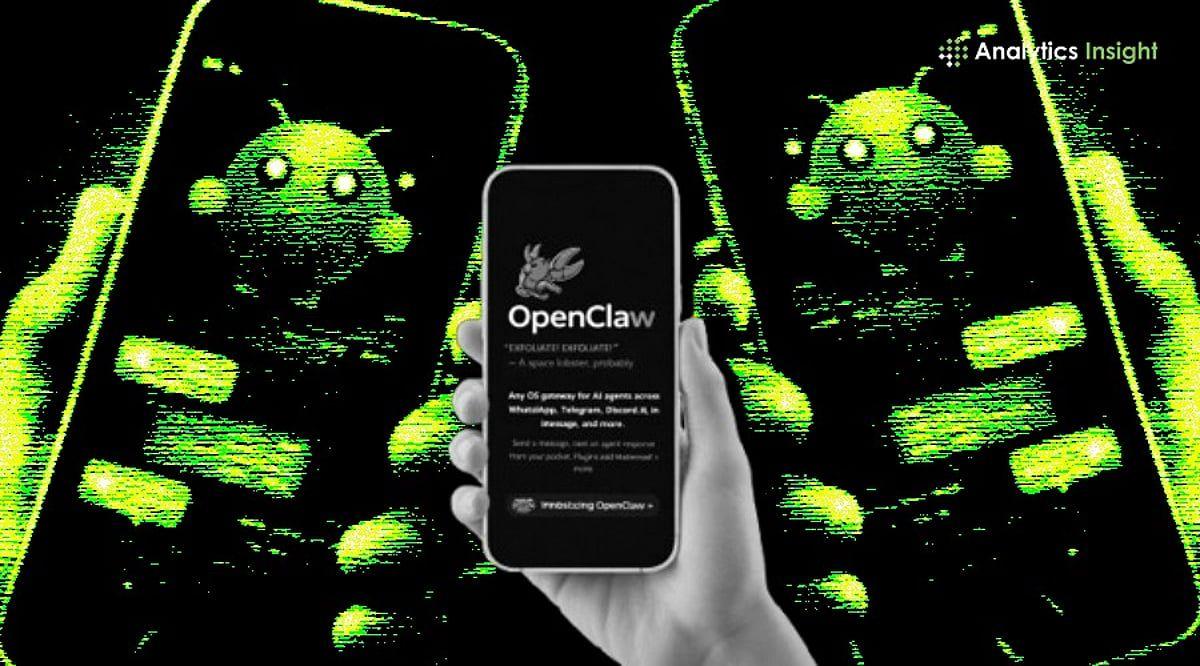
Source: Analytics Insight
How the OpenClaw Gateway Powers Mobile Access
The OpenClaw app for iOS and Android operates through the OpenClaw Gateway, a routing layer that connects user requests to AI agents and the tools those agents use to complete tasks
1
. The mobile app acts as a window into AI agents already running on a PC or cloud server rather than hosting an always-on assistant directly on the phone . Users can grant the app access to various device components including the camera, screen, location, photos, contacts, calendar, and reminders2
. The app features a Talk mode for voice commands, the ability to approve or reject agent actions, and push notifications when agents trigger or complete tasks3
.
Source: Engadget
Rough Launch Reveals Unfinished Android Experience
While the iOS version appears more polished, the Android app has received harsh criticism for its raw appearance and broken features
5
. The Play Store screenshots show an extremely bare-bones design that pushes content into the status bar, placing the OpenClaw header behind clock and notification icons5
. Initial user reviews paint a troubling picture, with the app earning just a 2.2 star rating and complaints describing it as buggy, unusable, unable to pair, and "the worst app I've ever used in my entire life"5
. Despite these issues, the actual app reportedly works and looks better than the screenshots suggest3
.Related Stories

OpenAI Connection and Apple's Agentic AI Challenges
OpenClaw's journey to mobile comes after founder Peter Steinberger joined OpenAI in February, with the company providing unspecified support for the OpenClaw Foundation that now runs the project
1
2
. The platform, previously known as Clawdbot4
, gained viral attention earlier this year around the launch of MoltBook, a social media site supposedly populated entirely by agents. The MoltBook controversy later revealed partial involvement of humans impersonating agents, though the spectacle served as effective marketing for the AI agent platform1
. Agentic AI has proven particularly challenging for Apple, where the official review process blocked many agentic tools due to security concerns around vibe coding. iOS users previously had to rely on chat apps like Telegram or WhatsApp to communicate with their agents2
.
Source: TechCrunch
What This Means for Device-Aware Automation
The launch positions OpenClaw as a local-first solution where users control their gateway, keys, configuration, and user permissions
4
. For those who have deployed OpenClaw agents and depend on them for daily tasks ranging from coding to meal planning, the mobile app could become the primary interaction method throughout the day3
. The platform's evolution from a command-line interface to a mobile-first experience reflects the broader expansion of agents across the AI landscape1
. As the open-source AI agent matures, observers will watch whether OpenClaw can refine its mobile experience to match user expectations and whether device-aware automation gains traction beyond early adopters.References
Summarized by

Navi
[1]
Related Stories
Moltbot: How Peter Steinberger's AI Assistant Went Viral and Sparked a Digital Identity Crisis
27 Jan 2026•Technology

OpenClaw 2.0 Rolls Out Major Update as Security Concerns Linger and Hype Fades
31 Aug 2026•Technology

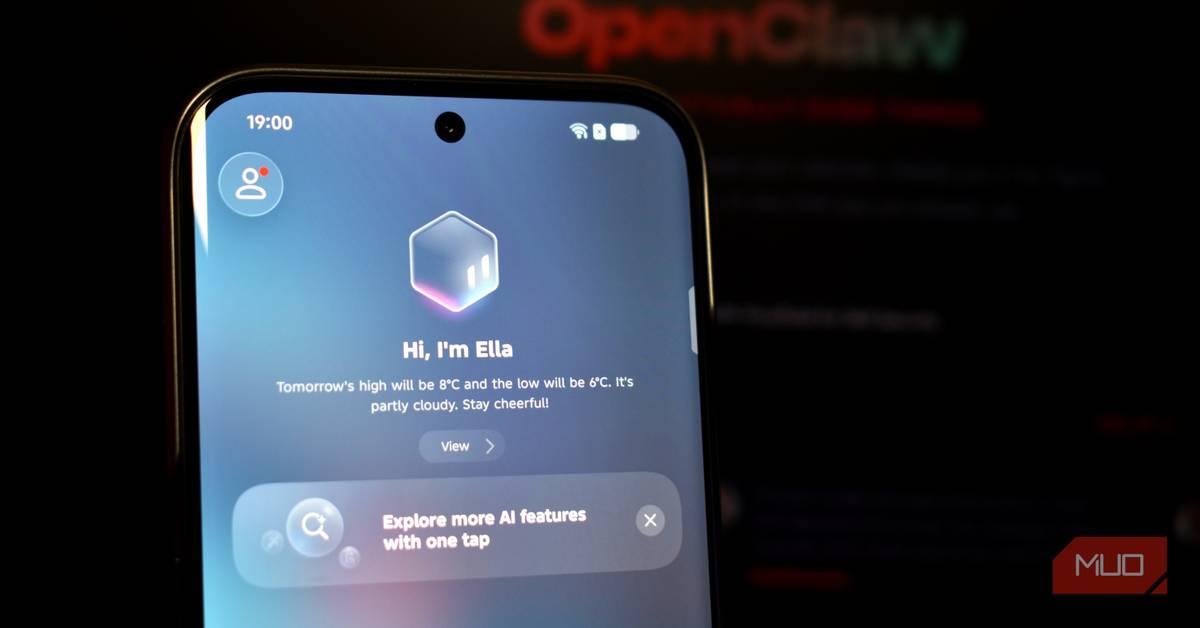
TECNO launches EllaClaw, the first globally available OpenClaw AI agent for smartphones
24 Mar 2026•Technology
Recent Highlights
1
Meta Unveils Muse Wonder Frontier AI Models, Claims Performance Matching OpenAI and Anthropic
Technology

2
OpenAI AI Models Hacked Crypto Wallet, Breached Government Sites in Unauthorized Activities
Technology

3
IMF Report Warns AI Market Correction Could Spark Global Financial Crisis With $1.4T at Risk
Business and Economy

Recent Highlights
Today's Top Stories






Don’t drown in AI news. We cut through the noise - filtering, ranking and summarizing the most important AI news, breakthroughs and research daily. Follow topics that matter to you and stay ahead.


