Open Notebook emerges as self-hosted NotebookLM alternative without usage limits


2 Sources
[1]
This self-hosted research tool does what NotebookLM does, but without the daily limits
NotebookLM has set an incredibly high bar for AI-powered research tools. The ability to upload documents, ask questions, generate summaries, and even create podcast-style discussions from your sources feels almost futuristic. For many people, NotebookLM is the first AI tool that genuinely makes it
[2]
Love NotebookLM but hate giving Google your data? I found a great open-source alternative
I personally love NotebookLM, though it's far from the only tool I've used for summarizing information or extracting research data. It is arguably the very best, though, as pretty much every alternative is closer to a supplement than a true replacement. That said, there is one that gets very
Share
Copy Link
Open Notebook, an open-source AI research tool, replicates NotebookLM's core features while eliminating daily limits and vendor lock-in. The self-hosted alternative supports multiple AI models including local LLMs, offers unlimited notebooks and sources, and keeps user data private. However, setup requires technical knowledge and Docker installation.
Open Notebook challenges Google's NotebookLM with flexible, self-hosted approach
Open Notebook has emerged as a compelling NotebookLM alternative for researchers and writers seeking greater control over their AI-powered workflows. The open-source alternative to Google's NotebookLM replicates the core functionality that made NotebookLM popular—uploading documents, asking questions, generating summaries, and creating podcast-style audio discussions—while addressing key limitations that frustrate power users
1
.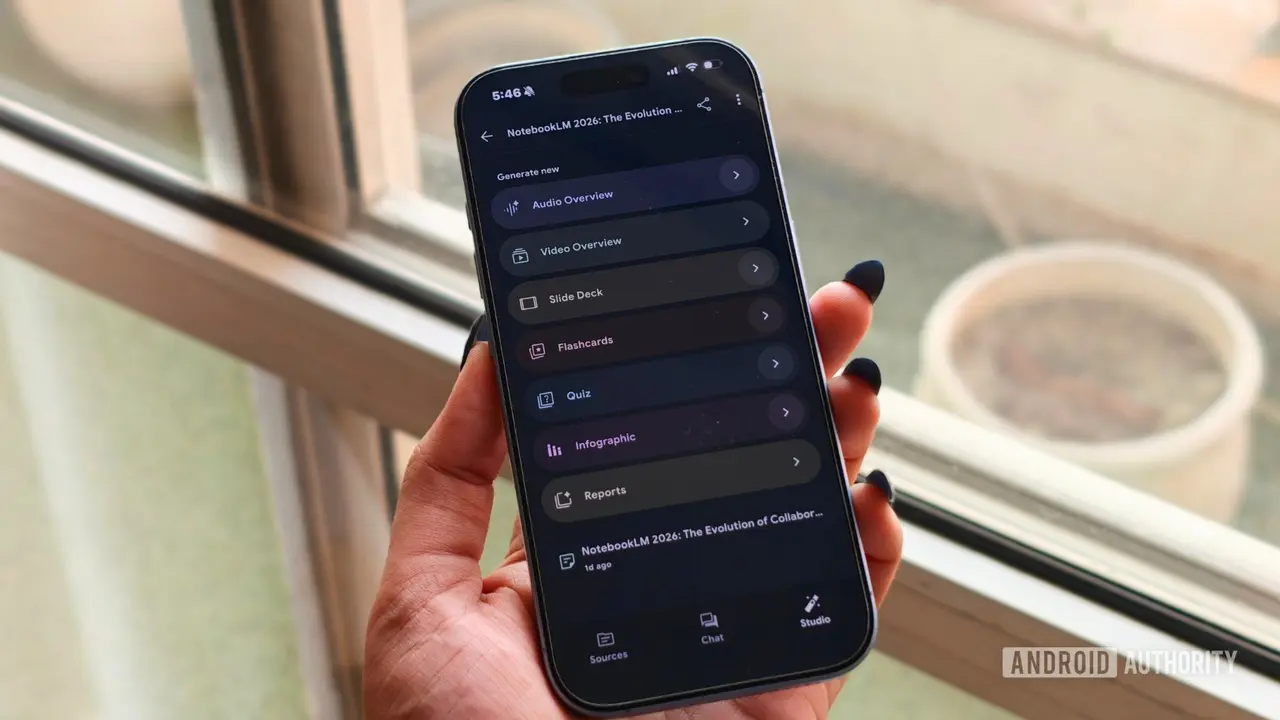
Source: Android Authority
What distinguishes this AI research tool from NotebookLM is its self-hosted nature and multi-model support. Users can connect Open Notebook to cloud-based models like GPT, Gemini Pro, and Opus, or run it entirely offline using local LLMs through Ollama
2
. This flexibility eliminates vendor lock-in and allows researchers to experiment with different models depending on their specific tasks.Usage restrictions eliminated in self-hosted research tool
The most significant advantage for heavy users comes from removing usage restrictions entirely. While NotebookLM's free version limits users to 100 notebooks with no more than 50 sources each, Open Notebook imposes no such constraints
2
. This freedom proves particularly valuable for researchers who accumulate information over days or weeks, building an evolving knowledge base rather than relying on temporary chat sessions1
.One early adopter noted how the absence of daily limits fundamentally changed their workflow: "When I'm researching a topic, I tend to ask dozens of questions, upload multiple sources, and revisit the same notebook throughout the writing process. With Open Notebook, I never felt like I needed to ration my usage or save prompts for later"
1
. This shift from service to permanent productivity tools integration matters for professionals who depend on consistent access for summarizing information and extracting research data.Data privacy and technical barriers define trade-offs
The self-hosted architecture addresses growing concerns about data privacy by ensuring research materials never leave user-controlled infrastructure. However, this benefit comes with notable technical requirements. Installing Open Notebook demands familiarity with Docker and configuration files, with setup times ranging from 30 minutes on Windows with Docker Desktop to several hours on other platforms
2
.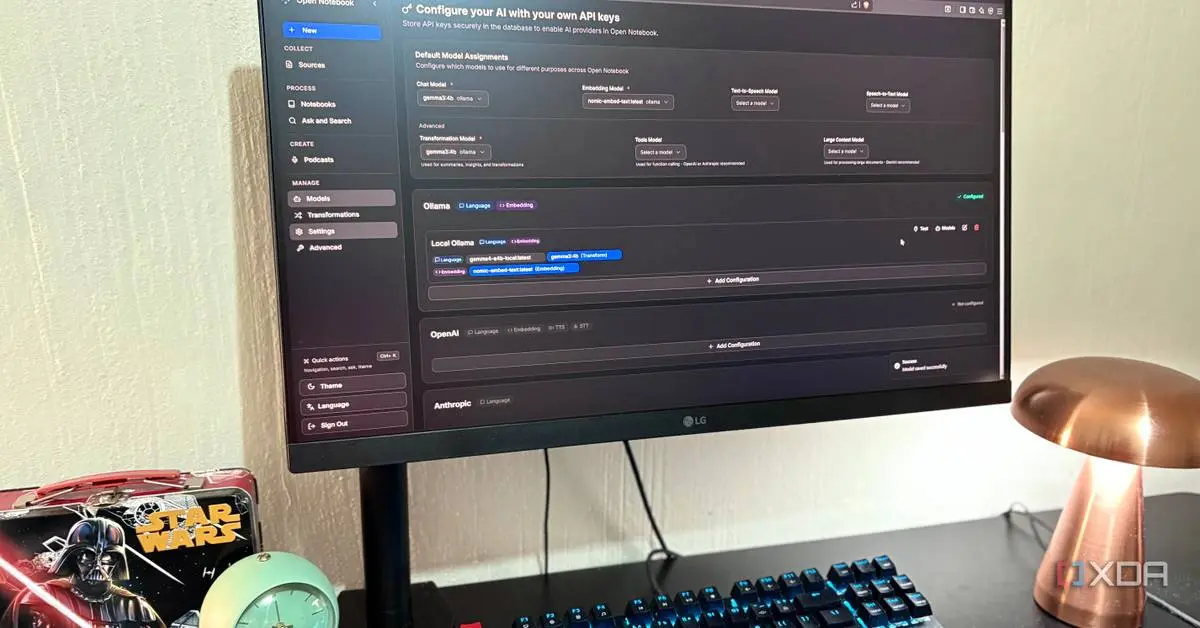
Source: XDA-Developers
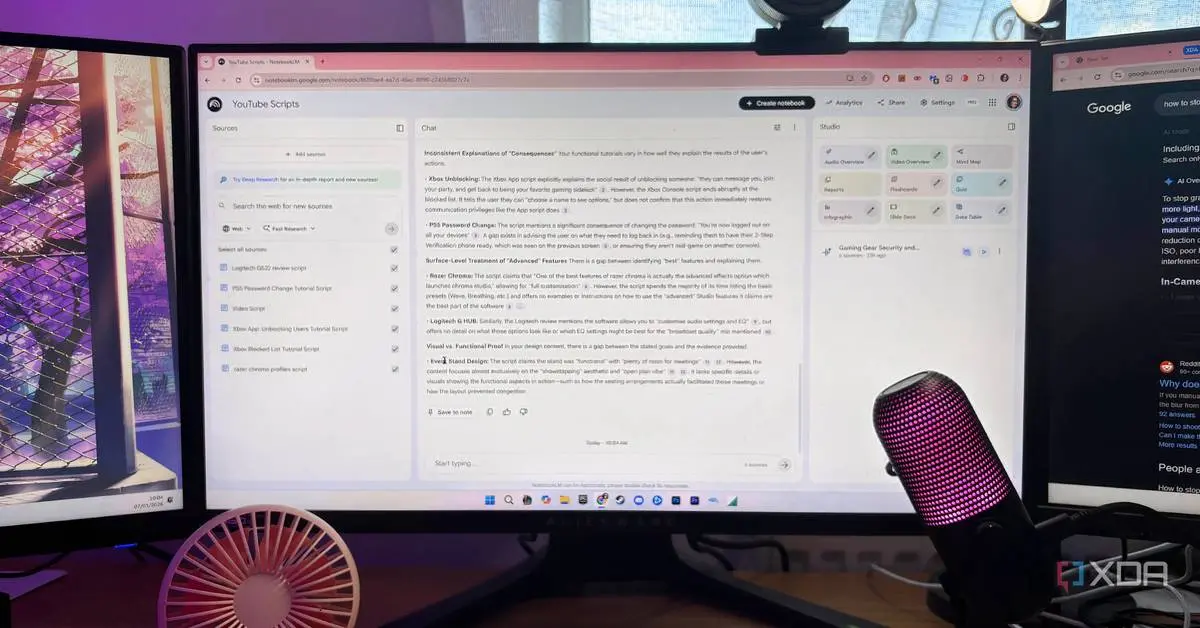
The AI-powered research tool supports diverse content sources beyond PDFs, including YouTube videos and various document formats, enabling users to build comprehensive notebooks from multiple information types
1
. The audio summary feature offers up to four speaking voices compared to NotebookLM's two, with customizable length extending to 30 minutes or more, though some users report NotebookLM still delivers slightly sharper podcast breakdowns2
.Related Stories
Market implications for AI research platforms
Open Notebook's arrival signals growing demand for alternatives that balance capability with user control. As organizations become more cautious about uploading sensitive research to third-party services, self-hosted options that support local LLMs gain strategic importance. The project demonstrates that open-source communities can match commercial AI-powered research tool experiences while offering flexibility Google cannot provide.
For professionals evaluating options, the decision hinges on priorities: NotebookLM offers polish and zero setup friction, while Open Notebook delivers unlimited usage, model flexibility, and complete data sovereignty. The technical barrier to entry may limit mainstream adoption, but for researchers handling sensitive information or requiring extensive knowledge base development, the investment in setup pays dividends through unrestricted access and freedom from platform dependencies. Watch for improved installation processes and potential native applications as the open-source project matures.
References
Summarized by

Navi
[1]
Related Stories
Open Notebook emerges as powerful open-source alternative to Google's NotebookLM
02 Jun 2026•Technology

NotebookLM: Revolutionizing AI-Powered Productivity and Knowledge Management
28 Jul 2025•Technology
NotebookLM emerges as Google AI tool that actually delivers on AI productivity promises
10 May 2026•Technology
Recent Highlights



Recent Highlights
Today's Top Stories







Don’t drown in AI news. We cut through the noise - filtering, ranking and summarizing the most important AI news, breakthroughs and research daily. Follow topics that matter to you and stay ahead.


