Spotify launches Personal Podcasts feature for AI agents to create custom audio briefings


7 Sources
[1]
OpenClaw and Claude can put your AI-generated podcasts in Spotify
Save to Spotify is a new command-line tool designed specifically for AI agents like OpenClaw, Claude Code, or OpenAI Codex. If you're the kind of person who collects research on a topic, then feeds it through their AI of choice to create audio summaries and personal podcasts, this lets you save
[2]
Spotify now lets AI agents like OpenClaw generate personal podcasts - Engadget
If you're one of those people who got swept up in OpenClaw fever at the start of the year, Spotify's latest feature is for you (and maybe only you). The company has released a command-line tool that allows AI agents like Claude Code and the aforementioned OpenClaw to generate personal podcasts and
[3]
Spotify is getting into AI podcasts, but not how you'd expect
Uploaded podcasts are only accessible on the account they were initially uploaded to. Spotify is working to let you listen to AI-generated podcasts in its app. It's not adding AI audio to its existing podcast streaming library, but instead launching a new beta tool that lets users upload personal
[4]
Spotify can now save 'Personal Podcasts' with your calendar and more using AI agents [Video]
Spotify is launching deeper AI agent integration with "Personal Podcasts," which can be saved to your account with personalized information such as calendar events. Available starting today with OpenClaw, Claude Code, OpenAI Codex, "Personal Podcasts" in Spotify allow AI agents to save content
[5]

Spotify Now Plays Personal Podcasts Generated by Your AI Agent
Spotify has launched a new feature that lets users save AI-generated audio briefings called Personal Podcasts directly to their Spotify library. It uses a new command-line tool for desktop that works with AI coding agents like OpenAI's Codex and Anthropic's Claude Code. After you install the Save
[6]

Spotify now lets AI agents like OpenClaw and Claude Code create Personal Podcasts for you
You can now use OpenClaw or Claude Code to turn your notes and briefings into a personal podcast on Spotify. Spotify has been quietly embedding itself into the AI assistants you use every day. The music app already works inside Claude and ChatGPT, where you can control and improve your listening
[7]

Spotify launches tool for AI agents to create personal podcasts
Spotify has launched a command-line tool allowing AI agents, such as Claude Code and OpenClaw, to generate and upload personal podcasts to the platform. Users can utilize this feature to create content including daily digests and class notes. The company stated that this release is in response to
Share
Copy Link
Spotify introduced a new beta feature allowing AI agents like OpenClaw, Claude Code, and OpenAI Codex to generate Personal Podcasts and save them directly to user libraries. The command-line tool enables users to create personalized audio briefings from calendar events, class notes, or daily digests, accessible only to the account holder across all devices.
Spotify Introduces Personal Podcasts for AI Agents
Spotify has launched a beta feature that bridges AI-generated podcasts with its streaming platform, responding to user demand for a seamless way to listen to custom AI-generated audio briefings
1
. The new capability, called Personal Podcasts, works through a command-line tool that integrates with AI agents including OpenClaw, Claude Code, and OpenAI Codex4
. Users can now generate personalized podcasts from research summaries, calendar events, class notes, or daily digests and save them directly to their Spotify library alongside regular music and podcast content5
.
Source: The Verge
How the Save to Spotify CLI Works
To access this functionality, users must download and install the Save to Spotify CLI from GitHub, then sign into their Spotify account to connect it with their chosen AI agent
3
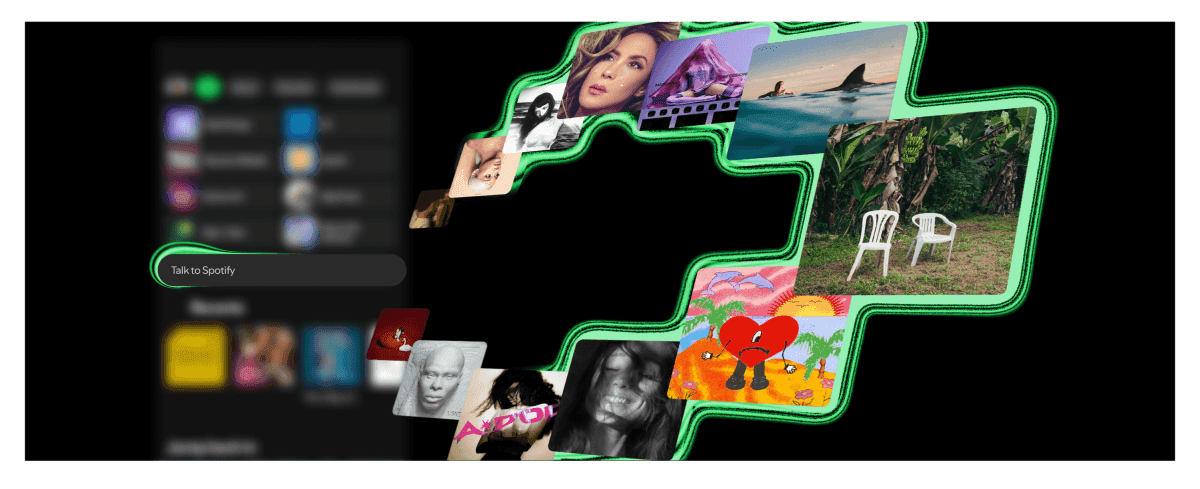
. Once the command line interface setup is complete, the process becomes remarkably straightforward. Users simply describe the podcast they want to their AI agent and add "save to Spotify" to the prompt1
. The generated audio then appears in the user's library, accessible across all devices where Spotify is installed2
.
Source: Engadget
Privacy and Access Limitations
Any audio generated through this beta tool remains entirely private to the account that created it
3
. These AI podcasts won't appear in Spotify searches, and users cannot share them with other accounts. This private listening approach positions Personal Podcasts as a personal productivity tool rather than a content creation platform. The feature is available to both free and premium subscribers worldwide, though Spotify has implemented usage limits during the testing period5
.Related Stories
Practical Use Cases for AI-Generated Audio Briefings
Spotify suggests several compelling applications for this technology. Users can create morning briefings that compile upcoming calendar meetings, check weather conditions, and recommend commute podcasts
5
. Students might generate audio summaries from class notes before exams, while professionals could transform weekend itineraries or research articles into audio summaries for on-the-go consumption4
. The company notes that people are already using agents to create personal audio that guides their day, and they've been requesting a way to listen through Spotify where they consume other content5
.
Source: Android Authority
What This Means for Spotify's AI Strategy
This launch follows Spotify's recent Claude integration that enables personalized music and podcast recommendations through chatbot conversations
5
. While Spotify itself doesn't currently generate AI podcasts natively within its apps, the infrastructure now exists for such capabilities3
. Given that the platform already hosts extensive podcast libraries and multiple AI tools, native podcast generation feels like a logical next step. For now, the command-line tool approach suggests Spotify is testing demand and refining the technology before potentially rolling out more accessible features to its broader user base. The timing aligns with growing interest in AI agents for personal productivity, particularly among users who adopted tools like OpenClaw earlier this year2
.References
Summarized by

Navi
[3]
[4]
Related Stories
Spotify Studio AI app generates personalized podcasts from your calendar, emails, and listening history
21 May 2026•Technology

Spotify rolls out AI features for podcasts, letting users generate content and ask questions
21 May 2026•Technology
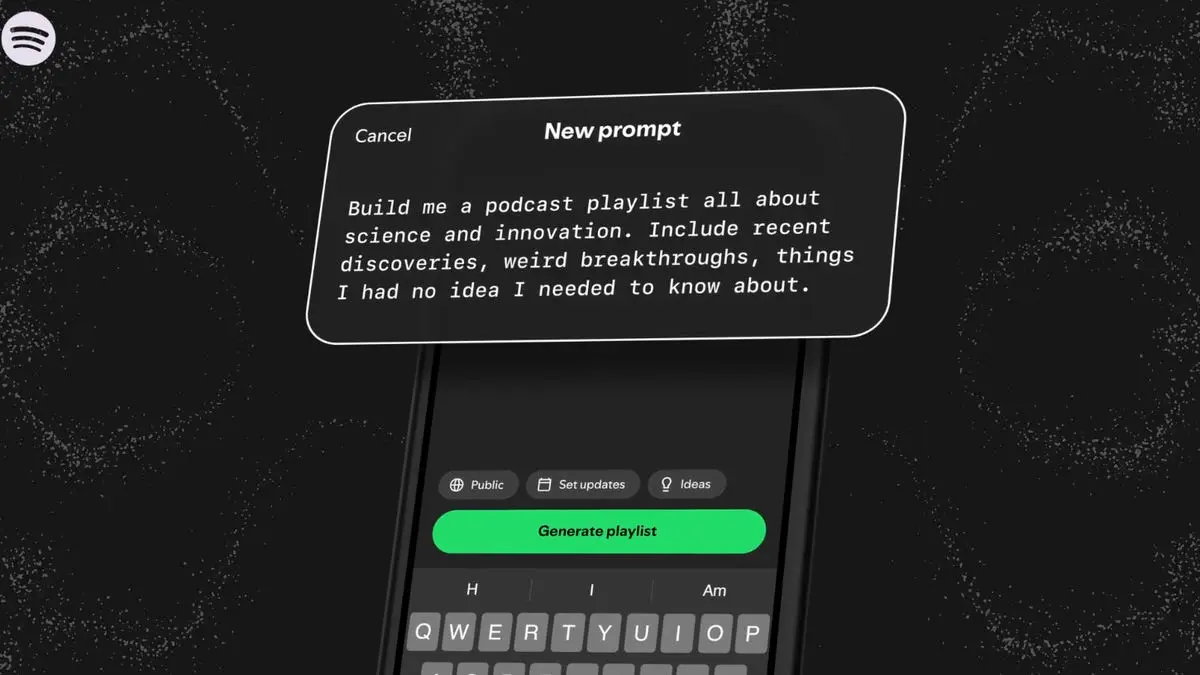
Spotify AI Prompted Playlists expand to podcasts, helping Premium users discover new shows
07 Apr 2026•Technology
Recent Highlights



Recent Highlights
Today's Top Stories



Don’t drown in AI news. We cut through the noise - filtering, ranking and summarizing the most important AI news, breakthroughs and research daily. Follow topics that matter to you and stay ahead.


