AMD FSR SDK 2.4 Extends ML Upscaling to Radeon RX 6000 GPUs and Ryzen APUs with Vulkan Support


4 Sources
[1]
AMD FSR SDK 2.4 Extends ML Upscaling to Radeon RX 6000
AMD has released FSR "Redstone" SDK 2.4, a developer update that expands support for machine-learning-based FSR Upscaling 4.1.2 and adds Vulkan support for several upscaling and frame-generation components. The clearest hardware change is compatibility with Radeon RX 6000-series discrete graphics
[2]
AMD releases FSR 'Redstone' SDK 2.4, bringing all the latest FSR 4 updates to developers
AMD released FSR SDK 2.4, going all-in on neural rendering. The update for developers includes the new AMD FSR Upscaling 4.1.2 for Radeon RX 7000 Series (RDNA 3) and Radeon RX 6000 Series (RDNA 2) GPUs. FSR 4.1.2 also adds support for AMD's Ryzen AI APUs covering the Strix Halo, Strix Point, Gorgon
[3]
AMD Releases FSR SDK 2.4 With FSR 4.1.2 Support For Radeon RX 6000 GPUs & Ryzen APUs, Vulkan Support And Improved Frame Pacing
AMD has officially released its FSR "Redstone" SDK 2.4, bringing machine-learning-powered FSR Upscaling 4.1.2 to Radeon RX 6000 Series GPUs and select Ryzen APUs, alongside full Vulkan support for FSR upscaling and frame generation. The update also introduces improved frame pacing for Radeon RX
[4]
How AMD FSR 4.1 Improves Gaming Visuals and Performance
AMD FSR 4.1 helps games look sharper while improving frame rates. It uses machine learning to create better images from lower-resolution frames. The update also aims to reduce visual issues and bring the technology to more AMD devices. AMD FSR 4.1 uses machine learning to improve image quality and
Share
Copy Link
AMD released FSR SDK 2.4, extending machine learning-based FSR Upscaling 4.1.2 to Radeon RX 6000 GPUs and select Ryzen processors. The update adds full Vulkan support for upscaling and frame generation, introduces improved frame pacing for RX 9000 GPUs, and includes Ray Regeneration 1.2.1 with enhanced denoising capabilities.
AMD FSR SDK 2.4 Expands ML Upscaling Across Hardware Generations
AMD has released FSR SDK 2.4, codenamed "Redstone," marking a significant expansion of its machine learning-based upscaling technology.
1
The update brings FSR Upscaling 4.1.2 to Radeon RX 6000 GPUs based on RDNA 2 architecture, alongside support for Radeon RX 7000 and RX 9000 series cards.2
This represents AMD's commitment to neural rendering across multiple hardware generations, extending AI-powered graphics capabilities to users still running cards like the Radeon RX 6800 XT.
Source: Wccftech
The SDK update also includes support for several Ryzen processors with integrated graphics, including Ryzen AI Max 300 and 400 series, Ryzen AI 9 300 and 400 processors, and gaming-focused chips like the Ryzen Z2 Extreme that powers handheld devices.
3
Because these architectures have different AI capabilities, AMD has developed two model variants: a full INT8 model for more capable hardware and a lightweight INT8 model that's less than half the size, optimized for lower-tier Ryzen APUs.1
Vulkan Support Achieves Feature Parity with DirectX 12
FSR SDK 2.4 delivers full Vulkan support at feature parity with DirectX 12 for its upscaling and frame generation components.
3
This includes FSR Upscaling 4.1.2, FSR Frame Generation 4.0.2, Frame Generation Swapchain 4.0.0, and specified FidelityFX Super Resolution 3.1.6 and 3.1.7 components. The Vulkan support is supplied through the SDK's DLLs, requiring developer integration into games.1
However, there's an important caveat for existing titles. Games already using FSR 3.1 features in Vulkan won't automatically receive the new machine learning-based upscaling through a driver override, unlike DirectX 12 games.
2
Developers must integrate the updated SDK package to enable these capabilities. This requirement means adoption will depend on individual developer integration rather than providing an immediate universal upgrade.Frame Pacing Improvements Target RX 9000 Series
AMD FSR SDK 2.4 introduces Driver-Assisted Frame Pacing exclusively for Radeon RX 9000 series hardware and newer GPUs.
3
Instead of relying on CPU-side busy waiting, the AMD display driver handles final presentation timing closer to the display pipeline, which reportedly reduces CPU overhead and improves frame delivery consistency. This addresses previous frame pacing issues and brings AMD's frame generation technology more in line with competing solutions.2
The feature requires specific conditions to function: Adrenalin Edition 26.10.1 or newer drivers, compatible fullscreen presentation, VSync disabled within the display's variable-refresh-rate window, and use of the supported swapchain path.
1
AMD recommends Windows 11 with Hardware-Accelerated GPU Scheduling enabled for optimal results. When these requirements aren't met, the system falls back to the existing pacing path.Related Stories
Enhanced Ray Regeneration and Image Quality Benefits
Ray Regeneration 1.2.1 adds standalone ambient occlusion and specular occlusion denoising capabilities, though it remains limited to DirectX 12 in this release.
1
This represents AMD's answer to competing ray reconstruction technologies. The analytical FSR 3.1.6 upscaler also receives precision and reprojection improvements.AMD demonstrated image quality comparisons showing the benefits of FSR 4.1.2 over FSR 3.1 in titles like Crimson Desert on a Radeon RX 6800 XT.
3
The machine learning-based approach aims to reduce ghosting, improve details in moving scenes, and better preserve small visual elements like smoke, dust, and explosions.4
For RDNA 2 gamers, this unlocks a new tier of image fidelity previously unavailable on their hardware.
Source: TweakTown
Developer Adoption Determines Real-World Impact
The FSR SDK 2.4 package and limited source code are now available to developers on GitHub.
2
However, this is strictly a developer-focused update that doesn't automatically add the new upscaler to existing games. Players should view this as an expansion of developer options and hardware reach rather than a universal driver-level upgrade.1
The current Unreal Engine plugin still uses FSR Upscaling 4.1.1 and Frame Generation 4.0.1, with an update planned for later.
3
Widespread adoption will ultimately depend on game developers integrating the updated SDK into their titles. While the technology shows promise for improving gaming visuals and performance across AMD's hardware ecosystem, actual results will vary based on GPU capabilities, game optimization, resolution settings, and chosen quality modes.References
Summarized by

Navi
[2]
[4]
Related Stories
AMD FSR 4.1 Brings AI-Powered Upscaling to RX 6000 GPUs, Xbox Series X/S, and Ryzen Handhelds
20 Oct 2026•Technology
AMD brings FSR 4.1 to RDNA 3 graphics cards ahead of schedule, updates SDK with ray tracing boost
25 Jun 2026•Technology
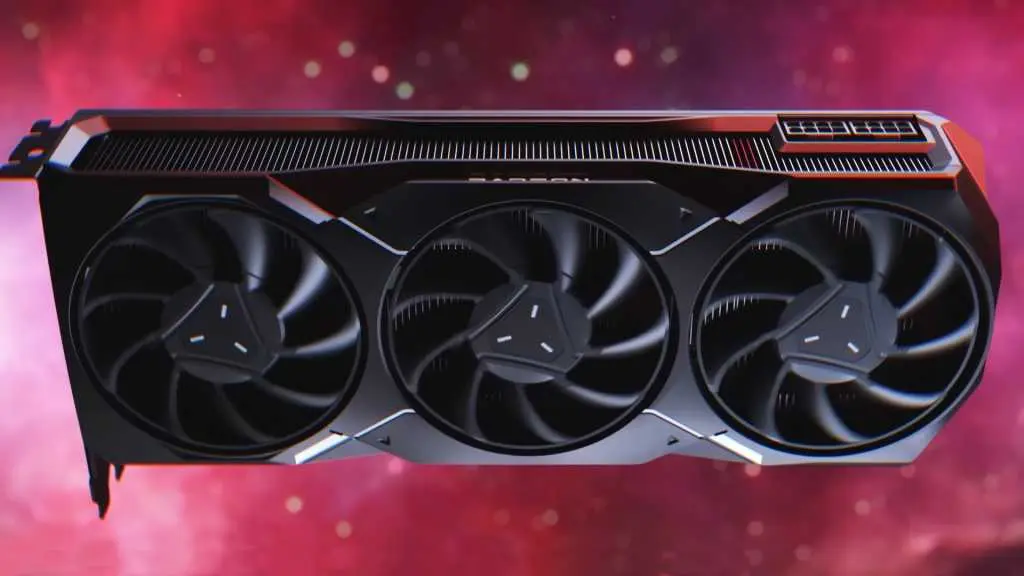
AMD FSR 4.1 support arrives early for RDNA 3 GPUs, bringing AI upscaling to RX 7000 series
16 Jun 2026•Technology
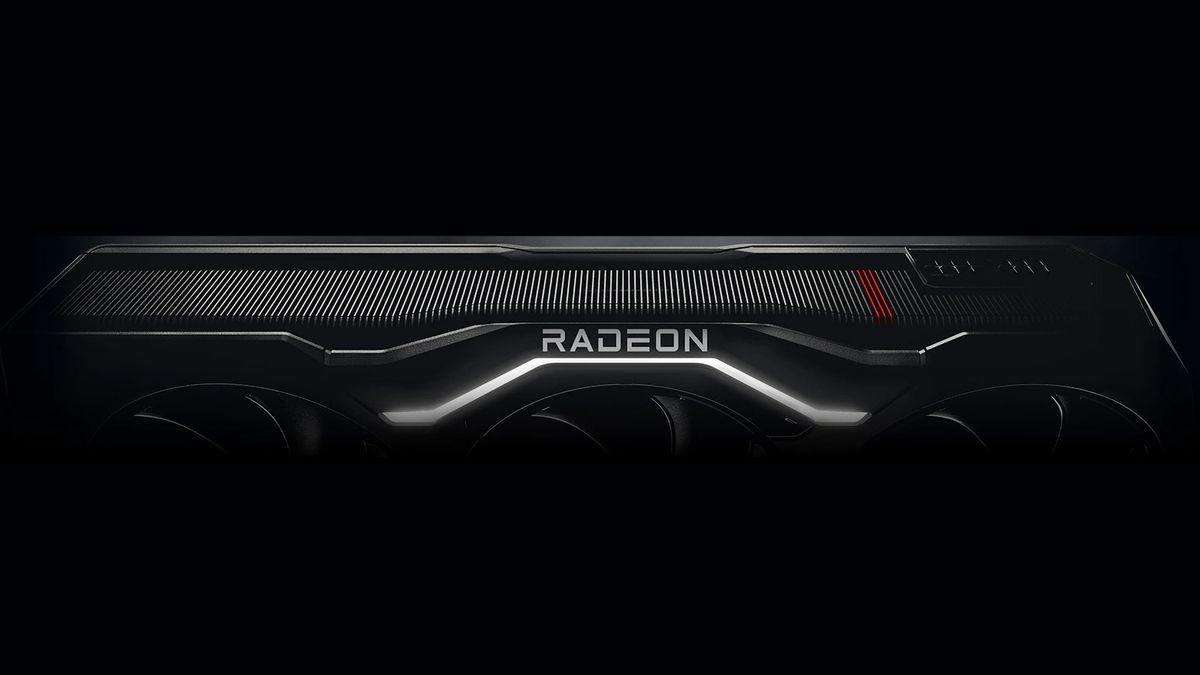
Recent Highlights


Recent Highlights
Today's Top Stories







Don’t drown in AI news. We cut through the noise - filtering, ranking and summarizing the most important AI news, breakthroughs and research daily. Follow topics that matter to you and stay ahead.


