Apple activates Siri voice customization controls in iOS 27 beta 3 for personalized AI experience


2 Sources
[1]
You can now customize Siri's pace and expressivity in the latest iOS 27 beta
With the latest iOS 27 developer beta, Apple is giving testers an early look at one of the upcoming improvements to its AI-powered Siri: the ability to adjust how quickly and expressively the AI assistant speaks. In iOS 27 beta 3, out today, Apple has enabled the voice controls for "Pace" and
[2]
Apple finally lets you make Siri sound like you want
During the WWDC 2026 event, Apple demonstrated that users will finally be able to customize how Siri sounds. While this feature has been available in the Settings app since the first iOS 27 developer beta, the sliders for adjusting Siri's voice were greyed out. With the third developer beta Apple
Share
Copy Link
Apple has enabled voice customization controls in iOS 27 beta 3, allowing users to adjust Siri's pace and expressivity through active sliders. First announced at WWDC 26, the feature lets testers personalize how quickly Siri speaks and how much emotional tone the AI assistant conveys, with settings carrying over to Apple Maps and Safari.
Apple Enables Siri Voice Customization in iOS 27 Beta 3
Apple has activated voice customization controls for Siri in the latest iOS 27 developer beta, marking a significant step in the company's effort to rebuild its AI assistant around generative AI. The third beta release enables previously grayed-out sliders for Pace and Expressivity that were labeled as "Coming soon" in earlier versions
1
. Beta testers can now customize Siri's pace and expressivity through active controls, adjusting how quickly the assistant speaks and how much emotional tone its voice conveys.
Source: TechCrunch
The feature, first demonstrated at WWDC 26 in June, represents Apple's broader push to make Siri feel more natural and personal. Like ChatGPT and other voice AI assistants, letting users personalize their interaction with the technology has become an important aspect of connecting people with AI-powered tools
1
.How to Customize Siri's Speech with New Controls
Users can access the new controls by navigating to Settings → Siri → Expressive Voice Preview, where both sliders are now active with five adjustment levels each for all currently available voices
2
. The Pace slider changes how fast Siri speaks, while the Expressivity slider adjusts tone and intonation to make Siri sound more human-like. Whether users prefer a flat, businesslike assistant or one full of personality, the range offers meaningful flexibility.Apple has implemented live feedback that makes the adjustment process intuitive. The moment users start dragging a slider, Siri plays a continuous audio sample that updates in real time, allowing them to hear exactly how their changes affect Siri's speech
2
. As adjustments are made, Siri practices saying common phrases like "You have one new message" so testers can evaluate different voice configurations before committing1
.Settings Extend Beyond Siri to Apple Maps and Safari
A notable advantage of the new voice customization system is that settings don't remain confined to Siri alone. Apple has designed the feature so custom pace and expressivity choices carry over to Apple Maps and Safari, ensuring a consistent voice personality across multiple apps rather than resetting each time users switch between services
2
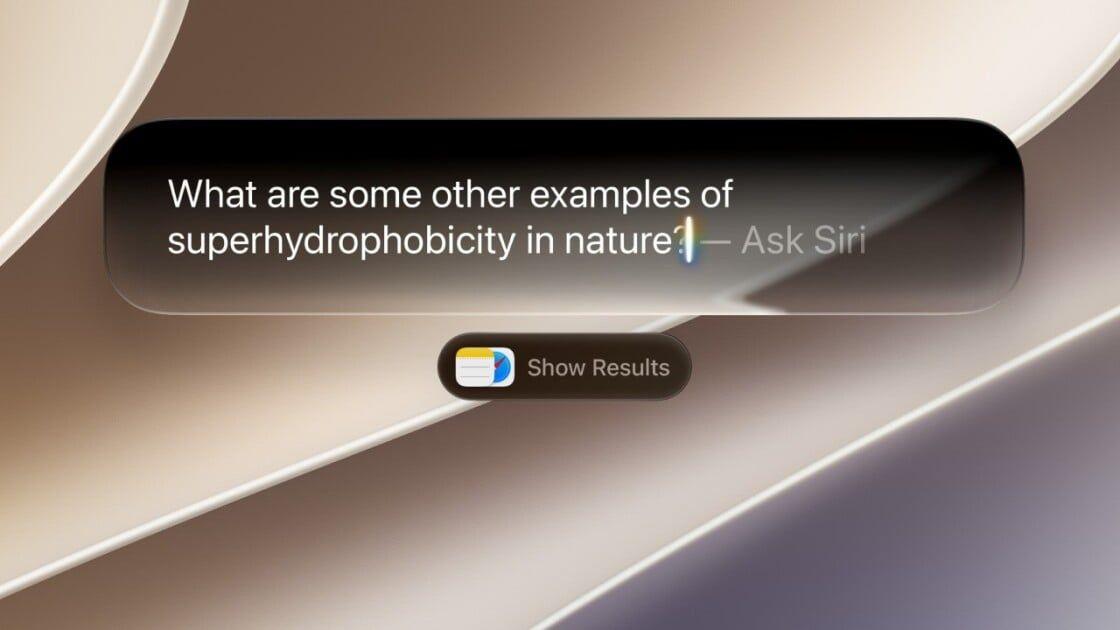
. This integration creates a more cohesive experience for those who rely on voice assistance throughout their iPhone usage.The AI version of Siri is deeply integrated across iOS 27, allowing iPhone owners to start conversations through multiple methods: speaking, swiping down from the Dynamic Island, typing, tapping the side button, or using the brand-new standalone Siri app
1
.Related Stories
Comparing Apple's Approach to Competitors
While Apple's voice customization represents progress, ChatGPT offers more extensive options. OpenAI rolled out the ability to adjust AI warmth and enthusiasm in December 2025, alongside controls to configure base style and tone—letting users make the assistant more friendly, professional, candid, or quirky. These adjustments affect not only how ChatGPT speaks but also how it presents information
1
. Apple's current implementation focuses on pace and expressivity, leaving room for potential expansion in future updates.Beyond voice controls, iOS 27 beta 3 includes other changes such as an updated Reminders app icon. Some users on X have reported losing access to the new Siri after updating or seeing their phone begin reindexing data—typically the first step in optimizing Siri AI for search
1
. These issues are common in early developer beta releases as Apple continues refining the experience ahead of the public launch.References
Summarized by

Navi
[2]
Related Stories
Apple's Siri AI in iOS 27 Requires Waitlist Access—Here's How to Join and What to Expect
15 Sept 2026•Technology

Apple's WWDC 2026 Keynote Set for June 8 as Siri Upgrade Hints Emerge Through AI Voice Control
18 May 2026•Technology
Siri gets complete AI-powered rebuild in iOS 27 with chatbot features and standalone app
06 May 2026•Technology

Recent Highlights
1
OpenAI's AI Models Disprove 27-Year Exponential Time Hypothesis, Rendering Decades of Research Obsolete
Science and Research

2
Google DeepMind unveils Genie 4 world model with audio and 2-minute interactive simulations
Technology

3
OpenAI Cuts Internet Access for AI Model Training After Security Breaches
Technology

Recent Highlights
Today's Top Stories









Don’t drown in AI news. We cut through the noise - filtering, ranking and summarizing the most important AI news, breakthroughs and research daily. Follow topics that matter to you and stay ahead.


