Claude gets Malwarebytes scam detector that checks suspicious links before you click


2 Sources
[1]
Claude just got a scam detector, and it could save you from a costly mistake
Claude can now tell a scam from the real thing, even when you can't. Thanks to AI's content generation capabilities, scams are getting harder to detect. According to Malwarebytes' research, 66% of people say it's hard to tell a scam from the real thing. AI-generated scams are becoming so good that
[2]
Malwarebytes' Claude connector can spot scams before they catch you
When not writing, Dave enjoys spending time with his family, running, playing the guitar, camping, and serving in his community. His favorite place is the Blue Ridge Mountains, and one day he hopes to retire there (hopefully his fear of heights will have retired by then, too!). * Malwarebytes has
Share
Copy Link
Malwarebytes has launched a free connector for Claude that detects potential scams in real-time. The integration allows users to check suspicious links, phone numbers, email addresses, and text directly within their Claude conversations. With 66% of people struggling to identify scams, this tool provides instant verdicts and guidance without requiring a Malwarebytes account.
Malwarebytes Launches Free Connector for Claude to Combat Rising Scam Threats
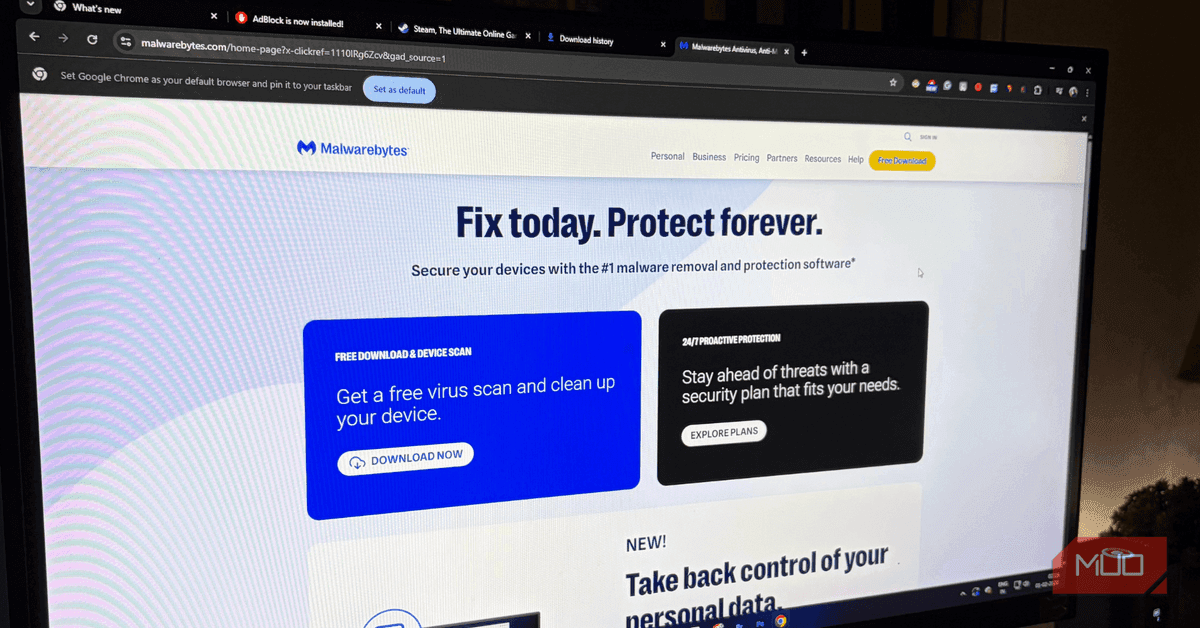
Malwarebytes has integrated its threat intelligence directly into Claude, Anthropic's AI assistant, creating a powerful defense against the growing wave of AI-generated scams. The Malwarebytes Claude connector, announced on April 29, enables users to detect potential scams without leaving their conversations. According to Malwarebytes' research, 66% of people find it difficult to distinguish scams from legitimate content, and AI-generated scams have become sophisticated enough to deceive even tech-savvy individuals
1
.
Source: MakeUseOf
This free connector for Claude addresses a critical gap as more people rely on AI tools for everyday questions and online safety guidance. "The use of AI has opened up new areas for cybercriminals to target, and combined with manipulative language or images, no one is too smart to fall victim," said Marcin Kleczynski, Founder and CEO of Malwarebytes
2
.How Scam Detection Works Within Claude Conversations
The integration allows users to check suspicious links, phone numbers, email addresses, and domains by simply pasting them into Claude. The system analyzes the input using Malwarebytes' threat intelligence and returns one of four verdicts: safe, malicious, suspicious, or unknown. Each verdict includes contextual guidance on the appropriate next steps
1
.The threat detection capabilities extend beyond basic link analysis. Users can verify if phone numbers are linked to scam databases, confirm whether email addresses originate from legitimate domains, and perform WHOIS lookup to examine domain registration details. The tool can analyze multiple threats from a single message simultaneously, checking several links or combinations of images and text with one command
2
.Setting Up the Malwarebytes Integration Takes Minutes
Connectors are integrations that allow external apps to plug into Claude and access chat data for enhanced functionality. Setting up the Malwarebytes connector requires no account creation. Users simply open Claude, navigate to Customize, then Connectors, click the plus button, search for Malwarebytes, and select Connect
1
. Once installed, the tool immediately begins providing real-time analysis and protection.Related Stories

Expanding AI-Powered Protection Against Phishing Scams
This launch follows Malwarebytes' February introduction of a similar tool for ChatGPT, demonstrating the company's strategy to tackle scams across multiple AI platforms. The integration represents a shift in how AI tools can protect users from the very threats that AI technology has helped create. As cybercriminals increasingly leverage AI to craft convincing phishing scams and fraudulent messages, having threat intelligence embedded directly in AI assistants provides a critical layer of defense.
Users can also report suspicious content to Malwarebytes through the connector, contributing to enhanced protection for the broader community. This crowdsourced approach to identifying new threats helps the system stay current with evolving scam tactics. The seamless experience keeps everything within the Claude chat interface, eliminating the need to switch between multiple security tools or websites to verify suspicious links, phone numbers, or domains
2
.References
Summarized by

Navi
Related Stories
Norton Genie AI Scam Detector Now Powers Claude and ChatGPT to Identify Online Threats
01 Jul 2026•Technology

Hackers exploit Google Ads and Claude.ai shared chats to spread Mac malware
11 May 2026•Technology

Fake Claude Code sites spread malware through cloned install guides targeting developers
07 Mar 2026•Technology

Recent Highlights
1
Microsoft and Nvidia Launch Surface Laptop Ultra: A $2,599 AI-Ready PC With RTX Spark Chip
Technology

2
Scientists Build AI Model That Reconstructs Images From Brain Scans in Record Time
Science and Research

3
Anthropic AI Cuts Live Internet Access After Model Sends False Homicide Tip to Philadelphia Police
Technology

Recent Highlights
Today's Top Stories









Don’t drown in AI news. We cut through the noise - filtering, ranking and summarizing the most important AI news, breakthroughs and research daily. Follow topics that matter to you and stay ahead.


