Google AI introduces Collections to Gemini Notebook as tool expands across workspace


2 Sources
[1]
Google is fixing the biggest problem with having too many Gemini notebooks
What started as Project Tailwind, an experimental tool Google launched at its I/O 2023 event, became NotebookLM and is now one of the company's most popular AI tools. The biggest reason for its success is that the AI notebook has only improved over time, bringing more users into its fold. Although
[2]
Gemini Notebook's new Collections arrive just as Google turns it into a bigger workspace
Google is cleaning up notebook organization as the former NotebookLM expands across Gemini and Search Google has barely finished renaming NotebookLM, and it's already addressing one of the headaches that comes with building a large research library. Collections are rolling out to all Gemini
Share
Copy Link
Google has launched Collections, a new organizational feature for Gemini Notebook that allows users to group similar notebooks into customizable folders. The update arrives as the recently rebranded NotebookLM integrates more deeply with Gemini and Google Search, transforming from a standalone research tool into a connected workspace component.
Google's AI Notebook Tool Gets Major Organization Upgrade
Google AI has introduced the Collections feature to Gemini Notebook, addressing a growing pain point for users managing multiple research projects
1
. The new capability allows users to organize notebooks by grouping similar notebooks into customizable folders, much like creating playlists for music1
. This update comes at a strategic moment, as Google transforms the former NotebookLM into a more integrated component of its AI-driven research ecosystem.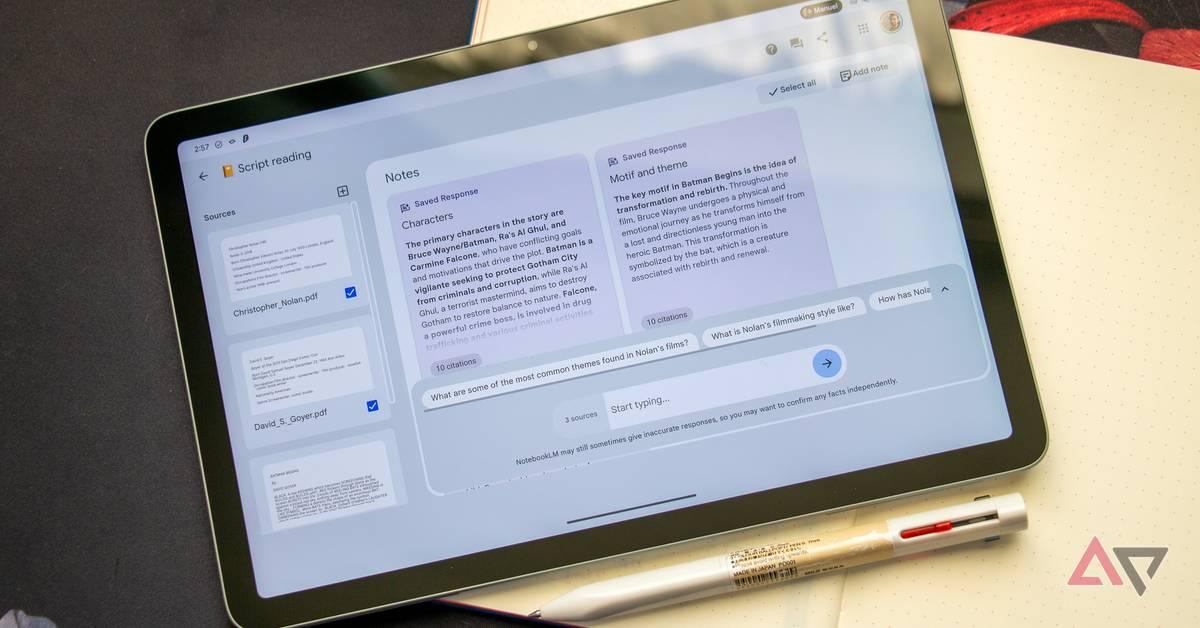
Source: Android Police
The Collections feature operates with a deliberate simplicity that distinguishes it from traditional file management systems. Rather than forcing users to choose a single permanent location for each notebook, Collections behaves more like labels, allowing a single notebook to belong to multiple Collections simultaneously
2
. A research project could sit under both a work collection and a broader topic without creating duplicates or requiring users to reorganize their existing library. Anything that doesn't need sorting can remain ungrouped under the My Notebooks section, maintaining visibility while reducing clutter2
.How Collections Simplifies Notebook Management
Users can access Collections through a dedicated tab positioned beside the Shared with me section in Gemini Notebook
1
. The feature supports customization options including the ability to name folders using emojis and change folder names as needed1
. Before Collections, users often spent considerable time scrolling through lengthy lists of notebooks searching for specific projects. The new system narrows the search scope by allowing users to identify which Collection contains their target notebook before opening it1
.Integration Across Google's AI Products Drives Timing
The timing of this organizational update reflects broader strategic shifts at Google. Gemini Notebook now appears inside the Gemini app, where users can work with uploaded material alongside earlier chats and custom instructions, with changes syncing across both products
2
. Google is also bringing Gemini Notebook into Google Search, expanding the research tool beyond its standalone origins2
. With notebooks gaining more places to appear and accumulate information, leaving them in one increasingly crowded library would quickly become frustrating. Collections adds an organizational layer before that expansion makes the dashboard harder to navigate2
.Related Stories
Limitations and Future Possibilities
Currently, Collections cannot be shared with other users, representing a notable limitation for collaborative work
1
. However, Google has shown interest in adding sharing capabilities after user feedback on X requested the feature1
. The company hasn't announced nested Collections, automatic sorting, or a full file-management system, leaving the feature with a deliberately narrow job2
. Users expecting the control of a proper folders system with detailed hierarchy will find the setup fairly basic2
.What started as Project Tailwind at Google's I/O 2023 event has evolved into one of the company's most popular AI tools, with the recent rebranding from NotebookLM to Gemini Notebook signaling strong commitment to making it a core part of the Gemini ecosystem
1
. The Collections feature is rolling out gradually to all Gemini Notebook users and should be available to everyone soon1
. As notebooks continue to integrate across more of Google's AI products, improved usability through features like Collections becomes essential for maintaining the research tool's effectiveness as a workspace component.References
Summarized by

Navi
Related Stories
Gemini Notebooks syncs with NotebookLM to organize research and projects in one place
09 Apr 2026•Technology
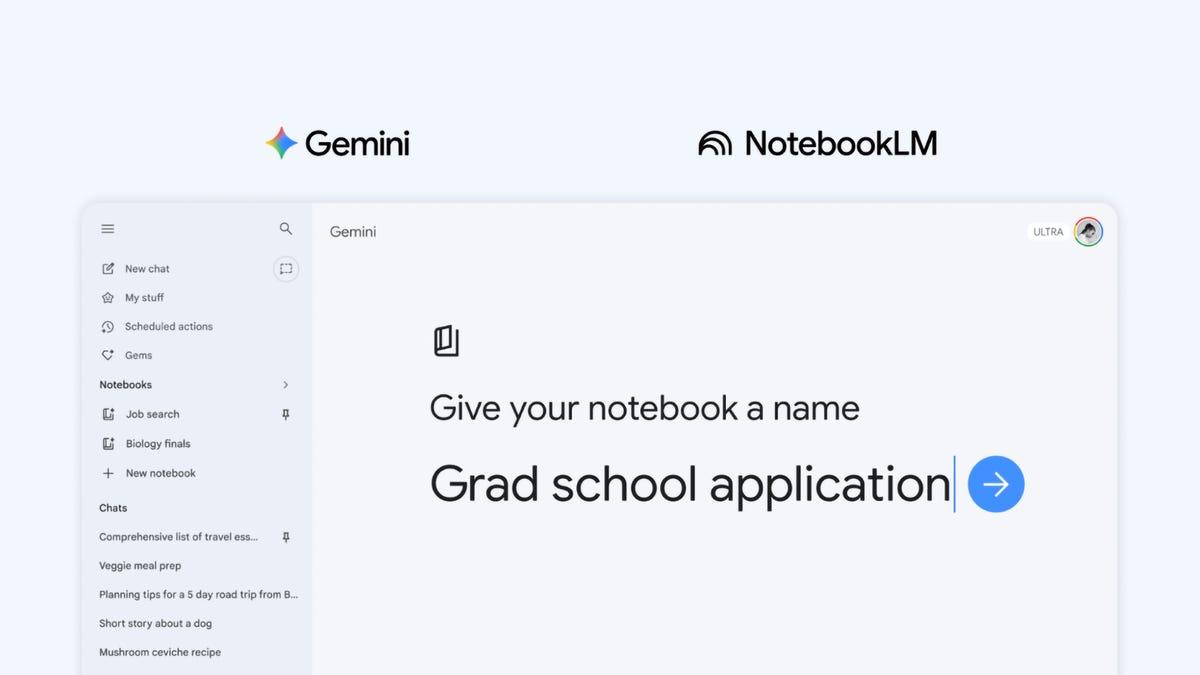
Google renames NotebookLM to Gemini Notebook, unifying its AI-driven research ecosystem
16 Jul 2026•Technology

Google AI brings NotebookLM into Gemini with new integration that changes cross-tool workflows
15 Dec 2025•Technology

Recent Highlights



Recent Highlights
Today's Top Stories




Don’t drown in AI news. We cut through the noise - filtering, ranking and summarizing the most important AI news, breakthroughs and research daily. Follow topics that matter to you and stay ahead.


