Google Docs and Drive Roll Out Native Markdown Files Support Amid Rising AI Agent Usage


2 Sources
[1]
Google Docs and Drive now support markdown files natively
Spurred by the use of markdown files in the AI age, Google Drive and Google Docs are adding full, native support for markdown (.md) files. Google has been building out markdown support in Drive for years now, but prior steps largely included converting markdown into a format that Docs could
[2]
Spurred on by AI usage, Google Docs and Drive now support markdown files natively
* Google highlights significance of .md files given the rise in AI agents, including its own Gemini * Markdown files can now be previewed as they're intended to be seen * All Google Workspace accounts will be getting the update Despite having its own file formats, Google has confirmed it will be
Share
Copy Link
Google Docs and Drive now support markdown files natively, allowing users to open, edit, and collaborate on .md files without conversion. The update enables visual rendering with clickable links and structured tables, positioning markdown as the common language between humans and AI agents including Gemini.
Google has launched native support for markdown files across Google Docs and Drive, marking a significant shift in how the platform handles .md files amid their growing importance in AI-driven workflows
1
. The update eliminates the need for file conversion and enables users to work with markdown files directly within Google Workspace accounts2
.Native Support for Markdown Files Transforms Workflow
For years, Google has been building markdown capabilities into Drive, but previous implementations required converting markdown into formats compatible with Docs
1
. This new native support for markdown files allows users to open, edit, and collaborate on .md files without changing the file type. The platform now offers full rendering of markdown formatting, including clickable links and structured tables, directly within Drive's preview interface2
.Real-Time Collaboration Between Humans and AI Agents
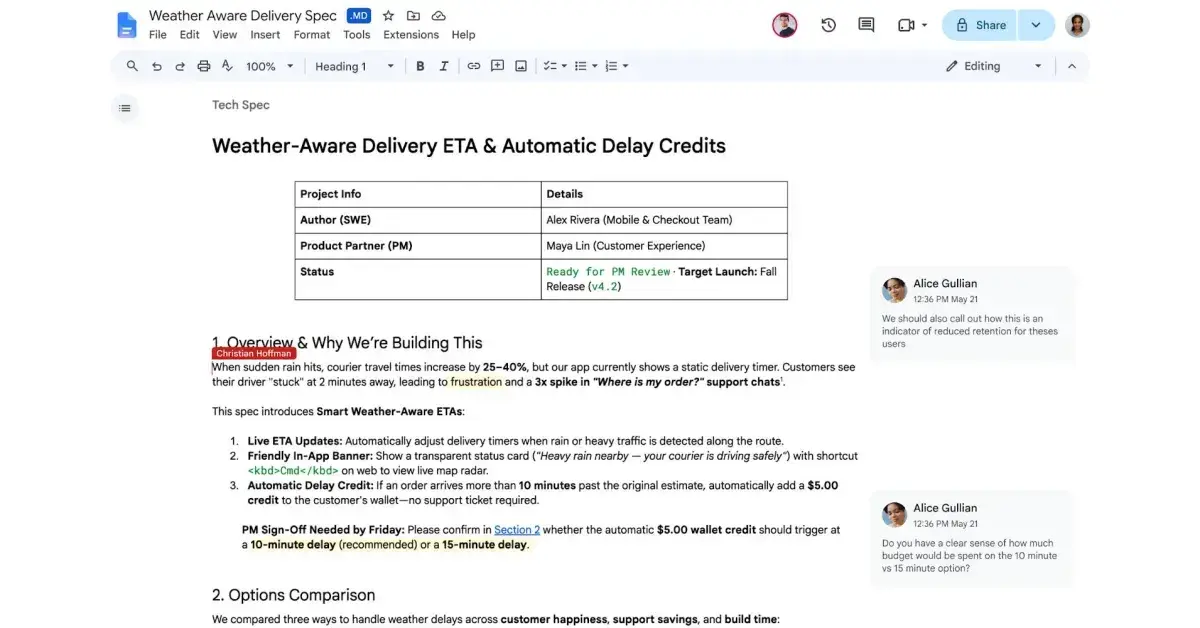
Source: 9to5Google
The update introduces real-time collaboration capabilities that benefit both human users and AI agents. Google Engineering VP Chandu Thota emphasized that markdown has become the common language between humans and AI agents
1
. Users can now edit markdown files in Docs while maintaining access to real-time editing and commenting tools, without forcing anyone to write raw syntax or handle manual file conversions2
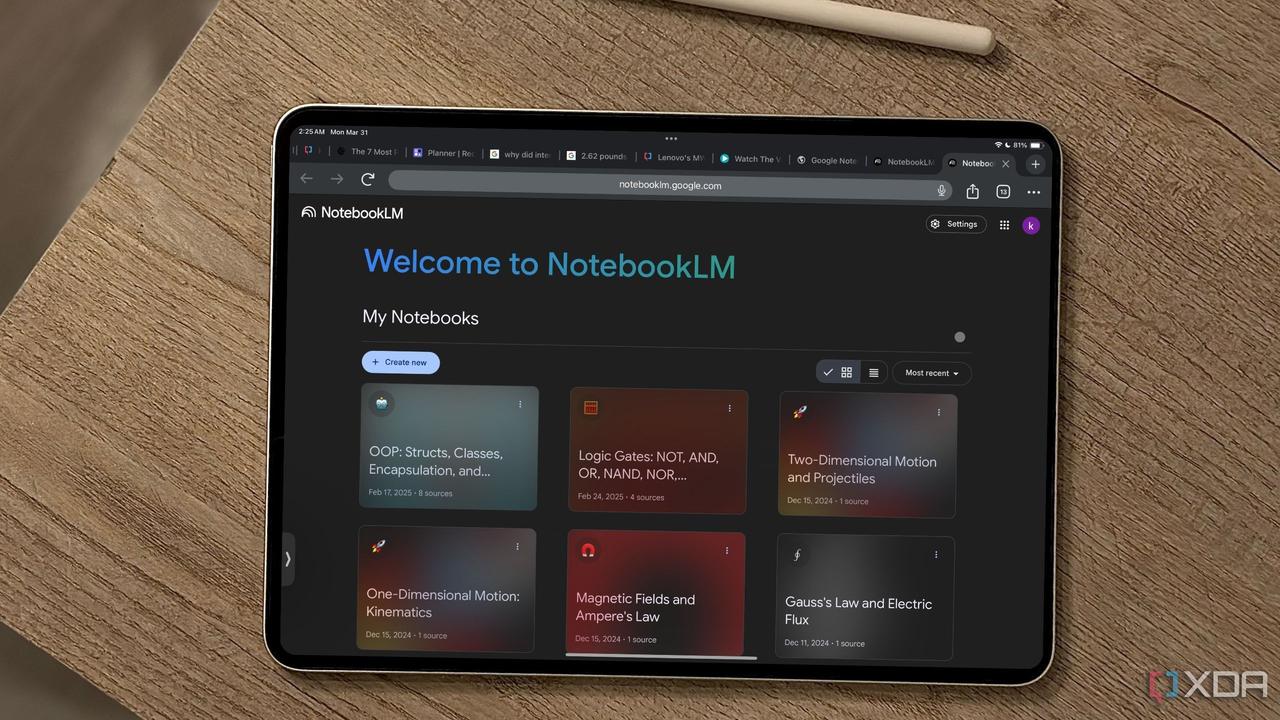
.This AI integration particularly benefits use cases involving AI agents collaborating on documents and syncing with Gemini Notebook
1
. The timing aligns with Google's broader strategy, as the company announced in April 2026 that the Gemini model would generate multiple file types, including markdown2
.Visual Rendering Enhances Productivity Tools
Drive now supports visual rendering of markdown, displaying fully formatted documents rather than plain text
1
. This means users can view .md files as they're intended to be seen, complete with proper formatting for links, tables, and other elements, without switching between file types2
. The visual rendering retains the formatting simplicity of markdown syntax while making documents accessible to users who may not be familiar with raw markdown code.Related Stories
Phased Deployment Across All Workspace Accounts

Source: TechRadar
The markdown support began rolling out on October 5 and follows a phased deployment schedule that may take up to 15 days for all users to receive access
1
2
. The feature is enabled by default across all Google Workspace accounts, including admin-controlled accounts, ensuring that both business and individual users can leverage the new productivity tools1
.This development positions Google to better compete in an AI-driven workspace environment where markdown has emerged as a critical format for human-AI collaboration. As AI agents become more prevalent in document workflows, the ability to seamlessly work with .md files without conversion barriers could prove essential for teams integrating AI into their daily operations.
References
Summarized by

Navi
Related Stories
Google Brings AI-Powered Audio Overviews to Docs, Enhancing Workspace Productivity
10 Apr 2025•Technology
Gemini gains four new AI features to manage comments and edits in Google Docs
29 Jul 2026•Technology
Gemini now generates files directly in chat, supporting PDF, Word, Excel and LaTeX formats
29 Apr 2026•Technology

Recent Highlights



Recent Highlights
Today's Top Stories



Don’t drown in AI news. We cut through the noise - filtering, ranking and summarizing the most important AI news, breakthroughs and research daily. Follow topics that matter to you and stay ahead.


