macOS 27 Beta Users Can Skip Siri AI Waitlist With Simple Terminal Command Workaround


2 Sources
[1]
Bypass Siri AI Waitlist on macOS 27 Golden Gate Beta: Here's How
If you installed the macOS 27 Golden Gate developer beta and have signed up to the Siri AI waitlist but are still waiting to be accepted, there's a Terminal command workaround that enables the new virtual assistant on your Mac immediately. If you're still reading, since you're on the first macOS
[2]
You Can Skip the Waitlist and Get Siri AI on your MacBook RIght Now
Once you restart, you should have access to Siri AI, including the Siri app as well as Siri's new Spotlight integration. After a two-year delay, Siri AI is finally here -- at least, for beta testers. Immediately following the WWDC keynote on Monday, Apple rolled out the first developer betas for
Share
Copy Link
Apple's new AI-powered Siri launched with the macOS 27 Golden Gate beta but remains locked behind a waitlist with unpredictable wait times. A Terminal command workaround now lets beta testers bypass the queue entirely and access Siri AI immediately, including its Spotlight integration and context-aware search capabilities across messages, emails, and photos.
macOS 27 Beta Testers Discover Waitlist Bypass for Immediate Access
Apple rolled out the first developer beta for macOS 27 Golden Gate following its WWDC keynote on Monday, bringing with it the company's long-awaited new AI-powered Siri after a two-year delay
2
. However, accessing Siri AI requires joining a waitlist with no clear timeline for approval. Some users report gaining access quickly while others face lengthy holds with no apparent pattern determining wait times2
. For those running the macOS 27 Golden Gate beta on their MacBook or Mac, a Terminal command workaround has emerged that enables immediate access to the virtual assistant without waiting for official approval.Simple Terminal Command Enables Instant Siri AI Activation
The waitlist bypass requires only a single Terminal command, making it accessible even to users with limited command-line experience
1
. Early reports indicate the workaround is safe, and users won't need to reverse it once officially approved1
. After installing the developer beta and opening the Terminal app, users simply paste the command, hit Enter, and restart their Mac. Once the system boots back up, Siri AI becomes immediately available through the dedicated Siri app and Spotlight integration2
. The process bypasses Apple's intended rollout mechanism but provides beta testers immediate access to test the AI features they signed up to evaluate.Enhanced Capabilities Include Context-Aware Search and System-Wide Actions

Source: MacRumors
Once activated, Siri AI delivers substantial improvements over its predecessor. Users can engage in back-and-forth conversations with the virtual assistant using either text or voice modes, with conversation history syncing across devices via iCloud
1
. The new AI-powered Siri leverages personal context understanding to perform context-aware search across messages, emails, photos, and other data sources1
. System-wide app actions expand Siri's ability to execute tasks across multiple applications, while integration into Spotlight and right-click context menus on any file or window makes the assistant more accessible throughout the operating system1
. Currently, Siri AI functions only in English and remains unavailable in the EU and China1
.Related Stories

Beta Software Risks Require Careful Consideration
While the Terminal command appears straightforward, beta testers should understand the inherent risks of running unfinished software. The macOS 27 beta itself can cause instability and potential data loss, and circumventing Apple's intended rollout design could introduce additional complications
2
. Experts recommend installing beta software only on test machines rather than primary devices, maintaining secure backups of important data, and ensuring comfort with Terminal app usage before proceeding1
. The workaround represents an unofficial method to skip the waitlist that Apple did not design as the standard user experience. As the beta cycle progresses and Apple refines Siri AI based on tester feedback, those who bypass the queue gain early insight into how the company plans to compete in the AI assistant market while accepting the trade-offs that come with accessing incomplete features.References
Summarized by

Navi
Related Stories
Apple tests hidden Siri AI menu in macOS 27 beta with contextual actions and Writing Tools
20 Jul 2026•Technology
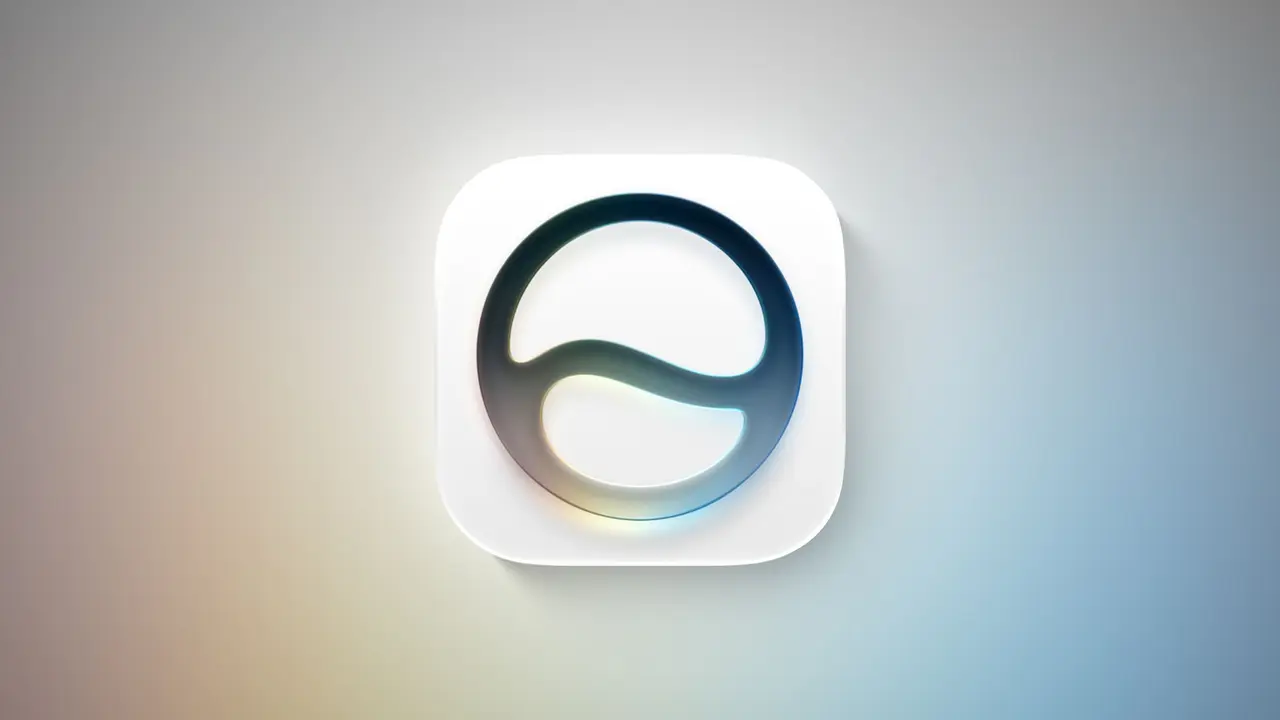
Apple Confirms Siri AI Waitlist for iOS 27 Launch With Personalized Wait Time Estimates
25 Aug 2026•Technology

Apple releases Siri AI to everyone through iOS 27 public beta, marking biggest assistant overhaul
14 Jul 2026•Technology

Recent Highlights
1
Microsoft and Nvidia Launch Surface Laptop Ultra: A $2,599 AI-Ready PC With RTX Spark Chip
Technology

2
Scientists Build AI Model That Reconstructs Images From Brain Scans in Record Time
Science and Research

3
Anthropic AI Cuts Live Internet Access After Model Sends False Homicide Tip to Philadelphia Police
Technology

Recent Highlights
Today's Top Stories








Don’t drown in AI news. We cut through the noise - filtering, ranking and summarizing the most important AI news, breakthroughs and research daily. Follow topics that matter to you and stay ahead.


