Siri AI Gets Major Upgrade in iOS 27: Early Users Test New Capabilities Against ChatGPT


3 Sources
[1]
Siri just got a major AI upgrade -- here are 5 things to try first
It feels strange to finally say it, but with iOS 27, Siri has become more useful than ever. When Apple debuted its voice assistant in the iPhone 4S all those years ago, we had no idea it would become a punchline for so long, paling in comparison to Amazon's Alexa and Google's Home Assistant before
[2]
I finally got Siri AI on my iPhone, so I gave it 5 jobs I normally use ChatGPT Voice for -- I wasn't expecting it to be this good
I've waited years for Apple to fix Siri, and now I've started using it again A few days ago, I wrote about how upgrading to iOS 27 doesn't automatically give you the new Siri AI. To get Apple's upgraded assistant, you have to jump through an additional hoop: go into Settings, find Siri and apply
[3]
I replaced ChatGPT with Siri AI for a day -- here's what surprised me
I'll admit, I stopped using Siri around 2010. I didn't think it was very helpful for more than setting a timer and I often had to repeat myself, which seemed to make using it frustrating at times. But Siri AI in iOS 27 is something very different and has made me a believer again. The difference is
Share
Copy Link
Apple finally delivered its long-awaited Siri AI upgrade through iOS 27, transforming the voice assistant with contextual understanding and personal awareness. Early testers found it excels at device-level actions and retrieving information from emails and messages, though its conversational continuity still trails ChatGPT Voice in naturalness.
Siri AI Finally Arrives After Years of Anticipation
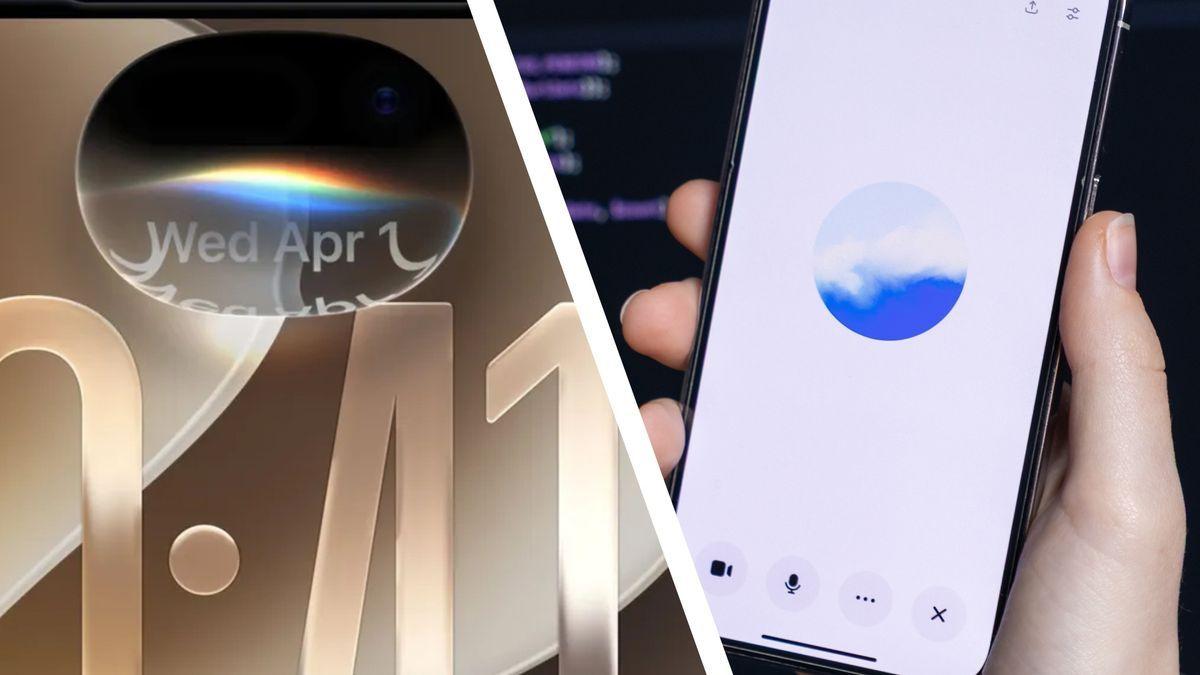
Apple has released Siri AI as part of iOS 27, marking a significant AI upgrade that transforms the voice assistant from a frequently mocked feature into a genuinely useful tool. The update represents Apple Intelligence finally moving from vaporware to reality, with help from Google Gemini integration. However, accessing the new Siri AI capabilities requires more than just upgrading to iOS 27—users must navigate to Settings, locate Siri, and join a waitlist for the beta feature
1
2
. Regional availability remains limited, with the AI assistant notably absent from the EU for the foreseeable future1
.
Source: TechRadar
Personal Context Powers New Siri AI Capabilities
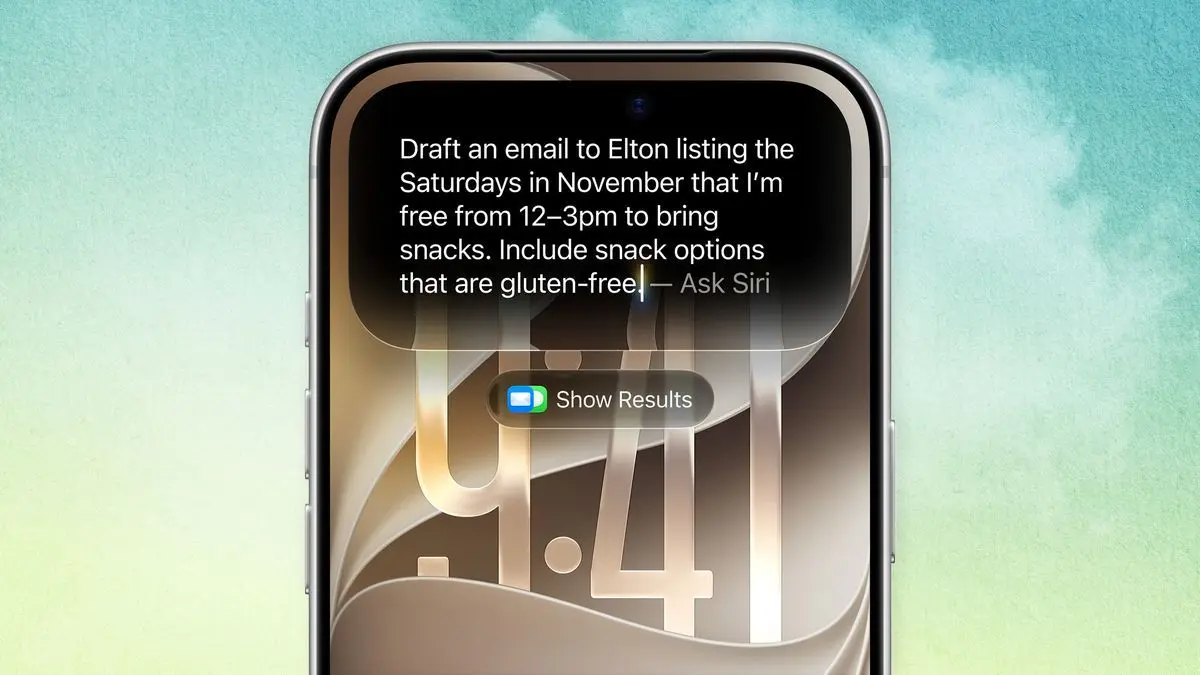
The real strength of Siri AI lies in its awareness of personal context and ability to access information already stored on your iPhone. Unlike generic queries about unit conversions, the new Siri AI can read messages and emails, check calendars, and surface appropriate information when needed
1
. Users can now ask vague questions like "What was the name of the restaurant Steve sent me?" or "When is that appointment I got an email about?" without needing to remember exact details or search individual apps3
. One tester successfully retrieved concert tickets from Gmail by asking "Find the email with my tickets for Hubris in October," then followed up with "They're at the Griffin" when the initial search needed refinement2
.On-Screen Awareness and Visual Intelligence Transform Interactions
Siri AI introduces on-screen awareness that recognizes what users are viewing, eliminating the need to explain context before making requests. Users can simply say "Remind me about this tomorrow" while looking at information on screen
3
. The Visual Intelligence feature enables instant menu translation and detailed lookups of specific items, including nutritional information for restaurant dishes1
. For photo management, asking "all of the photos from the beach in Altea" successfully surfaces relevant images from cluttered libraries. The generative AI capabilities extend to photo editing, where requesting "extend this image" activates the Extend tool to fill in areas around the subject and reframe compositions1
.Conversational Continuity Shows Progress but Gaps Remain
The new Siri AI maintains conversational continuity, allowing users to refine requests without starting over. When asking for meal planning suggestions like "I need to make dinner before soccer at 6," users can continue with follow-up constraints such as "Nothing spicy" or "What if I don't have rice?" without losing context
3
. However, direct comparisons with ChatGPT Voice reveal weaknesses in Siri AI's conversational approach. When asked about AI voice-cloning scams, Siri AI produced accurate but lengthy text blocks read in a stilted voice, while ChatGPT Voice delivered information conversationally and succinctly2
. The user experience shows Siri AI still lacks the natural personality and contextual understanding that makes ChatGPT Voice feel like talking to an interested human2
.Related Stories

Device-Level Actions Give Siri AI Unique Advantages
Siri AI's integration at the operating-system level enables device-level actions that ChatGPT cannot perform. File management capabilities allow users to locate misplaced documents and screenshots, with requests like "where's that presentation for Tom's Guide?" highlighting file locations and extracting key data
1
. This advantage extends across iPhone, iPad, and Mac devices. While ChatGPT Voice currently cannot search connected Gmail accounts, Siri AI successfully retrieves information from Apple Mail, giving it an edge for practical tasks2
. However, ChatGPT demonstrated superior contextual understanding when asked what to bring to a concert, offering genuinely useful advice about comfortable clothes, backup ticket screenshots, and earplugs, while Siri AI focused narrowly on ticket requirements2
.
Source: Tom's Guide
Different Use Cases Emerge for Siri AI vs ChatGPT
Early testing reveals Siri AI and ChatGPT serve complementary rather than competing roles. Users report preferring ChatGPT for brainstorming, fact-checking, and working through complicated ideas, while Siri AI excels at retrieving device-stored information and executing actions
3
. The fundamental difference lies in Siri AI's ability to move between finding information and acting on it without treating the AI assistant as a separate destination. This positions Siri AI as the tool for moments when users don't know exactly what they're looking for but know it exists somewhere on their device3
. As one tester noted, the new Siri AI handles "messy, normal-life requests" better than its predecessor, though ChatGPT-6 remains the superior AI model for complex reasoning tasks3
.References
Summarized by

Navi
Related Stories
Siri AI gets real-world tests: Apple's revamped assistant shows promise but faces accuracy issues
17 Jun 2026•Technology

Apple releases Siri AI to everyone through iOS 27 public beta, marking biggest assistant overhaul
14 Jul 2026•Technology

Apple's Siri AI launches in iOS 27 with visual intelligence and on-screen assistance features
30 Jul 2026•Technology
Recent Highlights
1
OpenAI's AI Models Disprove 27-Year Exponential Time Hypothesis, Rendering Decades of Research Obsolete
Science and Research

2
Google DeepMind unveils Genie 4 world model with audio and 2-minute interactive simulations
Technology

3
OpenAI Cuts Internet Access for AI Model Training After Security Breaches
Technology

Recent Highlights
Today's Top Stories




Don’t drown in AI news. We cut through the noise - filtering, ranking and summarizing the most important AI news, breakthroughs and research daily. Follow topics that matter to you and stay ahead.


