Developers ditch cloud AI for local LLM setups running on low-power hardware


8 Sources
[1]
Running Ollama on a 15W CPU sounded ridiculous until I got it working with decent results
Richard is the PC Hardware Lead at XDA and has been covering the technology industry for almost two decades. He's been building PCs since young, and when not creating content, you can often find him inside a chassis somewhere. Large language models (LLMs) are incredibly useful. They're not
[2]
My favorite AI coding tool isn't OpenCode: it's something way better (and cooler)
Ayush Pande is a PC hardware and gaming writer. When he's not working on a new article, you can find him with his head stuck inside a PC or tinkering with a server operating system. Besides computing, his interests include spending hours in long RPGs, yelling at his friends in co-op games, and
[3]
I finally found a local coding LLM that I actually want to use
Nick Lewis is an editor at How-To Geek. He has been using computers for 20 years --- tinkering with everything from the UI to the Windows registry to device firmware. Before How-To Geek, he used Python and C++ as a freelance programmer. In college, Nick made extensive use of Fortran while pursuing
[4]
I replaced Cursor with a completely local VS Code setup, and I missed less than expected
Ayush Pande is a PC hardware and gaming writer. When he's not working on a new article, you can find him with his head stuck inside a PC or tinkering with a server operating system. Besides computing, his interests include spending hours in long RPGs, yelling at his friends in co-op games, and
[5]
My local LLM finally understands my house better than Google ever did
Anurag is an experienced journalist and author who's been covering tech for the past 5 years, with a focus on Windows, Android, and Apple. He's written for sites like Android Police, Neowin, Dexerto, and MakeTechEasier. Anurag's always pumped about tech and loves getting his hands on the latest
[6]
I built a private LLM on my home PC using a USB drive -- it only knows what I put on it
Aggy is a writer and editor who has worked for many high-traffic digital publications. He's a technology and gaming fanboy who has been a writer, editor, consultant, and computer animator. When you feed sensitive code or research into a cloud-based AI, you lose control over where that information
[7]
I ran local LLMs on Intel's cheapest iGPU, and the results were surprisingly decent
Ayush Pande is a PC hardware and gaming writer. When he's not working on a new article, you can find him with his head stuck inside a PC or tinkering with a server operating system. Besides computing, his interests include spending hours in long RPGs, yelling at his friends in co-op games, and
[8]
I replaced cloud LLMs with local models running off a Proxmox LXC, and the performance trade-off was worth it
Ayush Pande is a PC hardware and gaming writer. When he's not working on a new article, you can find him with his head stuck inside a PC or tinkering with a server operating system. Besides computing, his interests include spending hours in long RPGs, yelling at his friends in co-op games, and
Share
Copy Link
Tech enthusiasts are replacing expensive cloud-based AI coding tools like Cursor with local LLM configurations powered by Ollama and Qwen models. These setups run on surprisingly modest hardware, including 15W CPUs and consumer GPUs, delivering privacy, cost savings, and offline access. From coding assistants to smart home control, local AI is proving capable enough to challenge cloud alternatives.
Local LLM Setups Challenge Cloud-Based AI Dominance
A growing number of developers and tech enthusiasts are moving away from subscription-based cloud AI services toward running large language models locally on their own hardware. Using tools like Ollama paired with optimized models such as Qwen and Llama, users are discovering that local LLM implementations can deliver surprisingly capable results even on low-power hardware
1
. This shift addresses mounting concerns about privacy, escalating subscription costs, and dependency on external servers.The appeal centers on three core advantages: complete data privacy since code never leaves the machine, elimination of recurring fees that can reach $100 per month or more for heavy users, and offline availability that isn't subject to server outages
3
. One developer noted that after just two years, the cumulative cost of a Claude Max subscription equals the price of an RTX 5090 GPU, making the initial hardware investment increasingly attractive for long-term use.Running AI Coding Tools on Minimal Hardware

Source: XDA-Developers
What makes this transition particularly notable is the surprisingly modest hardware requirements. One experimenter successfully ran Ollama on a Minisforum U850 mini PC equipped with an Intel Core i5-10210U CPU—a 15W processor with just four cores and 16 GB of DDR4-2666 RAM
1
. Using heavily optimized models like qwen3:4b and qwen2.5coder:7b, the setup achieved around 4 tokens per second, sufficient for practical use when multitasking.The key to making local coding LLM work on consumer hardware lies in quantization and model selection. Mixture-of-Experts models have proven particularly effective, enabling users to host bulky 35B parameter models on GPUs with just 12GB VRAM without significant performance degradation
4
. Models like Qwen3.6-35B-A3B have demonstrated performance competitive with cloud alternatives for coding tasks including code completion, refactoring, and troubleshooting.Local VS Code Setup Replaces Subscription Services

Source: XDA-Developers
Developers are building complete local AI coding environments using VS Code or VS Codium paired with extensions like llama-vscode and Cline
3
4
. These configurations provide capabilities previously available only through paid platforms like Cursor and Antigravity, which charge regular subscription fees and impose restrictive token limits on free tiers.The llama-vscode extension supports agentic workflows and integrates with MCP servers, allowing local LLM to control external applications beyond just coding tasks
4
. Users report that while cloud models generate code faster, the performance difference isn't substantial enough to justify ongoing subscription costs, especially when local setups eliminate rate limits entirely.One particularly innovative approach involves Pi, a lightweight CLI tool that can create custom extensions on demand through simple text prompts
2
. Unlike tools such as OpenCode that consume significant context length with pre-loaded tools, Pi ships minimal and allows users to build exactly the functionality they need, from Docker runtime control to Proxmox integration.Related Stories

Local AI Smart Home Integration Surpasses Traditional Assistants

Source: XDA-Developers
Beyond coding applications, local LLM implementations are transforming smart home control through integration with Home Assistant
5
. Unlike traditional voice assistants like Google Assistant or Alexa that rely on rigid commands and fixed routines, local AI can reason about contextual environments by analyzing sensor data, room states, and device relationships simultaneously.This contextual understanding enables more natural interactions. Instead of requiring exact device names and specific phrases, users can make requests like "make the living room comfortable for watching a movie," and the local AI smart home system interprets intent across multiple devices
5
. The setup typically combines Home Assistant as the foundational layer with Ollama running models like Qwen on consumer hardware including Mac minis, older gaming PCs, or modern desktops.Privacy and Cost Savings Drive Adoption
The movement toward running large language models locally reflects broader concerns about data exposure and subscription fatigue. When using cloud-based AI coding tools, proprietary code and sensitive client information pass through external company servers—a significant security consideration for professional developers
3
.Cost calculations favor local implementations for frequent users. Cloud platforms typically start at $20 per month for basic access, with costs escalating rapidly for heavy usage. A local VS Code setup requires only the initial GPU investment and electricity costs during inference tasks
4
. For home lab enthusiasts, the energy efficiency proves notable—one user switched from a system drawing 300 watts under load to a low-power mini PC configuration1
.While local setups require managing VRAM constraints and context length limitations, the trade-offs appear acceptable to users prioritizing privacy and cost savings over marginal performance advantages. The rapid evolution of optimized models and tools like Open WebUI suggests the capability gap between local and cloud AI continues narrowing, making self-hosted solutions increasingly viable for practical applications.
References
Summarized by

Navi
[1]
[4]
[5]
Related Stories
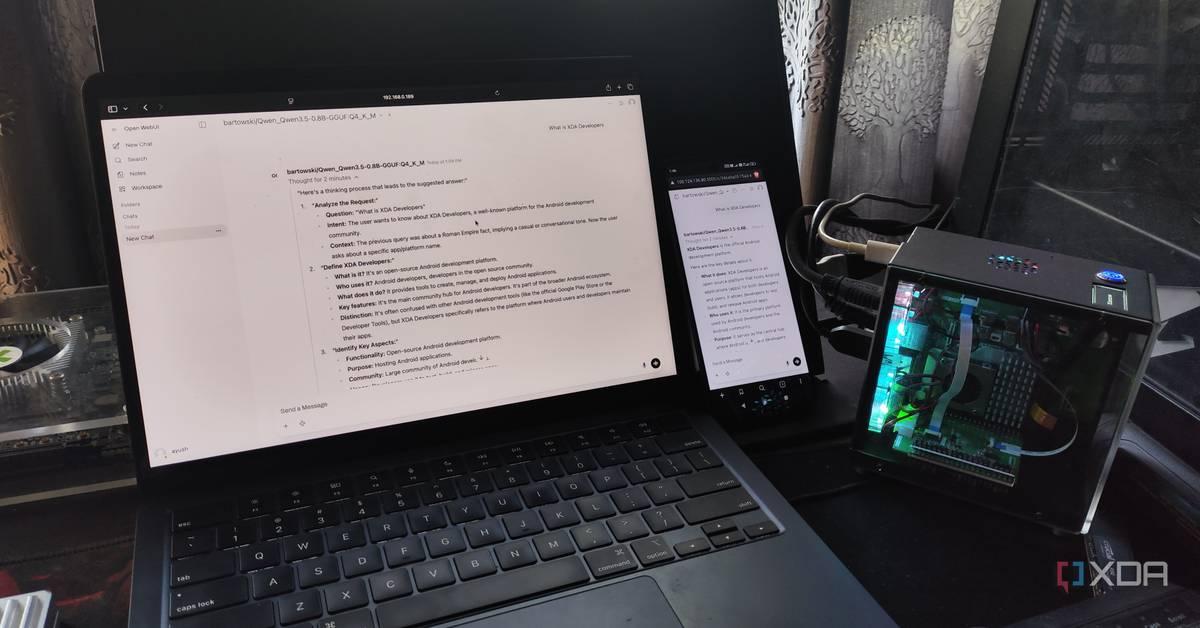
Tech enthusiasts build local LLM servers on Raspberry Pi and phones, proving on-device AI works
17 Apr 2026•Technology
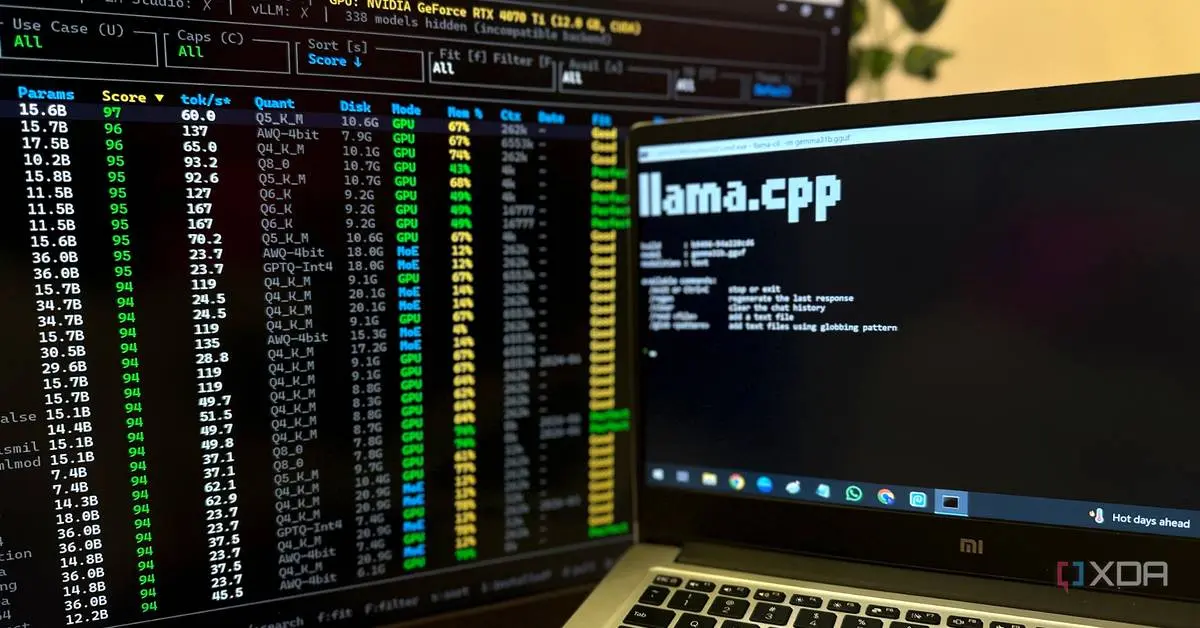
Users ditch bloated AI wrappers for llama.cpp and Ollama as LLMFit solves compatibility issues
08 Jun 2026•Technology
Developers ditch ChatGPT for local AI coding agents, saving $20+ monthly with powerful local LLM
02 May 2026•Technology

Recent Highlights



Recent Highlights
Today's Top Stories







Don’t drown in AI news. We cut through the noise - filtering, ranking and summarizing the most important AI news, breakthroughs and research daily. Follow topics that matter to you and stay ahead.


