Googlebooks Launch With Gemini AI Promises But Deliver Mixed Results for Android Laptop Users


3 Sources
[1]
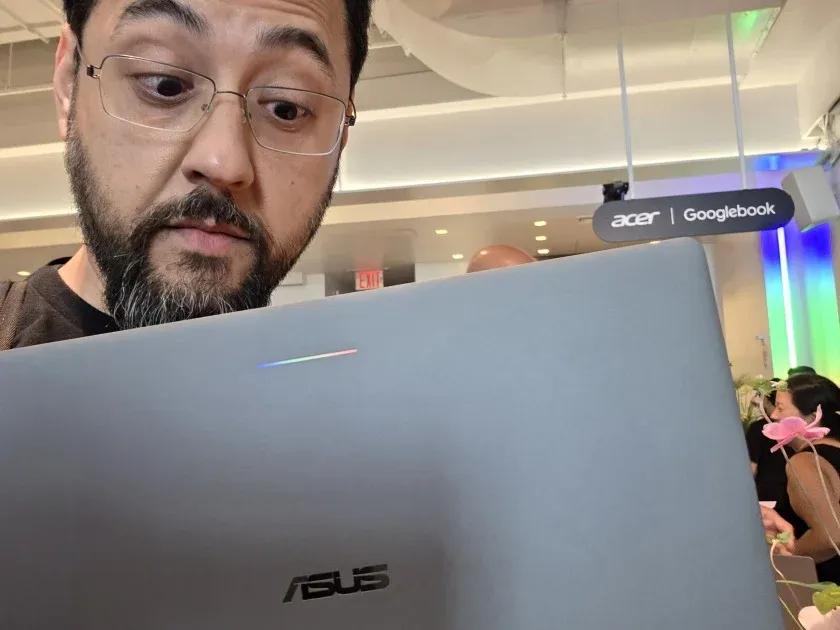
I Asked Gemini to Run My Googlebook. It Told Me to Do It Myself
Google's new Android laptops promise a seamless partnership with your phone and AI that gets things done. After a week with the Asus Googlebook 14, I'm still waiting on both. I was hyped to get my mitts on Googlebooks -- the new Android-powered laptops -- when Google revealed them earlier this
[2]
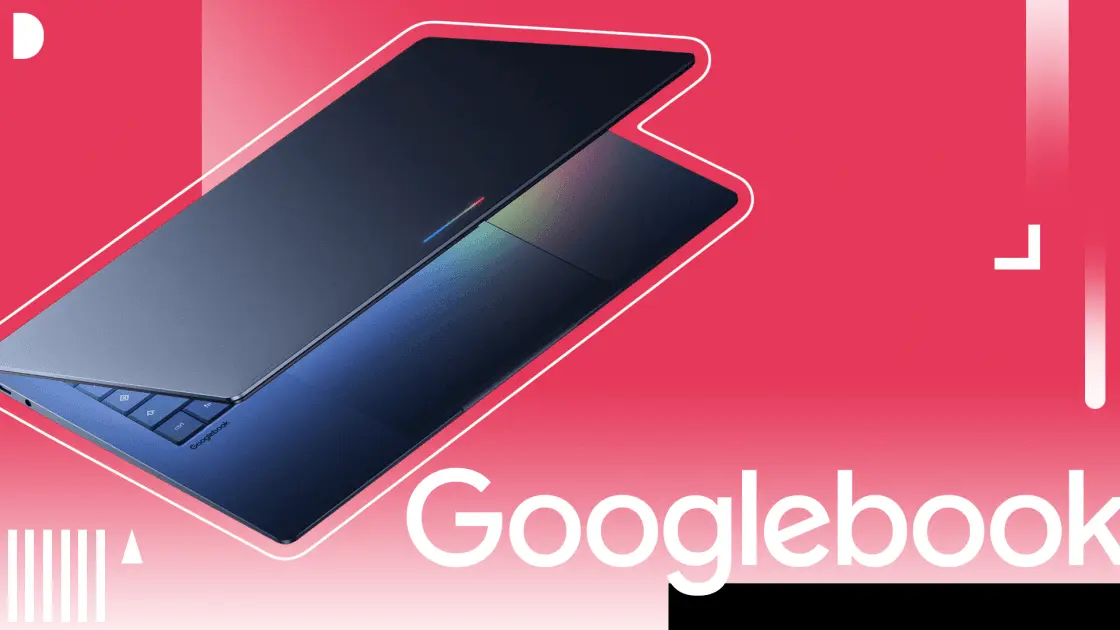
Are Googlebooks Right for You? I Tried Every One of Google's Android Laptops
Chromebooks 2.0, these are not. With Googlebooks, Google blends premium designs, Android phone integration, and Gemini AI to create a new laptop class. Here's what you need to know about the systems. After much hype, the initial batch of Googlebooks is here. The new Googlebook OS-powered laptops,
[3]
Chromebook or Googlebook: Which is the better choice?
With the arrival of the next-generation, AI-focused Googlebooks, it's natural to wonder how the Chromebooks that have been around for over a decade compare, and if it's still worth considering one over a new Googlebook. Optimized for artificial intelligence, with native Android integration and new
Share
Copy Link
Google unveiled its premium Android laptops called Googlebooks starting at $899, featuring Gemini AI integration and Android phone connectivity. However, early testing reveals significant limitations in AI functionality, app compatibility issues, and missing enterprise features that Chromebooks currently offer, raising questions about their readiness for widespread adoption.
Google launched Googlebooks, its premium Android laptops starting at $899, promising seamless Android phone integration and extensive Gemini AI capabilities to compete with Apple's Mac-iPhone ecosystem. The initial lineup includes models from Acer, Asus, Dell, HP, and Lenovo, all running Googlebook OS—a desktop version of Android built on the Android 17 platform.
1
2
Premium Hardware Specifications Set High Entry Barrier
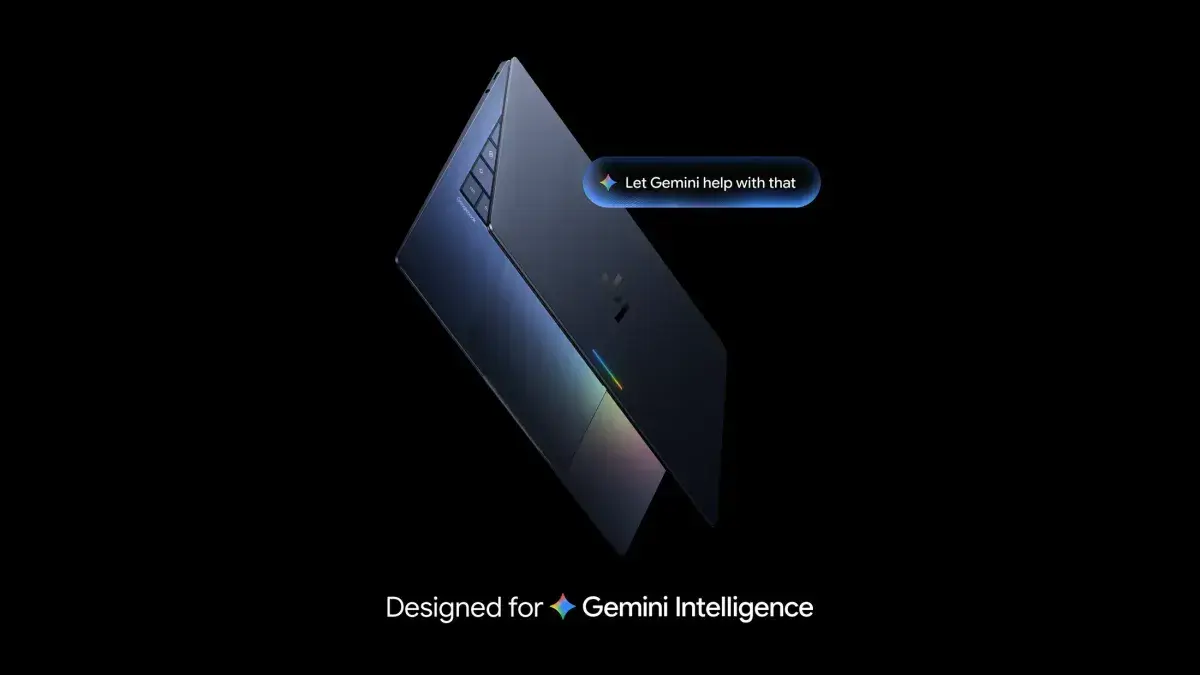
All Googlebooks meet strict minimum specifications including aluminum-magnesium alloy chassis, touch screens, RGB Glow Bar on the lid, a dedicated "G" shortcut key for Gemini tools, and at least 16GB of memory with support up to 32GB. The systems run on Intel Core Ultra 3 and Qualcomm Snapdragon X Elite processors, with batteries rated for up to 45 hours of video playback and 16 hours of web browsing.
2
This premium positioning contrasts sharply with Chromebooks, which rarely exceed $800 and dominate budget and education markets.3
Android Phone Integration Reveals Critical Gaps
The promised Android phone integration through app casting—wirelessly connecting phones to laptops to run apps directly from handsets—encountered immediate problems. Testing with the Asus Googlebook 14 revealed that Samsung phones weren't supported at launch, and attempting to sideload Samsung Notes resulted in installation failures.
1
While app casting worked with Google Pixel 11 Pro, several apps including authenticators were blocked for security reasons, forcing users to grab their phones anyway.1
Gemini AI Falls Short of Automation Promises
Despite heavy Gemini AI integration being central to the Googlebook pitch, the AI assistant demonstrated limited practical functionality. When asked to rename files, Gemini provided no assistance. Requesting "Install Fantastical Calendar from the Google Play Store" only returned a direct link requiring manual installation. Commands like "Turn on dark mode" opened Settings but required users to toggle options themselves.
1
The AI-powered search also struggled with basic queries, requiring exact app names like "Gmail" instead of recognizing "mail."1
Source: PC Magazine
Gemini does offer AI-focused features including Magic Pointer for selecting screen elements and querying AI, Rambler for voice dictation with automatic grammar correction, and AI-powered search results in the Files app.
3
Users can also send multiple files directly to Gemini and create custom widgets by describing desired functionality, though results remain inconsistent.3
App Compatibility and Browser Limitations Surface
Play Store access on Googlebooks promises 20,000 games with seamless crossplay between Android devices, but app compatibility issues persist.
2
Third-party browsers like Brave lack extension support and vertical tabs, with some stopping work entirely after half a day. Microsoft Edge couldn't progress past the splash screen. Only Google Chrome provided full functionality with extensions and vertical tabs, though users lost access to non-Chrome bookmarks and browsing history.1
Performance and app compatibility vary depending on Googlebook architecture, with many apps unsupported or running improperly.3
Related Stories
Enterprise and Education Markets Remain Underserved

Source: PC Magazine
Googlebook OS currently lacks critical enterprise and education features present in ChromeOS, including multiple user profiles in Chrome, IT admin controls, fleet-wide update management and scheduling, and user-specific restrictions.
3
Google committed to rolling out these features starting in the second half of 2027, but timeline for reaching parity with Chromebooks remains unclear.3
This positions Googlebooks strictly for individual consumers rather than institutional buyers who have driven Chromebook adoption.Chromebook Future Remains Secure Through 2034
Google committed to supporting ChromeOS through 2034 as part of its antitrust case obligations, ensuring existing education and enterprise deployments continue functioning normally.
2
3
Many recently released high-end Chromebooks will be eligible for Googlebook OS upgrades in the future, protecting current investments.3
Whether Googlebooks will eventually supplant Chromebooks entirely depends on addressing current limitations in ecosystem integration, app compatibility, and enterprise functionality while justifying their premium pricing against established budget alternatives.References
Summarized by

Navi
[3]
Related Stories
Google unveils Googlebook, an AI-powered laptop built on Android to challenge premium market
12 May 2026•Technology

Google Launches $899 Googlebook: AI-Powered Laptop Merges Android and ChromeOS with Gemini Integration
21 Sept 2026•Technology
Google's Googlebook enters AI-native laptop market, but skepticism lingers over commitment
30 May 2026•Technology

Recent Highlights
1
Google's AI Policy Forces Schools to Accept AI Overviews or Lose Search Access Entirely
Technology

2
Jensen Huang's Affair with Suspected Chinese Spy Exposes $7 Billion AI Chip Smuggling Network
Policy and Regulation

3
Anthropic launches Fable 5.2 and Mythos 5.2 with 20% price cut and 30% faster output
Technology

Recent Highlights
Today's Top Stories






Don’t drown in AI news. We cut through the noise - filtering, ranking and summarizing the most important AI news, breakthroughs and research daily. Follow topics that matter to you and stay ahead.


