Google Voice rolls out AI note taking feature that transcribes calls and emails summaries


2 Sources
[1]
Google Voice now take notes on your calls, then sends you the summary via Gmail
The feature currently only works in English and is limited to paying Google Voice subscribers. The Google Phone app, especially on recent Pixel devices, gets a slew of features to help you during calls. Those include screening unwanted telemarketing calls, blocking spam, and making it easier to
[2]
Whoa: Google Voice Gets Sweet New AI Note Taking Feature
Google Voice, a service that surprisingly remains active (Google sometimes sunsets apps/services that we love), is getting a major update this week. Once updated, AI note taking capabilities will be available when placing and receiving calls through Voice. The feature records and transcribes
Share
Copy Link
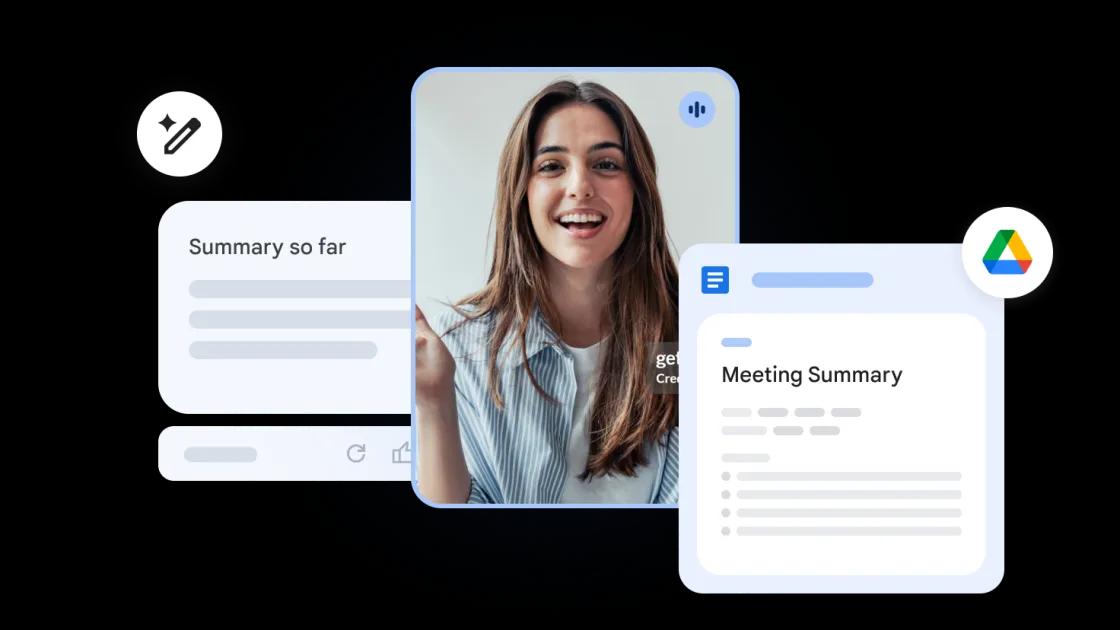
Google Voice is getting an AI-powered note-taking feature that records and transcribes calls while organizing key highlights into action items. The tool, powered by Gemini, automatically sends summaries via Gmail after each call ends. Currently limited to paying subscribers, the feature aims to help businesses track important call details without manual effort.
Google Voice Introduces AI-Powered Note-Taking Feature
Google Voice is rolling out a significant AI feature that transforms how users handle call documentation. The new "Take notes for me" functionality records conversations, automatically transcribes calls, and uses Gemini to capture key highlights while organizing them into actionable items
1
. After each call ends, the system sends you the summary via Gmail, with an additional copy saved directly within the Voice app2
.
Source: Android Authority
How the AI-Powered Feature in Google Voice Works
When users tap the "Notes" button during a call, Google Voice initiates recording while Gemini begins transcribing the conversation in real-time
1
. The AI-powered note-taking feature processes the dialogue to identify crucial points and structures them into organized action items. To maintain transparency, a message plays on the call to notify all parties that the conversation is being recorded by AI2
. This approach addresses privacy concerns while ensuring compliance with recording notification requirements.
Source: Droid Life
Enterprise Applications and Google Workspace Integration
The note taking capability mirrors similar functionality already available in Google Meet, suggesting a broader strategy to unify AI tools across Google Workspace
1
. Since Google Voice is widely used by businesses operating in multiple markets through virtual numbers, the feature addresses a clear need for documentation and follow-up tracking. For enterprise plan users, administrators can control the feature at the user level, though only the individual who initiates the recording can access notes from specific calls1
.Related Stories

Access Requirements and Current Limitations
Access to this AI feature remains limited to paying Google Voice subscribers, whether through standalone or enterprise subscriptions
1
. The call transcription currently works only in English, and users must have AI features in Workspace, such as Gmail's AI summaries, turned on for the tool to function properly1
. New Google Voice accounts will have the feature enabled by default, while existing users need to manually activate it through Workspace Smart Feature Consent in their account settings2
.What This Means for Business Communication
This development positions Google Voice as a more competitive business communication tool, particularly for teams that need reliable call summary documentation. The integration with Gmail ensures that call notes flow seamlessly into existing workflows, reducing the friction of switching between applications. As businesses increasingly rely on remote communication, the ability to automatically capture and organize call details could save significant time previously spent on manual note-taking. Watch for potential expansion to additional languages and possible integration with other Google Workspace tools as the feature matures.
References
Summarized by

Navi
[1]
[2]
Related Stories
Recent Highlights



Recent Highlights
Today's Top Stories






Don’t drown in AI news. We cut through the noise - filtering, ranking and summarizing the most important AI news, breakthroughs and research daily. Follow topics that matter to you and stay ahead.


