Google releases Magic Pointer app, revealing how Gemini AI will work on Googlebooks


3 Sources
[1]
Magic Pointer app listing offers an early look at Gemini on Googlebooks
Google's demo shows practical AI shortcuts, including Search with Lens, AI image generation via Nano Banana, and shopping suggestions. Google is unbundling features of its upcoming hardware even before the hardware is on the market. While we wait for the much-hyped Googlebook to land this fall,
[2]
'Magic Pointer' app for Googlebooks released to Play Store
As we wait for more Googlebook details this fall, Google has released a "Magic Pointer" app to the Play Store. This "Initial Play Store listing for Magic Pointer" has a straightforward app description: "Select anything on your screen to get contextual AI suggestions and seamlessly get help from
[3]
Google's new Magic Pointer Play Store listing reveals a Gemini shortcut built for Googlebooks
The unannounced app turns the cursor into a contextual AI tool for search, image creation, and shopping Google has quietly published a new Play Store listing for Magic Pointer, an unannounced app built for Googlebooks. Updated on July 10, the app turns the cursor into a Gemini shortcut that can
Share
Copy Link
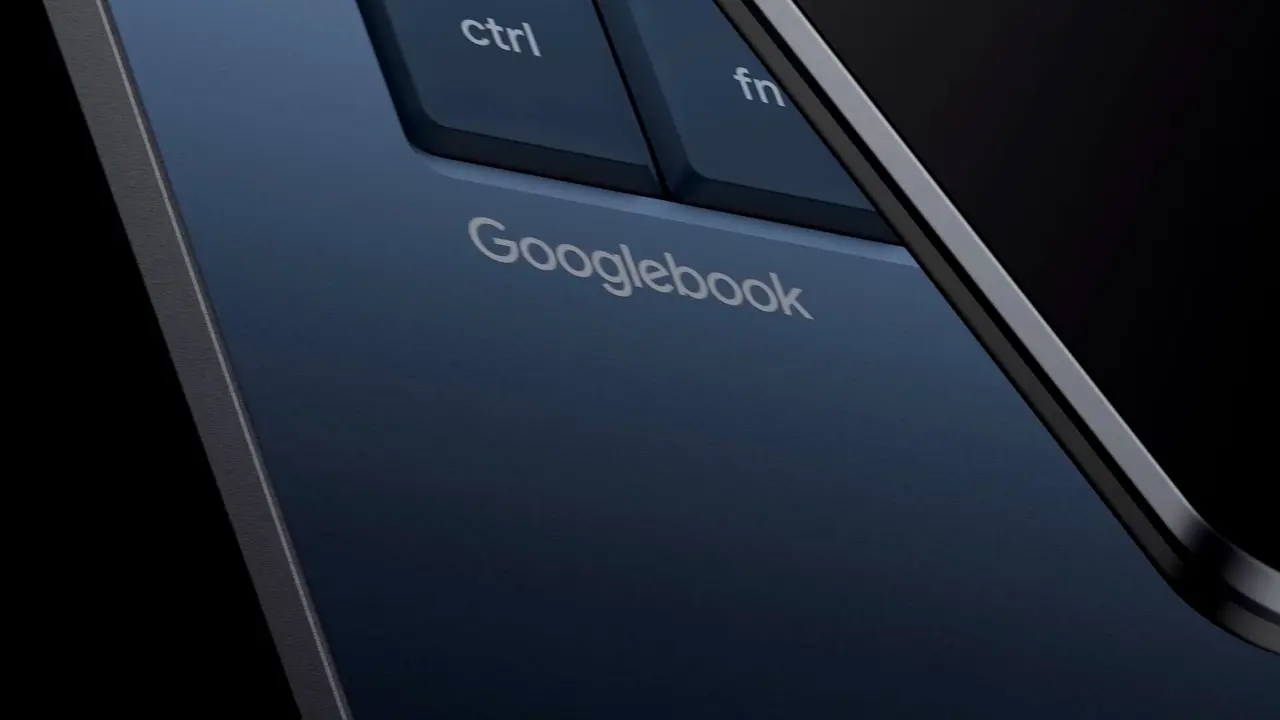
Google quietly published Magic Pointer to the Play Store, offering an early look at Gemini integration on its upcoming Googlebooks hardware. The app transforms the cursor into an AI-powered tool that delivers contextual suggestions for search, image creation, and shopping without opening a separate chatbot. Currently limited to Googlebook devices, the listing hints at Google's desktop AI strategy ahead of a fall launch.
Magic Pointer Brings Gemini AI to Desktop Workflow
Google has quietly released the Magic Pointer app to the Google Play Store, providing the first concrete glimpse of how Gemini AI will function on Googlebooks, the company's highly anticipated desktop hardware expected to launch this fall
1
. The app description is direct: "Select anything on your screen to get contextual AI suggestions and seamlessly get help from Gemini"2
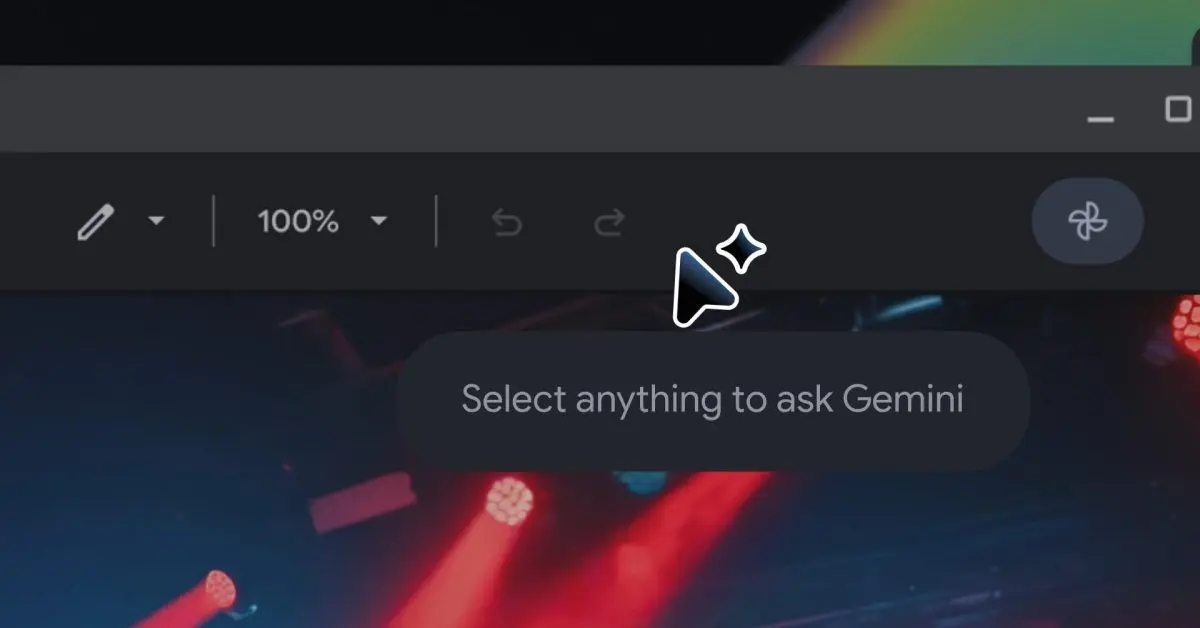
. Rather than functioning as a standalone assistant, Magic Pointer transforms the cursor itself into a Gemini shortcut, marked by Gemini's signature sparkle icon, allowing users to turn any selected content into an AI-powered starting point1
.The app first appeared on June 9 and reached version 1.0.260708 by July 10, accumulating over 1,000 downloads despite being exclusively compatible with Googlebook hardware
2
. Regular Android devices currently show as incompatible, making the Magic Pointer Play Store listing an early preview rather than a broad release3
.
Source: Android Authority
How Contextual AI Suggestions Work in Practice
Promotional screenshots reveal how Magic Pointer delivers context-aware actions based on what users select. When highlighting an image of plants, for instance, the app surfaces options like Search with Lens, Create image through Nano Banana, and Buy now for shopping recommendations
1
. This contextual AI tool eliminates the need to copy content, open Gemini separately, and construct prompts from scratch3
.
Source: 9to5Google
The approach represents a shift in how AI-driven productivity tools integrate into daily workflows. Instead of replacing familiar desktop interactions, Magic Pointer adds intelligence to existing behaviors, making the cursor function as an AI command button without disrupting established patterns
3
. Google previously confirmed the Magic Pointer experience for Gemini in Chrome, suggesting the feature will extend across the desktop environment1
.Googlebooks Interface and Software Strategy
The screenshots also provide another look at the Googlebook software interface. The layout resembles the current Android tablet experience, with Chrome positioned centrally and a desktop-style arrangement
1
. The system status bar appears largely unchanged, indicating Google isn't fundamentally revamping Android for larger screens but instead layering smarter productivity capabilities on top1
.By publishing Magic Pointer as a standalone app with the package name com.google.android.desktop.gpointer.app, Google can update the Gemini shortcut for Googlebooks independently of full OS updates
2
. This distribution strategy could enable faster iteration on AI features, allowing new Gemini actions and capabilities to arrive without waiting for larger system releases3
.Related Stories

What This Signals for Desktop AI
The early release of Magic Pointer suggests Google is unbundling features of its upcoming hardware before the actual devices reach market
1
. While Google hasn't announced when Googlebooks or Gemini on Googlebooks will become available to consumers, the company is expected to share more details this fall3
. The Chrome interface mockups and system bar designs hint at a mature product approaching launch readiness.For users watching AI image generation and search integration evolve, Magic Pointer represents a practical implementation focused on speed and accessibility rather than novelty. Whether this becomes a core feature of the Googlebook experience or remains a limited experiment will likely depend on how effectively it reduces friction in common tasks like visual search, content creation, and product discovery.
References
Summarized by

Navi
[1]
Related Stories
Google DeepMind unveils Magic Pointer, an AI-powered cursor that understands context and voice
13 May 2026•Technology

Google's Googlebook brings Magic Pointer and Gemini AI to replace Chromebooks this fall
21 May 2026•Technology
Google Integrates Gemini AI into Android's Text Selection Menu for Instant Queries
05 Mar 2025•Technology

Recent Highlights



Recent Highlights
Today's Top Stories









Don’t drown in AI news. We cut through the noise - filtering, ranking and summarizing the most important AI news, breakthroughs and research daily. Follow topics that matter to you and stay ahead.


