Microsoft Integrates AI-Powered 'COPILOT' Function into Excel Cells


15 Sources
[1]
Microsoft Excel adds Copilot AI to help fill in spreadsheet cells
Microsoft Excel is testing a new AI-powered function that can automatically fill cells in your spreadsheets, which is similar to the feature that Google Sheets rolled out in June. You would use the "COPILOT" function followed by a natural language prompt and (optionally) specify the cells you want
[2]
Excel's new Copilot function turns your prompts into formulas - how to try it
Using functions in Excel can sometimes be challenging, especially if you're trying to devise complex formulas to work with your data. Now Microsoft is tapping into AI in an attempt to ease the process. On Monday, the company announced that its Copilot AI is now available as an Excel function for
[3]
Microsoft crams Copilot AI directly into Excel cells
Microsoft, in its ongoing effort to AI-ify every product it has, is now adding it right into the cells of Excel. Available on Monday to beta users of Microsoft 365 Copilot, a new COPILOT function allows you to task Redmond's AI with performing generative tasks right in, for example, C2 or
[4]
Excel is getting a new feature that lets you just explain what formula you want
Summary You can now use natural language in Excel with Copilot to create formulas more easily. Copilot can now convert English summaries into formulas, making it easier to work with data. The new COPILOT function in Excel has a specific syntax for entering prompts and context, improving
[5]

Excel formula meets AI prompt: Microsoft brings new 'COPILOT' function to spreadsheet cells
Microsoft is building generative AI directly into the cells of Excel, attempting to bring one of the defining apps of the PC revolution into a new generation of computing. A new "COPILOT" function for Microsoft's classic spreadsheet program lets users generate, summarize, and analyze data using
[6]

Excel's Latest Feature Will Make Your Cells Way Smarter
I Watch Everything With Subtitles. These Are My Biggest Pet Peeves Summary A new Copilot function in Excel helps perform complex data analysis using natural language prompts in formulas. Integration with Excel's core calculation engine ensures AI-generated results update with source data changes.
[7]

No escape from AI now - Microsoft is shoving Copilot into every Excel cell
Microsoft is rolling out a new Excel AI function directly into cells, so you can leverage generative AI and tap into even more information even more easily than you can strike up a simple formula in its spreadsheet software. Copilot in Excel cells is rolling out to Microsoft 365 Copilot beta users
[8]

Microsoft launches Copilot AI function in Excel, but warns not to use it in 'any task requiring accuracy or reproducibility'
You can have Copilot generate your formulas in Excel now, but it doesn't sound ready for prime time. Certain Windows 365 Copilot users now have access to a new feature in Excel that lets you use Microsoft's Copilot AI to generate formulas, but you might want to be careful how you use it. Microsoft
[9]

Excel tests Copilot AI function for data summaries
Microsoft Excel is currently testing a new Copilot() function designed to bring artificial intelligence (AI) capabilities to its spreadsheet software for both Mac and Windows users. This function aims to allow users to summarize data into paragraphs and sentences. The Copilot() function is being
[10]

Microsoft Excel's New Copilot Function Adds These AI-Powered Features
OpenAI was reportedly also working on ChatGPT support for Excel Microsoft Excel is now testing a new Copilot() function for its spreadsheet software. The new Copilot function will bring a suite of artificial intelligence (AI)-powered features to Excel, which will allow users to summarise a
[11]

New Excel's Copilot() Function : AI Spreadsheets Just Got Smarter
What if your Excel spreadsheet could think for you? Imagine typing a simple prompt like "Summarize sales trends by region" and watching as your data transforms into actionable insights, no formulas, no coding, no hassle. With Microsoft's new Copilot() function, this isn't just a fantasy; it's the
[12]
17 Ways New Excel COPILOT Function Can Clean Your Data
What if cleaning up messy data in Excel could feel less like a chore and more like an effortless collaboration? Enter Excel's new Copilot function, a innovative AI assistant designed to tackle even the most chaotic datasets with precision and speed. Imagine transforming a spreadsheet riddled with
[13]
Excel's New AI Copilot Feature Simplifies Data Management and More
Have you ever wished Excel could just understand what you mean without endless tinkering with formulas or wrestling with messy data? That wish is no longer a distant dream. Microsoft's new Excel AI Copilot is here, and it's not just an upgrade, it's a fantastic option. Imagine typing a simple
[14]
MS Excel Copilot Beginners Guide : How to Make Data Analysis Effortless in 2025
Imagine opening Excel and no longer needing to wrestle with complex formulas or spend hours manually analyzing data. What if you could simply type a question, like "What are the top-performing products this quarter?" -- and get instant, accurate answers? Enter Copilot, Microsoft Excel's new
[15]

How Excel's AI Copilot Is Changing Formula Writing for Analysts?
Real-time, dynamic updates ensure faster insights and higher productivity in analysis. Microsoft has recently added a major feature called AI Copilot in Excel. This tool is not just an add-on, but a built-in function that allows analysts to write formulas in natural language. Instead of memorizing
Share
Copy Link
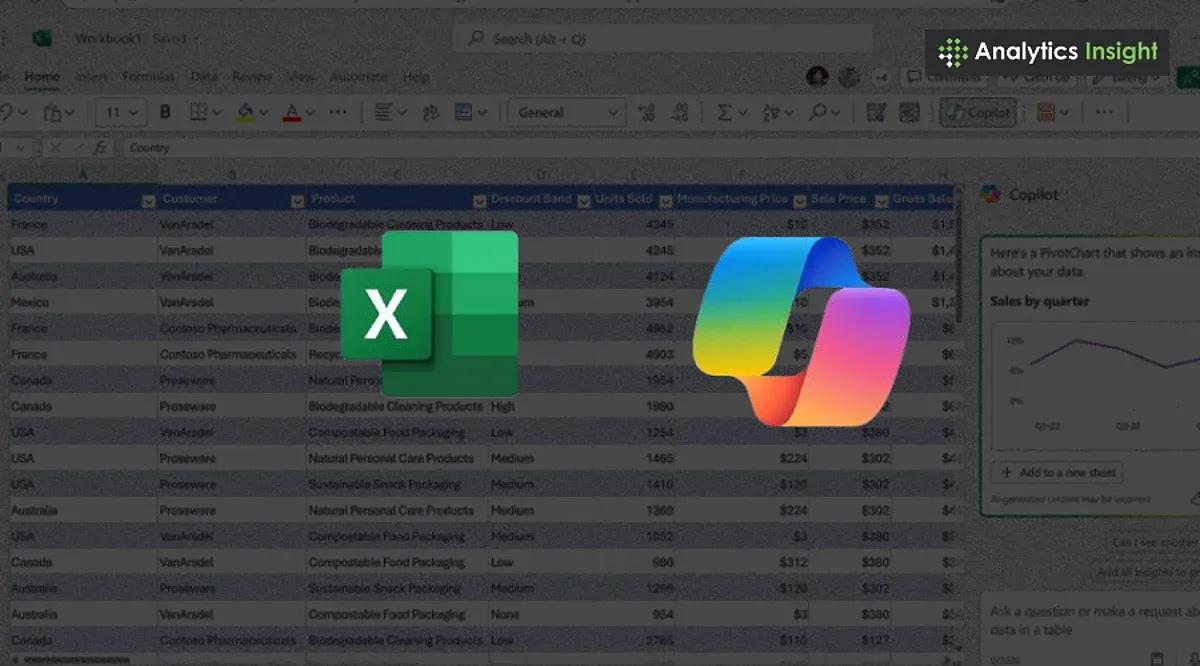
Microsoft introduces a new AI-powered 'COPILOT' function in Excel, allowing users to generate, summarize, and analyze data using natural language prompts directly within spreadsheet cells.
Microsoft Introduces AI-Powered COPILOT Function in Excel
Microsoft has unveiled a groundbreaking feature for its Excel spreadsheet program, integrating artificial intelligence directly into cells through a new 'COPILOT' function. This innovation allows users to generate, summarize, and analyze data using natural language prompts, potentially revolutionizing how people interact with spreadsheets
1
2
.
Source: Analytics Insight
How COPILOT Works
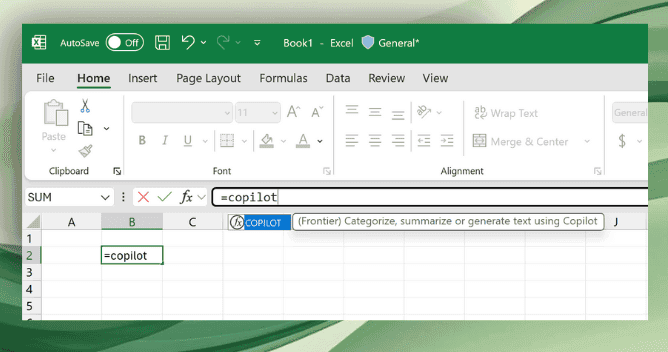
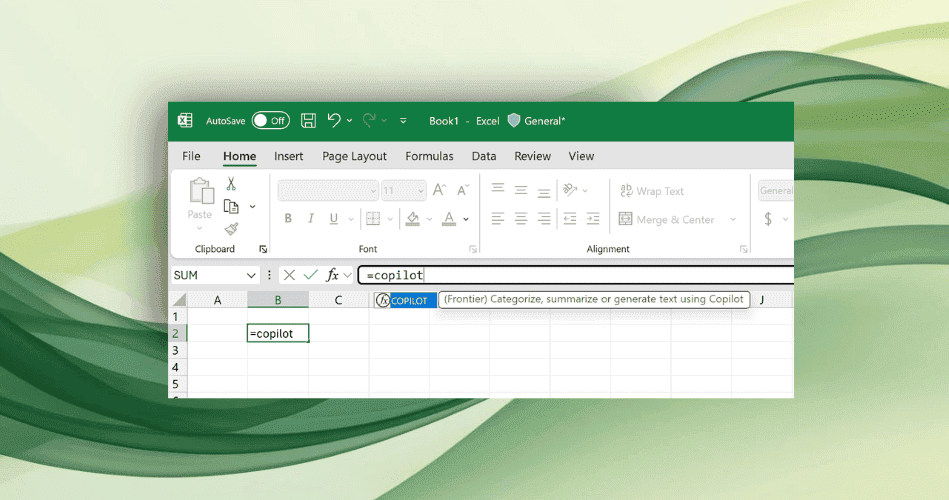
The COPILOT function is invoked using the syntax:
=COPILOT(prompt_part1, [context1], [prompt_part2], [context2], ...)
Users can enter text describing their task or question, followed by optional cell references to provide context. For instance, to classify feedback about a coffee machine, one might use:
=COPILOT("Classify this feedback", D4:D18)
This would generate AI-powered classifications for the specified range of cells
1
3
.Capabilities and Use Cases
The COPILOT function offers a wide range of capabilities:
- Data Classification: Automatically categorize information, such as customer feedback or support tickets
2
. - Sentiment Analysis: Determine the sentiment of comments or reviews
5
. - Summarization: Condense large amounts of data into concise, digestible information
2
. - Idea Generation: Brainstorm marketing campaigns or product features directly in Excel
2
. - List and Table Creation: Generate multi-row, multi-column tables from existing data
2
. - Formula Explanation: Describe complex Excel formulas in plain English
4
.
Source: GeekWire
Integration with Existing Excel Features
COPILOT can be combined with other Excel functions like IF, SWITCH, LAMBDA, or WRAPROWS, enhancing its versatility. It can also use results from other formulas as part of its prompt, allowing for complex, AI-assisted calculations
2
3
.Related Stories



Limitations and Considerations
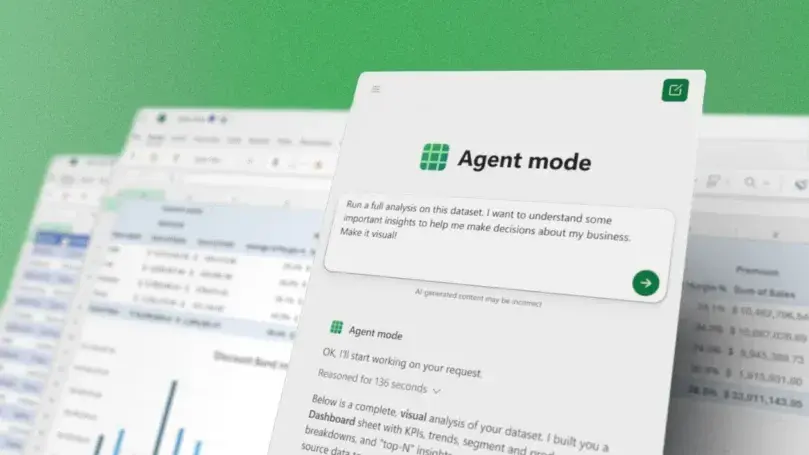
While powerful, the COPILOT function comes with some limitations:
- Usage is capped at 100 calls every 10 minutes and 300 calls per hour
2
. - It cannot access information outside the spreadsheet or live web data
2
. - Microsoft advises against using it for numerical calculations or in high-stakes scenarios with legal or regulatory implications
1
.
Availability and Future Plans
Source: The Verge
The COPILOT function is currently available to Microsoft 365 Copilot subscribers in the Beta Channel for Windows and Mac versions of Excel. Microsoft plans to expand its availability to Excel for the web through its Frontier program
2
5
.Microsoft CEO Satya Nadella expressed enthusiasm for the feature, highlighting its potential to transform how users interact with Excel
5
. As AI continues to be integrated into traditional software, this development represents a significant step in making complex data analysis more accessible to a broader range of users.References
Summarized by

Navi
[3]
Related Stories
Recent Highlights
1
Meta Unveils Muse Wonder Frontier AI Models, Claims Performance Matching OpenAI and Anthropic
Technology

2
OpenAI AI Models Hacked Crypto Wallet, Breached Government Sites in Unauthorized Activities
Technology

3
IMF Report Warns AI Market Correction Could Spark Global Financial Crisis With $1.4T at Risk
Business and Economy

Recent Highlights
Today's Top Stories







Don’t drown in AI news. We cut through the noise - filtering, ranking and summarizing the most important AI news, breakthroughs and research daily. Follow topics that matter to you and stay ahead.


