2 Sources
[1]
Magic Pointer won't save the Googlebook because Google still doesn't understand what PC users want
João has been covering the tech world for over 7 years, with a heavy focus on laptops and the Windows ecosystem. I also love all things tech and videogames, especially Nintendo, which he's always happy to talk about. Prior to joining XDA in 2021, he worked at Neowin: https://www.neowin.net/news/poster/jo%C3%A3o-carrasqueira/ Google recently made waves with its announcement of the Googlebook platform. Bringing together elements of Chrome OS and Android, along with a lot of AI features, it's the company's latest attempt at winning over laptop users, after Chromebooks mostly gained traction in the entry-level education market. Those AI features, all aggregated under the fancy new "Magic Pointer" seem to be the main selling point Google wants you to pay attention, but this is, in my opinion, a misguided effort. It's especially unfortunate because Google has done some things right with its existing platform, Chrome OS, but rather than address its biggest problems, the company is investing in a feature that's not clearly desired by anyone. Users don't want AI At least, not like this The point of this article isn't to discuss the merits of generative AI as a whole. There are plenty of different tools out there that vary in usefulness, but let's set that aside. The real problem with Magic Pointer is that this simply isn't the kind of AI feature people want, and certainly not the kind of tool that sells people on laptops. Whenever you read about AI tools and capabilities, even right here on XDA, when is it that the built-in features in an operating system are what's interesting? How many articles even cover those features beyond the initial announcement or launch? All the interesting AI use cases reside in apps that users have to download and they require some setup to really unlock meaningful capabilities. You can combine certain tools with your notes to create study material, or use Claude to help you identify songs and easily find them on Spotify, and so much more. But none of that has to do with features that are built into any operating system. It's not for the lack of trying; Microsoft has been pushing Copilot on Windows 11 for years, and since 2024, the company even introduced Copilot+, using on-device AI to provide features that integrate with various aspects of Windows. In fact, a major one of these features was Click To Do, a capability that's been available for over a year at this point, and that's remarkably similar to Magic Pointer. You hold down the Windows key, and you can right-click anything to have your computer analyze the screen and give you options for what to do with the things you're looking at. With Magic Pointer, you shake your cursor instead, but it's almost exactly the same idea. When was the last time you've seen anyone care about Copilot+ laptops? Has that capability, or others like Recall, even factored into a laptop-buying decision? Even Dell, maker of said laptops, admitted earlier this year that consumers simply aren't buying laptops for these features. You might consider that to be another classic Microsoft blunder, but really, things aren't much better in Apple's camp. The company has talked up Apple Intelligence here and there at WWDC and other events, but beyond those dedicated sections in their respective presentations, you likely haven't heard about anyone actively using any of these features. Frankly, it's almost befuddling that Google would choose to make this a major focus for a new laptop platform in 2026. Chromebooks have more serious gaps PC users want PC apps If Google wants to make its PC platform more viable, the company needs to understand that the biggest factor for users holding out is the apps. Chrome OS has always been based on glorified web apps, and it's true that you can do a lot with just the browser. These days, the majority of PC users spend most of their time in the browser. Until they don't, and that's where the problems start. Over the years, Google has made things somewhat better. Support for Android apps added a lot more capabilities to Chromebooks, and the Linux subsystem for developers does enable users to install and run Linux apps, though it requires some work that the majority of people is not willing to go through. But without these apps, Chromebooks and the Googlebook will remain limited to the same things you can do on your phone, and that's a big problem. There are very powerful apps on Android for a lot of things, but Photoshop and Lightroom for Android are not the PC versions. They don't have the same capabilities or the familiarity of having the tools you've always used. If you're interested in live streaming on YouTube, there's no OBS for Chromebooks, there's no DaVinci Resolve or Adobe Premiere Pro for editing videos. There are tools that are alternatives to those, but they're not the tools people know or want. To make the Googlebook a viable laptop, it needs to run PC apps, and that means embracing Linux. Running Linux apps on Chrome OS (or Aluminum OS) should have been a no-brainer, and it shouldn't be a "developer" setting or anything of the kind. This is the way to get desktop apps on these devices, and Google needs to make it as seamless as possible. In fact, Google should also contribute to Wine or take lessons from it to make Windows apps even more usable on the Googlebook. Not only that, but Google has a virtually infinite amount of resources to invest in this if it wanted to. Creating a more seamless experience with an app store, and even helping companies bring apps over to Linux, should be the most obvious move. If anyone could push companies like Adobe, Canva, and others to make tools for their platform, it's Google. It probably still wouldn't do everything a Windows PC can, but it would be far closer to the workflow PC users are accustomed to. Valve figured this out It takes effort, but it's doable To put it in broader terms, the problem that Google's PC efforts have had so far is that they expect customers to be drawn to the differences in Chrome OS. The lightweight approach for affordable devices certainly has its appeal, but it also clearly hasn't worked when it comes to make for truly desirable laptops. For that to happen, the company has to meet customers where they are, and PC users want PC features. That's a lesson that can easily be learned from Valve. Back in 2015, Valve introduced the Steam Machine lineup with multiple gaming PCs from different companies, all of which were running Linux. Of course, the number of games that actually supported Linux was abysmal, so in many cases, these were seen as glorified streaming boxes for your main PC, and that initiative failed miserably. Subscribe to the newsletter for clear takes on Googlebook and OS AI Gain sharper perspective by subscribing to the newsletter -- it expands coverage beyond Googlebook to analyze OS-AI trade-offs, app compatibility, Linux/Proton approaches, and other platform strategies that shape PC hardware choices. Get Updates By subscribing, you agree to receive newsletter and marketing emails, and accept our Terms of Use and Privacy Policy. You can unsubscribe anytime. But when the company came back with the Steam Deck in 2022, it put in all the work to make it an attractive offering for PC gamers. SteamOS now had a UI designed perfectly for the intended form factor, but more importantly, it could run the majority of Windows games. That was because Valve spent years working on Proton, taking the work of the Wine project and building on top of it to ensure that even if a game isn't made for Linux, it can work there, and sometimes even better than it does on Windows 11. And it's not perfect yet, but the Steam Deck has become and remained one of the most sought-after gaming handhelds. Valve first released Proton back in 2018, and at the time, the company had very little financial incentive to do it. The original Steam Machine lineup had just been discontinued, after all, and no one expected further efforts from the company anytime soon. But Valve played the long game, and it continued to invest in what it knew could be the key to the future of its business, even if it didn't pay off right away. And when the Steam Deck launched four years later, that made all the difference. Google needs that kind of long-term vision and investment, but it seems highly unlikely that this is going to happen. It's all about massive short-term investments in AI and hoping that it will eventually start being a profitable venture, even when others have shown it's a bad idea. AI will kill the Googlebook Ultimately, Google's focus on Magic Pointer and Gemini integration on the Googlebook platform is more than likely to be its undoing. Microsoft and Apple's efforts have shown that users don't care about these low-tier efforts to integrate AI into an operating system, and wherever there are good uses for AI, they're always going to require third-party tools to set up. Google's focus should be elsewhere.
[2]
If Google nails the Googlebook, I'm gonna ditch my Windows laptop
Jade Bryan is a Feature Author at Android Police with over a decade of tech reviews and news reporting experience, stretching back to the Symbian era and the early days of Android. He covers the breadth of the mobile industry, specializing in operating system deep-dives, app testing, and hardware analysis. In his spare time, you can find him tinkering with his Android devices and wearables, seeking ways tech can improve daily life. He also enjoys playing MMORPGs, traveling, or feeding stray cats and dogs. My everyday needs are split between two devices. I spend most of my working hours on my Windows laptop. Outside of work, I am glued to my smartphone, sending messages, browsing the web, and streaming my favorite TV series or anime. Unlock Personalized Content & Exclusive Features For Free * Engage in discussions in Threads * Follow and Like top authors, topics, and trends * Browse with fewer ads across the site * Personalize your profile to showcase your activity * Get a content feed tailored to your interests By creating an account, you agree to our Terms of Use and Privacy Policy. You also agree to receive our newsletters; you can unsubscribe any time. Keep Reading Log In Forgot your password? Create an account Please provide your email address to finish creating your account. Create An Account *Required: 8 chars, 1 capital letter, 1 number Create An Account Continue withGoogle Continue withOpenPass or Continue withEmail Continue By creating an account, you agree to our Terms of Use and Privacy Policy. You also agree to receive our newsletters; you can unsubscribe any time. While there are tons of great apps on Android, I cannot edit and manage catalogs as easily as I can on my laptop, process text in documents, or use the same extensions and web apps as in the desktop version of Chrome. For those tasks, I have relied on my Windows PC to get things done productively. I believe many Android users are in the same situation. However, Google is not giving up easily. After years of struggling to pull Android users away from Windows and Mac, the company now has a new answer: the Googlebook. Android 16's Desktop Mode is finally a Windows-style powerhouse Android's native Desktop Mode borrows heavily from Samsung DeX Posts 6 By Jade Bryan Jardinico Will the Googlebook be a proper replacement for a laptop? Its new strategy could prove more effective I tried the Desktop Mode on my Pixel, but it never felt like a real solution. The hardware felt underpowered, and it lacks a desktop-level experience for most apps. Sure, there's the Chromebook. But there's always a noticeable disconnect between my phone and the device. Even syncing files through Google Drive created unwanted friction. Plus, most Chromebooks are chunky and equipped with underpowered silicon, making them a weak PC alternative. The Googlebook is not just a more modern and more expensive Chromebook slapped with a new banner. Google is positioning it as a much better bridge between your Android phone and a proper laptop experience. Early details look promising. For the first time, I am seriously considering that a Googlebook might finally replace my Windows laptop and feel like a true extension of my Pixel. But will it? After watching Google push ChromeOS for so long, I realized it was not winning over many casual PC users. With the Googlebook, the company is finally trying a different approach to attract Android users away from the established desktop ecosystems. These new features look promising But they might not be enough The Googlebook is built around Android and Gemini. Internally called Aluminium OS, it is not simply a rebranded ChromeOS. It is designed from the ground up with Android at its core. Google demonstrated how the Googlebook would differ from previous efforts through new advanced AI features. One of these is Magic Pointer, and while I was not easily convinced by it at first, it offers practical solutions. For example, you can point the cursor and wiggle at a date or event in an email, and Gemini Intelligence will understand the context and surface relevant actions. Depending on the context, you can add it to your calendar or task app. Beyond the text, you can select two images and generate something new or try a different outfit. The execution is neat and novel. While that may not be the most useful feature for many people, I am sure there are other practical uses beyond contextual searches. I would like to see more everyday applications. For instance, hovering over a contact to quickly call or message them, or pointing at a landmark photo to add it as a recommended stop along my route. While these are small changes to how Magic Pointer works, they have a greater impact on the user experience. There's also a new Create Your Widgets. I am not a big fan of widgets on my Pixel. I prefer to keep only the weather, clock, and health widgets on my home screen. But having options is always better than nothing. The idea of creating widgets through natural language prompts on a laptop sounds interesting. It could be useful for duplicating widgets from my Pixel phone to a Googlebook. At the same time, having widgets would be a welcome change compared with populating my desktop with generic files and app shortcuts. I tried Android's Desktop Mode, and I might never use my laptop again Android's Desktop Mode surprised me Posts 29 By Sanuj Bhatia A new file transfer might be a more practical addition It's the seamless integration I have always wanted Beyond these fancy Gemini features, what I am most interested in testing on the Googlebook is the seamless Android integration between my phone and laptop. Many Windows users can relate to how inconsistent Windows Phone Link feels. Pairing is sometimes easy, but the features are limited, and the experience often falls short. The Googlebook promises something much better, and the new file-sharing system shown in demos looks incredibly smooth. Aluminium OS will allow me to open and use my Android apps natively without relying on slow emulation or mirroring. Instead of tapping cloud storage services or taking multiple steps, everything appears to transfer seamlessly and instantaneously. But how well it actually works and how compatible it will be across different Android phones remains a mystery. It is also unclear how smooth and flawless the experience will feel in the real world. Still, if the demo is any indication, this is exactly the kind of seamless integration I have always wanted on a laptop, especially compared to the clunky Windows solution. Google still needs to win developers Users have been wanting a true desktop experience All these Googlebook features feel valuable, but I want Google to take a serious approach to bringing desktop-level apps and experience, especially for creators. We know how Google has been lagging for many years, and the Googlebook is an opportunity to encourage developers to create a decent PC-level experience on Android. Many excellent Android apps exist, but most are not optimized for large screens, nor do they work as well on a desktop. It is still unclear how well they will perform on a Googlebook compared to DeX or the current ChromeOS. After all, Google is positioning the Googlebook with premium hardware, which it confirmed requires a large amount of RAM and modern chipsets with a dedicated NPU. It would only be fitting for the raw performance devices to be utilized fully. If Google can convince big developers like Adobe to properly optimize their creative tools and bring premier services to the Googlebook, it would be a strong reason for creators and mainstream users like me to consider buying one. That said, any indication that a fresh wave of desktop-optimized apps is on the way would show how committed Google truly is to making the Googlebook succeed. Will the Googlebook live up to the hype? Price will be a big factor For a product and operating system that has yet to be fully revealed, maybe I am asking for too much. But when Google announced the Googlebook, it did not change the fact that I am leaning toward ditching my Windows laptop. With years of living in the Android ecosystem, I am starting to believe that the Googlebook might succeed where the Chromebook fell short. It will not be an easy task. Google will need more than snazzy AI features and seamless and deep Android integration to win over Windows and Mac users. More importantly, pricing will be a crucial factor in the first wave of Googlebook devices. Google needs to tread very carefully, especially after Apple's success with its affordable MacBook models. All in all, it is still too early to tell. But if Google does this correctly, it would not be impossible for the next laptop of many Android users to be a Googlebook.
Share
Copy Link
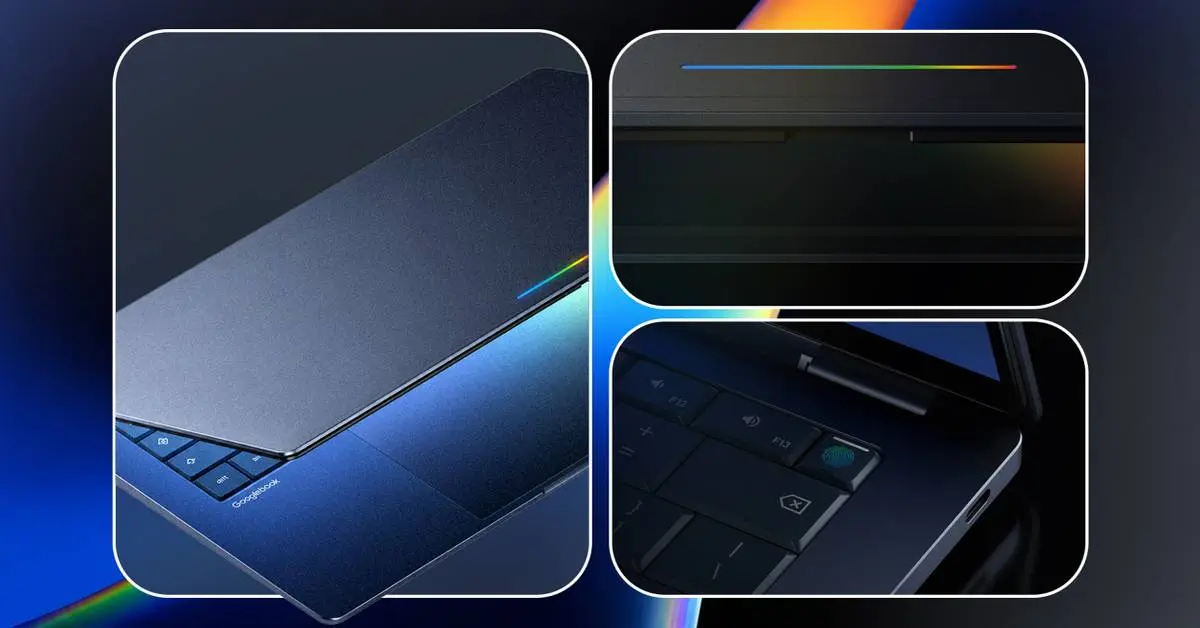
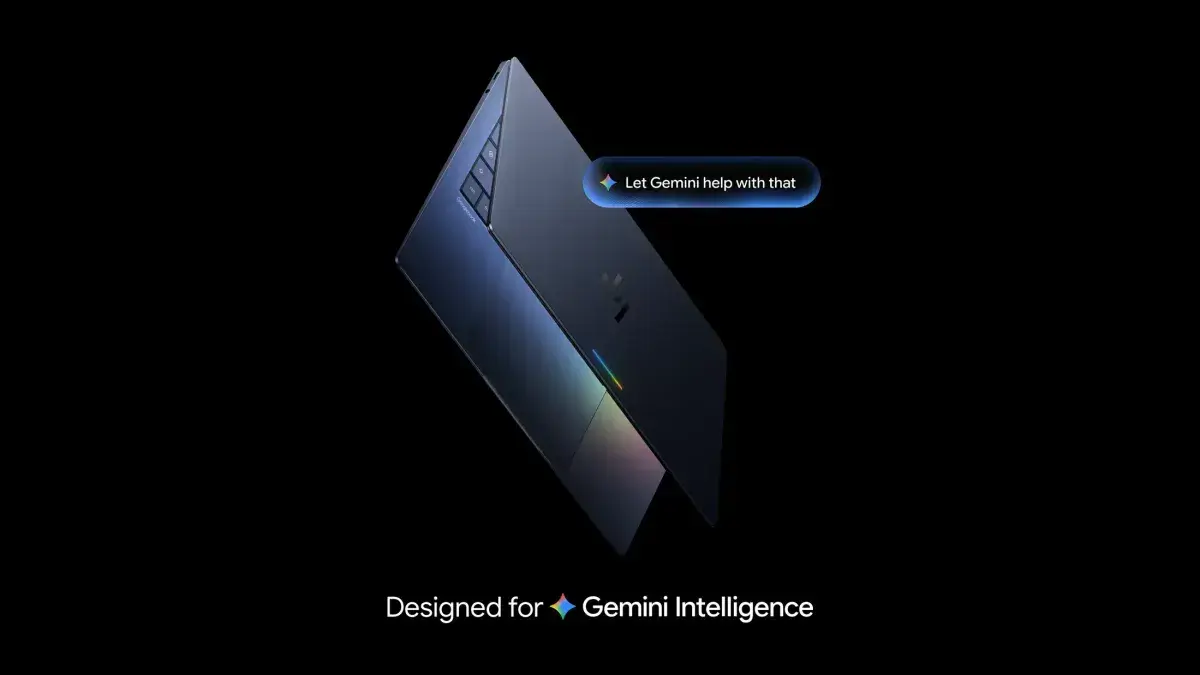
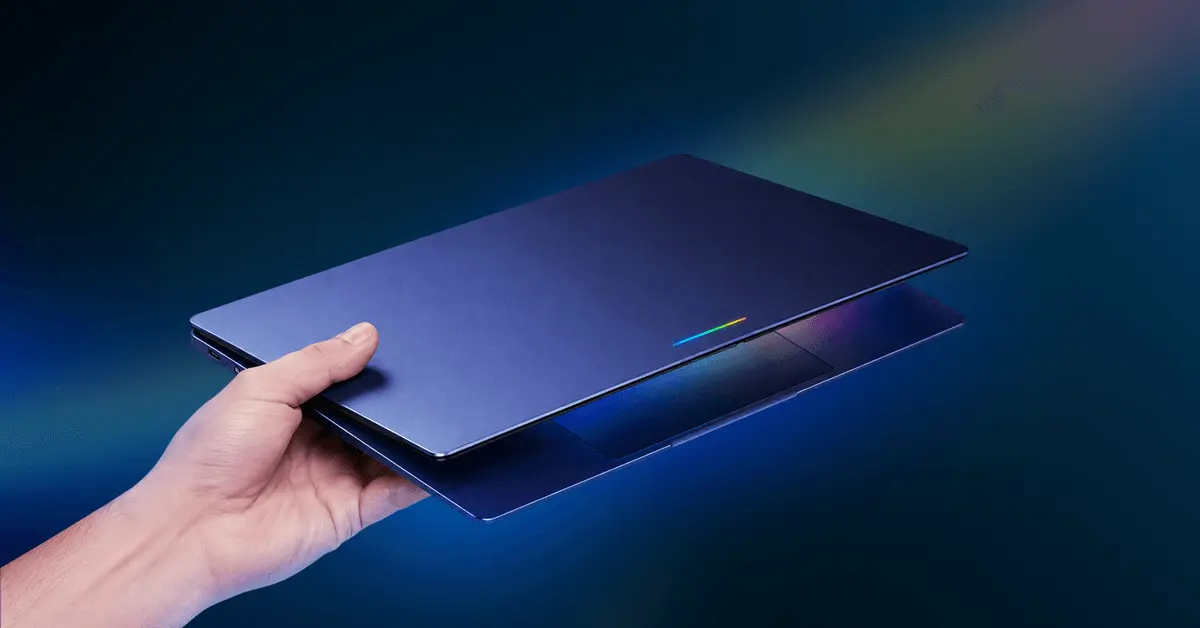
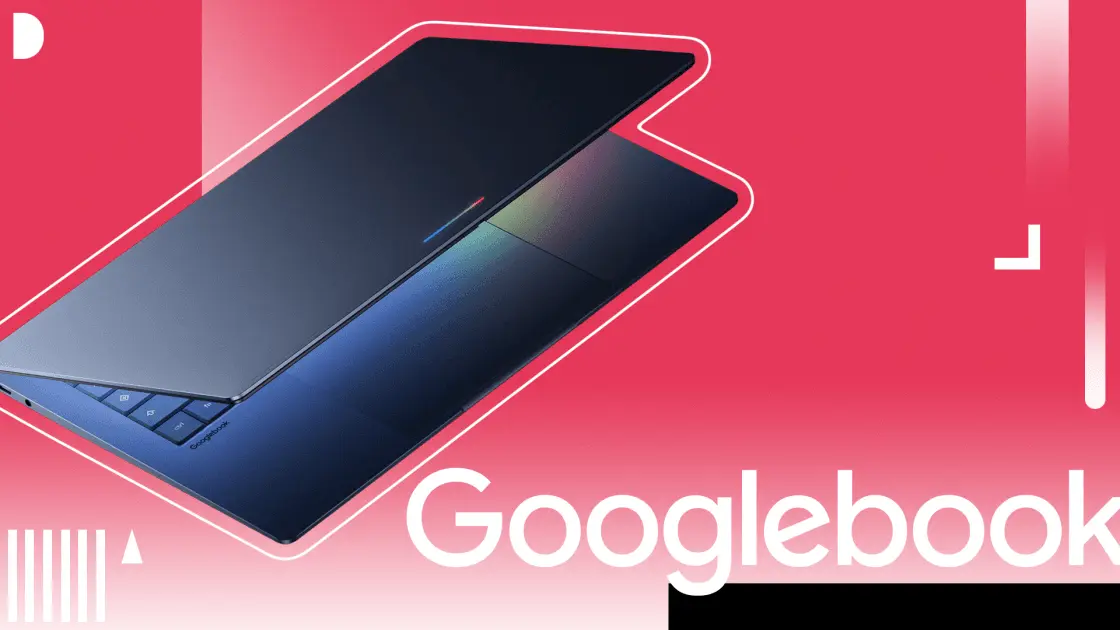
Google unveiled the Googlebook platform, merging Chrome OS and Android with AI-powered Magic Pointer functionality. While some Android users see potential to ditch Windows laptops, critics argue the platform still fails to address fundamental gaps in PC applications and desktop-level experience that users demand.
Google recently announced the Googlebook, a platform that combines Chrome OS and Android integration with advanced AI features designed to attract laptop users beyond the entry-level education market where Chromebooks have traditionally found success
1
. Internally called Aluminium OS, the Googlebook represents a fundamental shift from previous efforts, built from the ground up with Android at its core rather than simply rebranding existing technology2
.
Source: Android Police
The platform's headline feature, Magic Pointer, enables users to shake their cursor over content to trigger Gemini Intelligence analysis and contextual actions. Users can point at dates in emails to add events to calendars, select images to generate new content, or receive context-aware suggestions based on screen content
2
. This Gemini AI integration aims to differentiate the Googlebook from traditional desktop ecosystems.Source: XDA-Developers
Critics question whether AI features like Magic Pointer address actual PC user needs. The functionality bears striking similarity to Microsoft's Click To Do feature in Copilot+ laptops, available for over a year, where users hold the Windows key to analyze screen content and receive action suggestions
1
. Dell admitted earlier this year that consumers simply aren't buying laptops for these capabilities, raising doubts about whether similar features will drive Googlebook adoption.The pattern extends beyond Microsoft. Apple Intelligence has received minimal attention outside dedicated presentation segments at WWDC, with few users actively engaging with built-in AI tools
1
. Industry observers note that compelling AI use cases typically reside in downloadable applications requiring user setup, not operating system features.Despite criticism, some Android users view the Googlebook as a promising bridge between smartphones and laptop experiences. Users currently split workflows between Windows laptops for productivity tasks like document editing and catalog management, while relying on Android phones for messaging, browsing, and streaming
2
. Previous solutions like Android's Desktop Mode felt underpowered, while Chromebooks created friction with chunky hardware and noticeable disconnection from phone ecosystems.The Googlebook's seamless desktop-level experience could eliminate these gaps, offering tighter integration than syncing files through Google Drive. For users whose needs align with available Android applications, the platform presents a viable alternative to traditional desktop ecosystems
2
.Related Stories
The fundamental challenge facing the Googlebook remains PC applications. Chrome OS has relied on web apps, with Android app support and Linux subsystems adding capabilities over years of development. However, these solutions fail to provide the professional tools users expect
1
.Photoshop and Lightroom for Android lack the capabilities and familiarity of PC versions. Content creators cannot access OBS for live streaming, DaVinci Resolve, or Adobe Premiere Pro for video editing. While alternatives exist, users want the specific tools they know rather than substitutes. Without embracing Linux integration more fully to run PC applications, the Googlebook risks remaining limited to smartphone-equivalent functionality
1
.The platform's success hinges on whether Google prioritizes application compatibility over flashy AI features, addressing the core reasons users have resisted migrating from Windows and Mac systems to Google's laptop offerings.
Summarized by
Navi
[1]
[2]
12 May 2026•Technology

21 May 2026•Technology

20 Nov 2024•Technology

1
Business and Economy

2
Technology

3
Policy and Regulation