4 Sources
[1]
Claude Code's usage breakdown showed me which of my own habits were burning my limits
The worst thing about AI tools in 2026 isn't that the free tiers don't cut it anymore and you have to pay. We've (unfortunately) made our peace with that. It's that the subscriptions you do pay for are rationed too now. You get weekly caps, rolling windows, and polite "you've hit your limit, come back later" messages right in the middle of something. You're paying more than you ever have for any other service, yet you're still watching a meter and rationing how much you use it. So I did the thing you're supposed to do when you resent a meter: I actually looked at it. I used a CLI tool that reads Claude Code's local logs and turns them into spend reports, and then a Claude Code plugin called claude-memory (from the gupsammy/claudest marketplace) that has a /get-token-insights command, which breaks your usage down turn by turn and spits out a browser dashboard. While I'm not sure what I went in expecting, I surely didn't expect the reports to point back at my own bad habits. Want to stay in the loop with the latest in AI? The XDA AI Insider newsletter drops weekly with deep dives, tool recommendations, and hands-on coverage you won't find anywhere else on the site. Subscribe by modifying your newsletter preferences! A third of every message I sent was just me repeating myself The conversation kept re-introducing itself to me To understand this one, you need to know a bit about how these tools work. Every time you send a message in Claude Code, it re-sends everything it needs to function along with the question you just asked. This includes the instructions that tell it how to behave, the descriptions of every tool it's allowed to use, any custom rules you've set up in your config files, and every add-on you've switched on. All of that gets bundled up and sent again at every single turn, because the model has no memory between messages. It can't recall the last thing you said, which means the whole rulebook has to come along from scratch each time you hit enter. Mine had gotten heavy, and the dashboard showed me that 33.7% of everything I was sending to Claude Code was just standing payload, ie re-introducing the conversation to itself, over and over. So, how did it get that big? Completely on me... because I never really cleaned up. I had written custom instructions months ago and kept adding to them without ever trimming. I had tools connected to Claude and Skills created that I enabled for one task and then completely forgotten about. Each one quietly adds its own description to that "rulebook" I just referred to, and I was hauling all of it into every message whether I currently used it or not. Now, that standing payload is cheap as long as the tool remembers it from a moment ago, since there's a "discount" for repeated content once it's cached. But the moment that short-term memory expires (which, as I'll get to, happens faster than you'd think), the whole bloated thing has to be re-sent at full price. So the bigger I let that payload get, the more every other mistake cost me. The fix is very obvious here: regularly audit what you're actually carrying. Trim the custom instructions back to the rules you use every session, switch off the tools and Skills you're not currently working with, and run the /context command to see the whole thing laid out. I kept walking away from sessions, and the meter kept running The cache forgets faster than I do I work in bursts. I'll get something going in Claude Code, then wander off to make coffee, answer a Slack, half-write a different article, do an assignment and come back forty minutes later. And while it felt efficient, it wasn't. Remember that "discount" for repeated content I mentioned above -- the cache that keeps the standing payload cheap? Unfortunately, it doesn't last very long. Back in March, Anthropic quietly cut Claude Code's default cache lifetime from an hour down to five minutes. This meant that anytime I stepped away for more than a few minutes, that short-term memory expired. The next thing I typed didn't get that discount, and the entire context would get rebuilt from scratch and billed at the full, pricier rate. Now, given I use Claude Code via subscription and not the pay-as-you-go API, I don't get charged in actual dollars for any of this, but I do get charged in usage. I tested Claude's two biggest competitors because of its usage limits, and one banned my account I don't really know why, though. Posts 18 By Adam Conway Rebuilding that context burns through my weekly allowance faster! The fix for this is fairly obvious too, and it is not to leave sessions idle. If I'm stepping away for more than a few minutes, I either wrap up what I'm doing or run /compact before I go. The /compact command squeezes the context down to a summary instead of leaving it sitting there waiting to expire and rebuild at full price. If I'm truly done with it, I just close the session! I ran the most expensive model for tasks the cheapest one could've handled Bringing Opus to a Haiku fight Claude has three model families primarily (excluding Fable for now): Opus, Sonnet, and Haiku. Opus is the heavyweight model and the most capable of the three, and it's built for the hard stuff. Sonnet sits in the middle of the three, and is a solid all-rounder. Haiku is the fast, cheap one, and is meant for simple and high-volume work that doesn't need much firepower. The idea is that you match the model to the task in front of you. If you're using Claude Code or OpenCode or any tool via API, every one of those models is priced differently, so the model you pick is also a spending decision. Opus costs the most, Haiku costs the least, and Sonnet sits between them. Fable 5, for the few days it was around, sat above all above them. Subscribe to the newsletter for smarter AI usage Make your AI workflows leaner -- subscribing to the newsletter offers practical audits, model-selection guidance, and tool recommendations so you can cut wasted context, choose the right model, and manage usage more efficiently. Get Updates By subscribing, you agree to receive newsletter and marketing emails, and accept our Terms of Use and Privacy Policy. You can unsubscribe anytime. The advice everyone gives, including Anthropic, is to send most of your work to the cheap model and save the expensive one for the genuinely hard problems. While again, the price doesn't translate to actual dollars on a subscription, it does translate to usage! For most of my Claude Code sessions, I have just been using Opus models for anything and everything I did. Ironically, I would then turn around and complain about hitting my limits! So, the fix here is embarrassingly simple: pay attention to which model is actually answering. I now keep a cheaper model on for the routine work, like simple edits, quick questions about my own code, simple edits. The only time I reach for Opus is when the problem in front of me actually needs it!
[2]
Here's what I do to make Claude's free plan actually worth using
A Claude subscription comes with plenty of perks, including the ability to use tools like Claude Code, Claude Cowork, and Claude Design. But many people opt for the free plan, either due to affordability concerns, or because they don't use the AI enough to justify the cost. I started using Claude a few months back and have been extremely impressed by its capabilties. At the same time, I try to keep my subscriptions to a minimum due to a strict budget. So I've stuck with Claude's free plan, which comes with plenty of limitations. But I've found ways to make the most of it. I tested Claude's two biggest competitors because of its usage limits, and one banned my account I don't really know why, though. Posts 18 By Adam Conway Managing my limits wisely Free users have the strictest rate limits When I first used it, I nearly quit Claude over its limits, since I was struggling to get much done with the tool. But then I learned how to work around Claude's limits to get more usage. Some of the changes I made included switching to lighter models when the task didn't require complexity, using projects to cache context in a conversation, and starting new conversations frequently. I also learned to refine my prompts before sending them to Claude to reduce follow-up clarifications and tweaks. For certain tasks, I also switched to off-peak hours so that I would get more out of my five-hour window. This allowed me to complete far more things compared to using the tool during peak hours. Limits also changed the way I use Claude. I use the AI for specific tasks where its accuracy matters. For simple requests that any chatbot can complete, I'll offload those to something like Gemini instead. Creating the maximum number of projects They're free, and allow me to use Claude more efficiently Claude Projects are one of the AI's best features and they're often overlooked as a simple organizational element. But seeing them as folders for chats oversimplifies what they do. These projects allow you to add instructions and context to your chats that go a long way towards refining the AI's responses. In addition to providing instructions, you can upload files to the project for Claude to reference. For example, when I used Claude to simplify the spreadsheets for my tax filing, I uploaded my bank statements for the relevant period. On the free plan, you get up to five projects, so if you're not currently using them, I suggest trying them out. They really strengthen Claude's responses. Another benefit is that they help you manage your limits. Documents and information in projects are cached, so you don't use up more of your limit when referencing the same information again. More of your limits can be put to use with prompts and responses, rather than re-scanning documents. I currently have projects for my last tax filing, vegetarian recipe suggestions, the management of chronic kidney disease in cats, a daily schedule planner, and a brainstorming assistant. Using targeted integrations over plugins A lean setup that doesn't affect my limits Claude has plenty of useful integrations (called Connectors) that you can use, with nuanced permission management that lets you control exactly what the AI can do. I've connected Asana and Google Calendar to Claude, and plan to explore a few more integrations in the future when I find more use cases for them. I also explored the plugins library for the AI, but soon realized that many were essentially bundled Connectors. For example, the Productivity plugin includes Connectors for Slack, Notion, Asana, Linear, Atlassian, Monday, Google Calendar, and Gmail. I have an account with most of these services, but I wouldn't say that they're all relevant to my workflow. So in this case, if I set up all the integrations included in the plugin, I'd waste a lot of my limit when Claude checked services that I barely use. Instead, I've stuck with my targeted approach to integrations. Rather than connecting any service or ones included in bundles, I first identify a need I require Claude to fulfill and go from there. If it turns out that an integration will enhance Claude's capabilities, then I set it up. For example, when creating my daily schedule project, I connected Asana and Google Calendar so that Claude could search for any tasks and meetings I have during the day. Deals Deals on AI, Software & Productivity Subscriptions Browse discounts and offers across software, AI tools, and subscription services to stretch your budget. Find savings on productivity apps, collaboration integrations, plugins, and cloud workspace plans - perfect for streamlined workflows and smarter spending. Deals Explore Software, AI & Subscriptions Deals Connectors are available for free users, so I suggest checking them out if you haven't. But just make sure you're not adding unneccesary integrations that may eat up limits if Claude references them during chats. I replaced Claude Design with this open-source tool, and I'm not paying for design software again Open Design is what everyone should be using. Posts 13 By Anurag Singh You can still use Claude effectively as a free user I have heard Claude's free plan described as unusable by some due to the limits, but there's a lot of great features hiding behind those strict limits. It just takes time to get used to refining your prompts and adding a bit more structure to your chats with the AI. I may eventually opt for a paid plan to try out some of Claude's premium features, but for now I still get tons of functionality as a free user. Claude See at Claude Expand Collapse
[3]
These 4 Claude automations save me hours every week -- no coding required
Dibakar Ghosh is a tech journalist at How-To Geek, where he focuses on Linux, Windows, and productivity tools. His goal is simple -- help readers at every skill level get more done with the tech they use every day. He began his writing career in 2016 with WordPress tutorials, later moving into digital marketing, where he spent years reviewing complex tools for marketers. His work has also appeared on Authority Hacker, where he's shared in-depth guides on digital workflows and online productivity. That experience now shapes his journalism, blending analytical depth with practical, real-world advice. When he's not writing or testing software, Dibakar is usually watching movies or playing video games. He's a huge Christopher Nolan fan and a strong proponent of the theater experience. In gaming, he has sunk hundreds of hours into Insomniac's Spider-Man series, Returnal, Prototype, Darksiders, and Final Fantasy titles. For the longest time, automating your work meant dealing with complicated software -- or writing some form of code or pseudocode, like PowerShell scripts. That put automation out of reach for the majority of folks who weren't comfortable coding or the technical side of computing. But LLMs like Claude have made all of that far more approachable. You can simply tell Claude what you want to do, and it can handle the automation for you. I'm using the Claude desktop app for these workflows -- specifically Cowork mode. It gives Claude access to the files and folders on your desktop, which makes these automations possible. Changing my wallpaper to display my daily tasks Turn your desktop into an accountability system One of my biggest time management problems is consistently underestimating how much work I still have left. For example, if I have three major tasks for the day, finishing the first one often gives me a false sense of progress. I start relaxing too early, thinking I'm ahead of schedule, only to realize later that I'm scrambling to finish everything else. So I built a system to keep my workload visible at all times. Every morning, Claude reviews my tasks for the day and generates a desktop wallpaper with them written directly onto it. This way my wallpaper becomes a live reminder of everything still pending. Every time I minimize a window or glance at my desktop, the remaining tasks are right there, impossible to ignore. It's a simple form of environmental accountability, but it works. Instead of relying on memory or opening a task manager every hour, the work stays in front of me all day -- and that has noticeably reduced procrastination. I let Claude change my desktop wallpaper -- and now I never miss a deadline (Prompt included) I outsourced my productivity anxiety to my wallpaper, and honestly, it's going great. Posts 2 By Dibakar Ghosh Centralizing all my tasks -- and syncing them across every app Turn Claude into your personal project management layer Claude can connect to most of the productivity tools you already use, including Notion, Asana, Slack, and Gmail. That gives it access to your tasks, notes, messages, and emails -- but you can push this much further with the Productivity plugin. You get a Claude Skill.md file called /update with the plugin that lets Claude scan all your connected apps, pull together everything that qualifies as a task, and compile it into one unified view. This way, instead of checking four or five different tools every morning, you can start your day in Claude and immediately see everything on your plate. That alone is useful, but I took it a step further with a custom workflow I call Task Transpose. Once Claude builds that unified task list, I use the Task Transpose skill to push tasks back into all my apps. So if something exists in Notion but not in Asana -- or the other way around -- Claude can sync it across both. That matters because chat interfaces are great for collecting and processing tasks, but dedicated productivity apps are still better for visualizing and managing them. They give you timelines, Kanban boards, reminders, and custom fields. The problem is that manually recreating the same task across multiple tools is tedious. Claude automates that layer entirely. Claude's hidden project management system is a game-changer -- and nobody's talking about it Claude's been holding out on you -- and it's time to fix that. Posts 1 By Dibakar Ghosh Organizing files into the right folders Automating the cleanup you've been putting off When I'm working, my desktop becomes the staging ground for everything. That includes software installers I'm testing, PDFs I just downloaded, article drafts, screenshots, voice recordings I plan to transcribe -- basically every file tied to a project lives there for quick access. The problem is that once the project is done, I'm left with a massive pile of files, and cleaning it all up becomes a chore. For the longest time, my solution was to create a folder, name it after the project, and dump everything inside. But that's not organization -- it's the digital equivalent of sweeping dust under the rug. A better system is to organize files by both project and file type: an images folder for screenshots and graphics, a documents folder for drafts and research PDFs, and so on. This is where Claude shines. Just give it access to your desktop and your projects folder, tell it what article or project you're working on, and it can intelligently move the relevant files into the right place and organize them neatly. The best part is the "intelligence" it introduces to the organization workflow. If you're juggling two or three projects at the same time, Claude can figure out which files belong where and sort them accordingly. Claude Price $20 Claude is an AI assistant made by Anthropic. It can assist with a wide range of tasks -- writing, coding, analysis, research, and more. Unlike a search engine, Claude reasons through problems conversationally, making it useful as a thinking partner rather than just an information retrieval tool. See at Claude Expand Collapse Renaming all my screenshots Let Claude look at your images and accurately describe their content By default, when you take a screenshot, your system saves it with a generic filename -- usually the app name followed by a timestamp. That's fine for most people, but not when you're publishing content online, where every image needs a descriptive filename. Search engines use image filenames as a signal to understand what an image contains. A filename like "Screenshot 2024-01-01" tells Google almost nothing. Deals Save on AI tools and productivity software deals today Discover discounts on AI subscriptions, desktop apps, and productivity software to automate tasks, sync tools, and manage files faster. Browse Software, AI & Subscriptions deals for offers on plugins, productivity suites, and cloud tools to cut costs and boost efficiency. Deals Explore Software, AI & Subscriptions Deals For the longest time, I had to handle this manually: take the screenshot, think of a descriptive name, save it, and repeat. It's a mind-numbingly boring process, but worse, it breaks your focus. You're in the middle of documenting a workflow, only to stop and describe what just happened. So I handed that job over to Claude. I just focus on the work itself and capture screenshots as I go. Once I'm done, I point Claude to the folder, let it analyze the images, and it renames each one based on what's actually in the screenshot. This is admittedly a niche workflow, but the broader idea is more useful than it sounds. You can give Claude a batch of images and have it take action based on what it sees. That could mean organizing receipts, categorizing handwritten notes, or extracting information from scanned documents. You're only limited by your imagination The four systems here are built around my workflow, but the underlying principle applies to almost anyone. If there's something repetitive, tedious, or mindless you've been doing the same way for years, there's a good chance Claude can handle part -- or all -- of it for you. The barrier to automation is lower than it's ever been. In many cases, all it takes is describing what you want in plain English. The challenge now isn't technical -- it's recognizing which parts of your workflow are worth automating in the first place.
[4]
I added one line to my Claude prompts and stopped getting generic answers
Abhijith has been writing for the Web since 2011 and has contributed to sites like Beebom and TechWiser. He is curious about making the best of tech accessible to everyone. He started writing as a hobby after getting a computer at 16. Since then, he has found technical writing a space where he belongs and could make a difference. A curious and self-motivated person, Abhijith's writings focus on productivity, Android, and the Internet. He holds a Master's degree in English and a PhD in Humanities. Enthusiastic about language, literature, and culture, he works as an Assistant Professor of English. If not writing or reading, you can find Abhijith playing Chess or CODM. After giving a fair chance to almost every AI chatbot out there, I've had Claude as my go-to option for a while now. Compared to options like ChatGPT and Google Gemini, Claude consistently provides reliable responses across output types. It is also why Claude has become the designated choice for code and slide decks, among others. Despite how the Claude platform is, it still misses some nuances in its responses, and I realized this behavior had more to do with my prompts than the AI platform/model. I've paid for Claude, Gemini, and ChatGPT for months -- this is the one I recommend Three subscriptions later, I keep opening the same one. Posts 6 By Robin John Claude was making decisions about my output before I'd said anything Every answer starts with assumptions This behavior isn't unique to Claude, per se, because all AI platforms rely on some assumptions before they respond to your query. A lot of things, including your previous conversations and memory, are used to form these assumptions. While they allow platforms like Claude to avoid generic responses and offer something more specific, these assumptions are sometimes not enough. This is a problem I've been dealing with rather frequently. Let's say that I want to create a PPT on the topic "narratology". When I use a simple prompt like "Create a PPT on narratology," Claude will use the above-mentioned assumptions to create a slide deck that would satisfy an average user. While this works for some people, there's a lot missing in this process. For instance, I may have specific preferences about the length, style, and focus of the PPT. Unless I remember to include these in the first prompt, I get a rather generic PPT. I don't mean to say that Claude gives a bad response, but something always feels off. Multiple instances of such decent responses/outputs made me think about how I could fix the problem. The instruction that made Claude ask before it answered Two or three questions, and the whole output changes direction The first idea was to make the prompt as specific as possible. That is, I'd make the prompt as detailed as possible, covering almost everything. While this method does work, I end up missing some questions in the first place. Therefore, while there was definite improvement, I wanted something way better: making Claude ask the questions. Instead of letting Claude make all the assumptions, I added a couple of phrases before the actual prompt. Here's the final one that I regularly use: Ask questions whenever in doubt instead of providing formulaic responses. Do it when you think the go-to response is vague, and you could use some clarification to create a better response. Always use interactive (clickable) interface for questions instead of numbering them. This modification essentially compels Claude to ask the right questions about the potential output. Returning to the example of creating a PPT, the new prompt prompts Claude to ask questions about the target audience, scope, and the number of slides. Sometimes, Claude asks questions about aspects I forget to specify. In practice, this simple prompt tweak has changed everything. What the outputs look like when Claude stops assuming A PPT for undergraduates and one for a general audience are not the same document You don't do much prompt engineering when you make the aforementioned tweak to your Claude prompts, but the difference in Claude's output is day and night. The biggest difference is the response I get -- the PPT, in this case, is more focused and tailored to the specifications. Claude takes great care with the nuances of language, structure, and examples in the PPT, depending on the selection I make. This means I can spend more time preparing and less time optimizing the PPT for my audience. Let's take another scenario: you want to learn about a topic. If you ask Claude to explain something to you, you will get a general description that it deems correct. However, with this prompt in front, Claude will ask you what your starting point is and what your designated purpose is. In the first instance, you may receive a response that is either too simple or too advanced. With the latter, you can choose what you actually need. As you can guess, this change has helped me get better responses from Claude, no matter what I am asking. I compared free Claude and free Gemini for real work, and only one is actually good for heavy daily use Claude's free tier runs out fast, but Gemini keeps working -- here's what that means for real work. Posts 2 By Jorge Aguilar I added it to custom instructions so it runs without me asking Now every conversation starts with the right questions already baked in While the prompt tweak makes a big difference, adding this to every prompt is difficult. This is where one of my favorite features of Claude comes in: custom instructions. I figured adding this statement to the custom instructions would prompt Claude to ask the right questions before every interaction, so I wouldn't have to specify it in front of every single prompt. After weeks of trying this, I can confirm that it works. Because this instruction is baked into Claude's core, I don't have to specify it; all interactions start with an appropriate set of questions. These questions aim to make responses better and more focused than a generic Claude response would have. Adding this to the instructions is easy: go to settings and paste the same prompt I gave above. If you don't want Claude to behave across chats, you can also set it up as part of Claude Project instructions so that only the chat within that project will ask questions before responding. No matter where you set it up, you can expect better responses from Claude once you start using this. When the questions get in the way more than they help I would not claim that this system is perfect and that it doesn't get things wrong. In fact, this universal prompt tweak can make things worse in different instances. For example, when you are looking up a fact or something very simple, you don't need this rite of passage. You should use this modification only when you know that the specific response is better than a generic response. I have solved this problem by adding a delimiter clause to the prompt, though you may want to do the same if you plan to add it to custom instructions. Claude Developer Anthropic PBC Price model Free, subscription available Claude is an advanced artificial intelligence assistant developed by Anthropic. Built on Constitutional AI principles, it excels at complex reasoning, sophisticated writing, and professional-grade coding assistance. See at App Store See at Google Play Store See at Claude Expand Collapse
Share
Copy Link
Claude AI users are discovering that their own habits—not the platform—drive usage limits. From bloated custom instructions consuming 33.7% of tokens to expired cache sessions and generic outputs, simple adjustments like prompt refinement and strategic tool management are transforming how people interact with the AI assistant while staying within weekly caps.
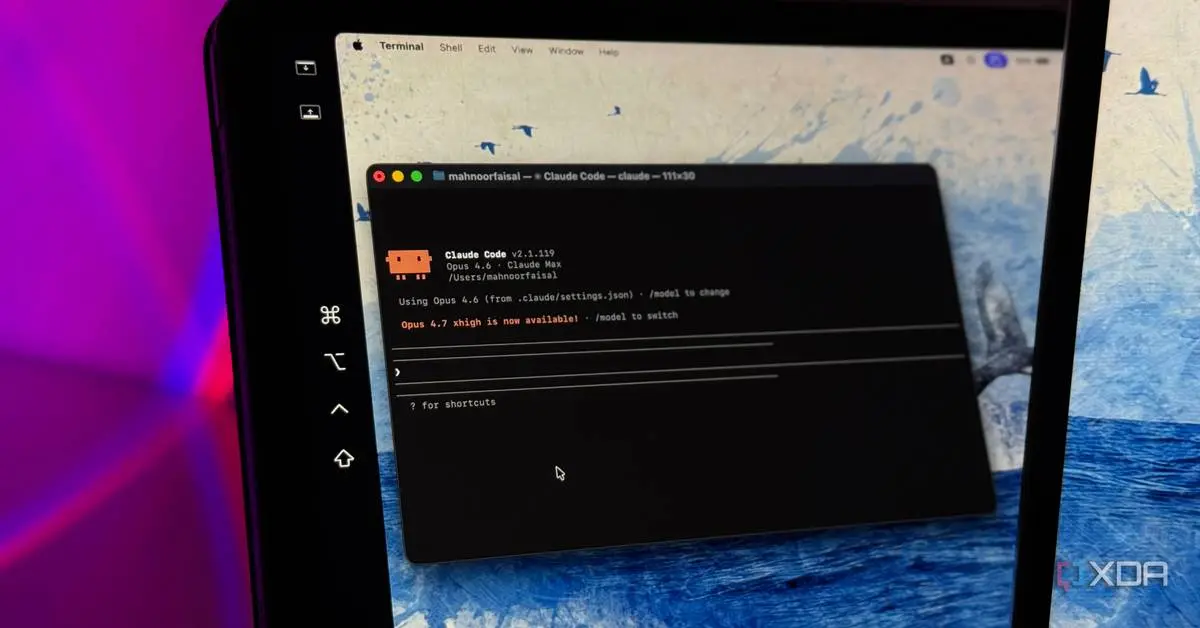
Claude AI subscribers face a frustrating reality in 2025: paying for AI productivity tools that still impose weekly caps and rolling usage windows. But detailed analysis of Claude Code's local logs reveals that user habits, not platform limitations, often drive the fastest depletion of these allowances. One user discovered that 33.7% of every message sent to Claude Code consisted of standing payload—the instructions, tool descriptions, and custom rules that must be reintroduced with each interaction because the model lacks memory between messages
1
.
Source: XDA-Developers
This bloated context resulted from months of accumulated custom instructions and forgotten tools that continued adding descriptions to every conversation. The issue intensified after Anthropic quietly reduced Claude Code's default cache lifetime from one hour to five minutes in March, meaning any session idle for more than a few minutes would rebuild the entire context at full token usage rates
1
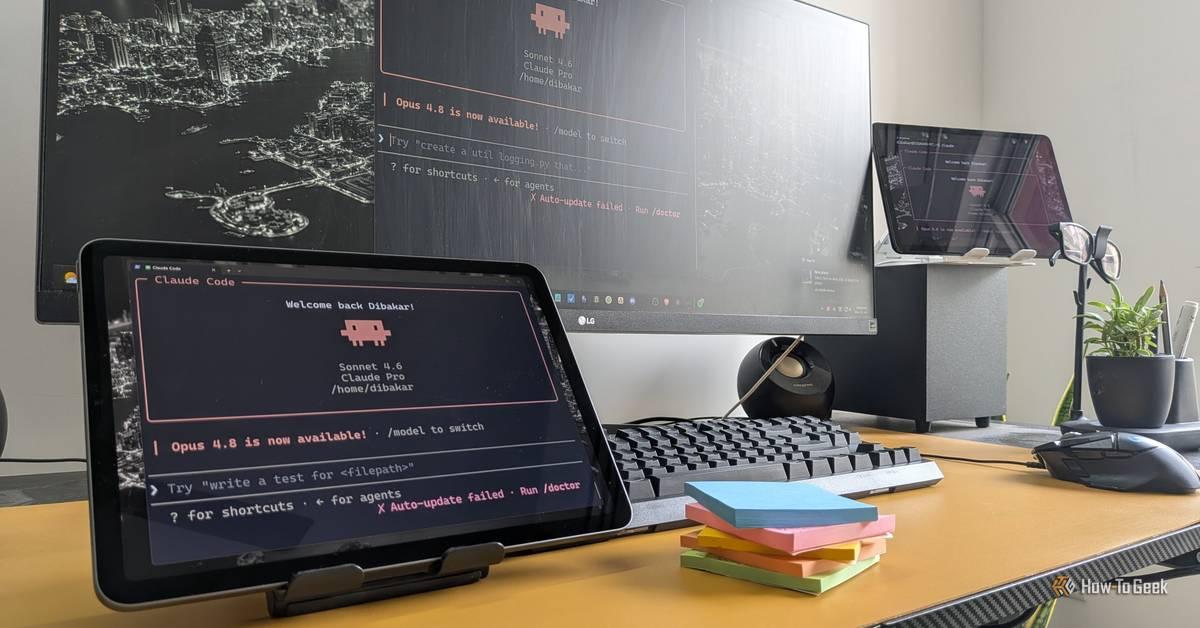
. For users working in bursts—stepping away for coffee or Slack messages—this cache expiration became a silent drain on their weekly allowance.For those on Claude's free plan, optimizing Claude usage becomes even more critical. Users have developed practical advice for AI interaction that extends their limited access considerably. Key strategies include switching to lighter models for simpler tasks, using Claude Projects to cache context, and starting fresh conversations frequently to avoid bloated threads
2
. Refining AI prompts before submission reduces follow-up clarifications that consume additional usage limits.Claude Projects emerge as an underutilized feature for AI optimization. Free users receive up to five projects, each allowing uploaded documents and instructions that get cached rather than repeatedly counted against usage limits
2
. This means more of each user's allocation goes toward actual prompts and responses instead of re-scanning the same information. Users have created projects for tax filing with uploaded bank statements, vegetarian recipe suggestions, and daily schedule planning—each providing persistent context without the token usage penalty.The approach to integrations also affects efficiency. While plugins bundle multiple Connectors together, targeted integrations prevent the AI assistant from checking irrelevant services that waste usage limits. Connecting only essential tools like Asana and Google Calendar for specific workflows, rather than enabling entire plugin packages, keeps the AI chatbot lean and focused
2
.
Source: How-To Geek
Claude's Cowork mode enables automations with Claude that require no coding knowledge. Users have built systems where Claude reviews daily tasks and generates desktop wallpapers displaying pending work, creating constant visual accountability
3
. This environmental reminder reduces procrastination by keeping workload visible throughout the day.The Productivity plugin allows Claude to connect with tools like Notion, Asana, Slack, and Gmail, pulling tasks from multiple sources into one unified view. A custom workflow called Task Transpose then syncs these tasks back across all connected apps, eliminating manual recreation of the same task in multiple platforms
3
. This creates AI-driven productivity enhancements that leverage chat interfaces for task collection while maintaining dedicated productivity apps for visualization and management.File organization represents another time-saving automation. Rather than manually sorting accumulated project files—installers, PDFs, drafts, screenshots, recordings—users let Claude categorize and move items into appropriate folders after project completion
3
. These workflows demonstrate how natural language capabilities can replace tedious manual processes.Related Stories
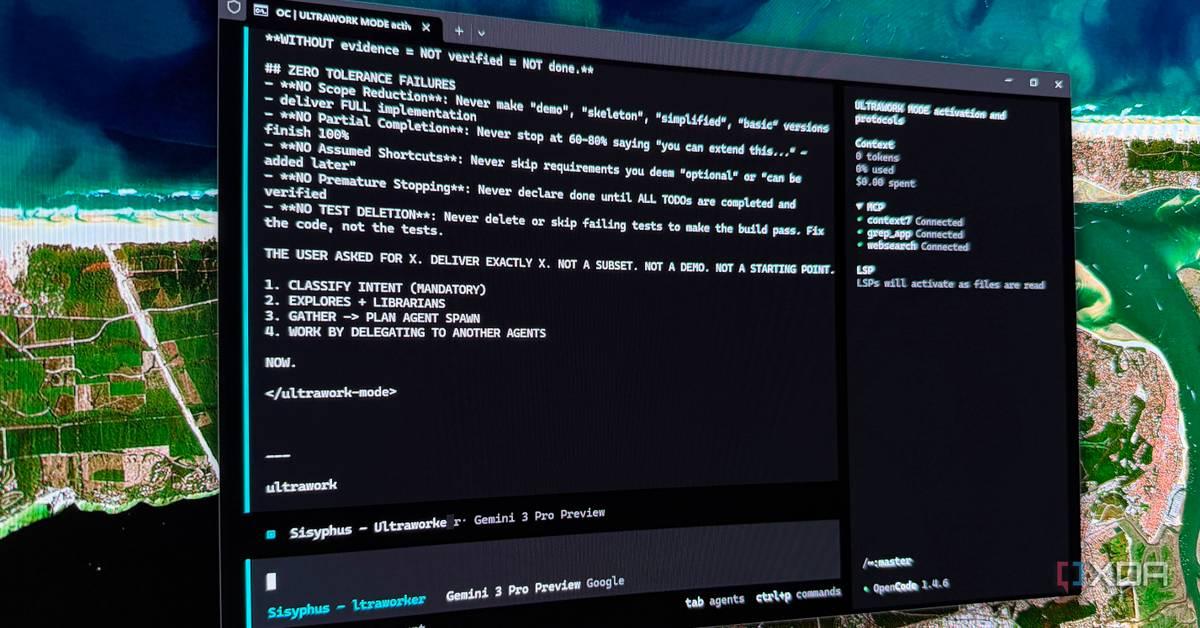
Generic outputs plague even advanced AI chatbots when they rely too heavily on assumptions about user intent. Adding a single instruction transforms Claude's behavior: "Ask questions whenever in doubt instead of providing formulaic responses"
4
. This simple prompt engineering technique compels Claude to clarify target audience, scope, and specific requirements before generating content.
Source: MakeUseOf
For creating presentations on topics like narratology, this approach prompts Claude to ask about audience expertise level, desired slide count, and focus areas—specifications users often forget to include initially. The difference between a presentation for undergraduates versus a general audience becomes substantial when Claude asks the right questions upfront. Users spend more time on actual preparation and less on post-generation optimization.
This shift from assumption-based responses to clarification-driven outputs represents a fundamental change in practical advice for AI interaction. Rather than accepting decent but slightly off-target results, users now receive tailored content that matches their specific context and requirements. The technique works across output types—from code to slide decks to explanations of complex topics—making refining AI prompts a skill that pays dividends regardless of use case.
Summarized by
Navi
[1]
[2]
05 Jun 2026•Technology

10 Apr 2026•Technology

21 May 2026•Technology

1
Policy and Regulation

2
Policy and Regulation

3
Policy and Regulation