NotebookLM and Claude integration creates powerful AI research assistant for automated workflows


2 Sources
[1]
I connected NotebookLM and Claude -- and built the ultimate AI research assistant
By wiring the two tools together, I didn't have to choose between chatbots and finally built a real AI research assistant The most interesting thing happening in AI right now isn't that the models are getting smarter -- though they are. It's that they're starting to work together. The question is
[2]
NotebookLM Combined with Claude Creates the Ultimate AI Productivity Pipeline
The integration of NotebookLM and Claude offers a structured approach to automating workflows and enhancing productivity. AI Master highlights how NotebookLM serves as a memory layer, organizing and grounding information, while Claude functions as the execution layer, handling complex reasoning and
Share
Copy Link
Users are connecting Google's NotebookLM with Anthropic's Claude to build advanced AI research assistants that automate content creation and streamline productivity. The integration uses Model Context Protocol to let Claude access research stored in NotebookLM, eliminating manual data transfers between tools. This combination transforms how professionals handle research, content creation, and multi-step projects.
NotebookLM and Claude AI Integration Transforms Research Workflows
The landscape of AI productivity is shifting from choosing between individual AI chatbot platforms to integrating NotebookLM and Claude for enhanced capabilities.
1
Users are discovering that connecting Google's NotebookLM with Anthropic's Claude creates an AI research assistant that addresses limitations both tools face independently. This AI integration allows Claude to directly access research materials stored in NotebookLM, creating a seamless workflow that eliminates the need to manually shuttle information between browser tabs.The connection works through Model Context Protocol, an open-source standard that acts as a universal adapter for AI applications. While the setup sounds complex, everyday users can access it through the Claude for Desktop app or community-built GitHub plug-ins.
1
The protocol intercepts Claude's requests, securely fetches relevant data from your notebook, and feeds it back to the model, completely automating the clipboard process that previously slowed workflows.How the Memory Layer and Execution Layer Work Together
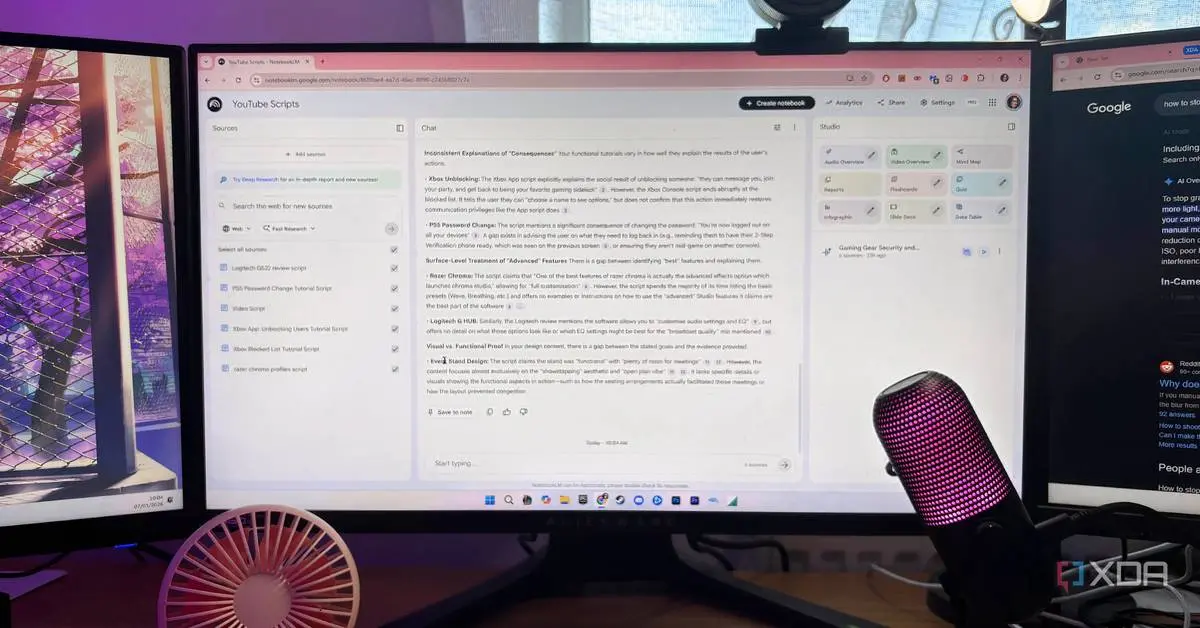
NotebookLM functions as an AI-powered research tool where users upload documents, articles, PDFs, transcripts and notes to build a knowledge base. The platform has gained traction with students, academics, journalists and analysts because it delivers citations and sources for deep research rather than unsourced generalizations.
1
NotebookLM serves as the memory layer, organizing research materials and ensuring data consistency by grounding outputs in curated sources.Claude brings the execution layer to this AI productivity pipeline, handling complex reasoning and nuanced drafting that NotebookLM struggles with independently.
2
While NotebookLM excels at retrieval and summary, it lacks the deep reasoning capabilities needed for structural arguments and sophisticated content generation. When combined, these tools create a synergistic workflow that reduces errors and hallucinations, particularly valuable for tasks requiring precision in content creation and project management.Enhanced Capabilities Through Recent Updates
Recent updates to NotebookLM have introduced Gemini 3.5 Flash, delivering major improvements in processing speed and functionality.
2
The platform now supports nine diverse output formats including audio overviews, cinematic video summaries, mind maps, slide decks, infographics, data tables and flashcards. These expanded modes allow professionals to customize outputs for specific project needs, offering flexibility across various creative tasks.The AI-driven automation capabilities enable three distinct workflow approaches. For streamlined content creation, users curate five reliable sources in NotebookLM and use Claude to generate detailed reports or YouTube scripts with inline citations.
2
Design automation workflows leverage Claude's ability to craft detailed design briefs for NotebookLM's infographic tool, defining layouts and color palettes for polished visual content. Advanced users implement automated pipelines using Claude's Chrome extension for recurring tasks like competitor analysis or daily news summaries.Related Stories
Technical Considerations and Future Implications
The connectors enabling this AI integration are community-built and unofficial, operating in a gray area that users should consider before handling sensitive information.
1
Neither Google nor Anthropic has officially endorsed these setups, and most bridges work by automating the NotebookLM interface rather than using sanctioned APIs. Despite being hobbyist projects rather than finished products, the experience remains remarkably smooth for task automation and workflow management.This development signals a broader shift where AI models work together rather than compete. Professionals managing multi-channel projects benefit from reduced manual effort and improved output quality across research, content production and complex reasoning tasks. The combination addresses the overhead of rebuilding context in every AI conversation, as the context layer remains persistent through NotebookLM while Claude handles sophisticated analysis and generation. Watch for official API support from Google and Anthropic that could formalize these integrations and expand capabilities for the AI-powered research tool ecosystem.
References
Summarized by

Navi
Related Stories
Claude AI's workflow automation features are helping users cut their work hours in half
10 Apr 2026•Technology
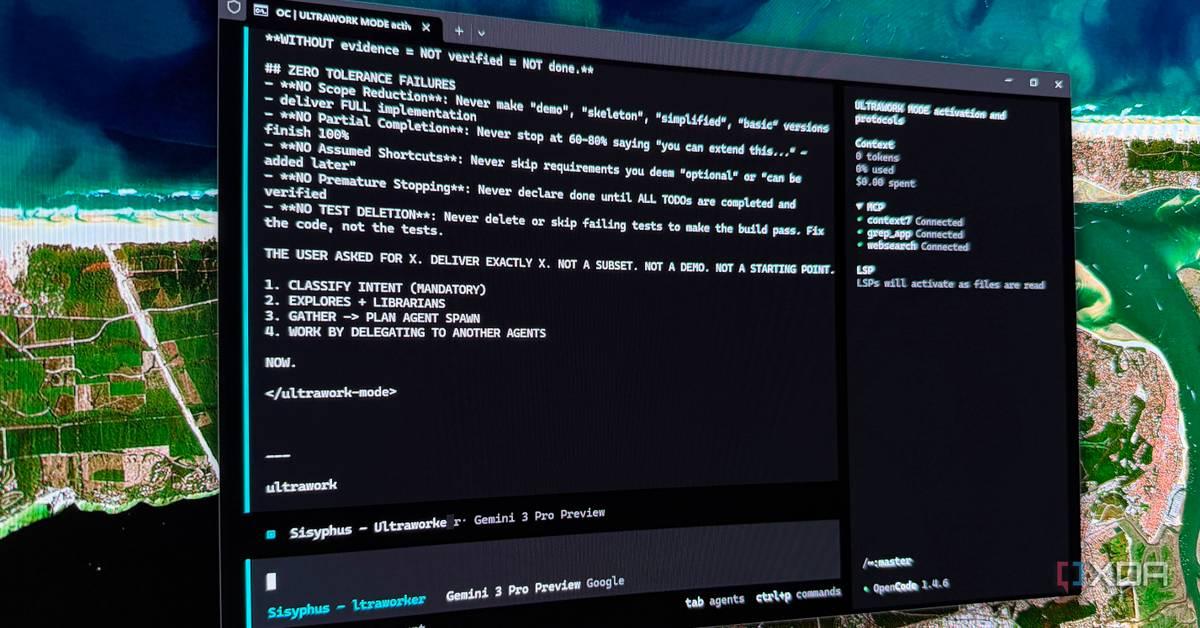
Claude AI automation unlocks hidden features in Code and Cowork to save hours every week
21 Jul 2026•Technology

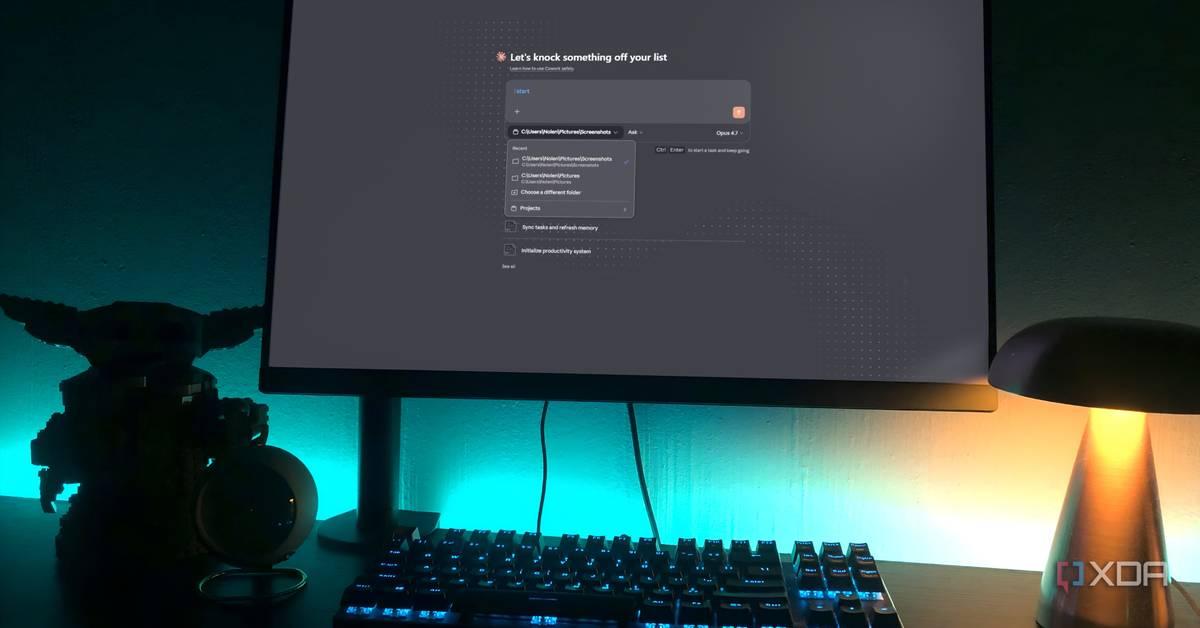
Claude AI shifts from chatbot to co-worker as users discover hidden features that transform work
21 May 2026•Technology
Recent Highlights



Recent Highlights
Today's Top Stories



Don’t drown in AI news. We cut through the noise - filtering, ranking and summarizing the most important AI news, breakthroughs and research daily. Follow topics that matter to you and stay ahead.


