Two Settings Let You Run Large AI Models Locally Without Upgrading VRAM


2 Sources
[1]
I changed two settings in my local AI setup, and stopped needing more VRAM
Abhinav pivoted from a career in banking to pursue his first love in writing. Even while working full-time, he continued contributing as an editor-at-large, a role he has held for more than 7 years. A lifelong tech enthusiast who has built three gaming and productivity powerhouse PCs since 2018,
[2]
How to Run an AI Model Locally -- And Why You Might Want To
Free tools like Ollama and LM Studio can run open-weight AI models on your laptop, offline, and without a subscription. Here's how to get started. In brief * Open-weight models have trailed the best closed models by an average of four months since January 2026, according to Epoch AI's May 29
Share
Copy Link
Users can run local AI models faster than expected by adjusting configuration settings instead of buying more VRAM. New techniques like expert offloading in mixture-of-experts models and draft model pairing enable 8x speed improvements on consumer hardware, making local LLM inference viable without cloud subscriptions.
Optimized Settings Transform Local AI Performance
Running local AI models on consumer hardware has become increasingly accessible, but many users abandon local LLM inference after experiencing slow performance. The bottleneck isn't insufficient VRAM—it's misconfigured settings that beginner-friendly runtimes apply by default. By adjusting just two configuration parameters, users can run AI models locally up to eight times faster without hardware upgrades
1
.Open-weight models now trail closed models by only four months on average, according to Epoch AI's May 29 analysis
2
. Popular runtimes like Ollama and LM Studio make setup frictionless with clean graphical interfaces, but they sacrifice control over critical performance parameters. These tools decide how models split between GPU and system RAM, how much memory allocates to context, and which optimizations activate—often suboptimally1
.Expert Offloading Unlocks 8x Speed Gains
Mixture-of-experts models like Qwen3.6-35B-A3B store weights as expert pools, but only activate a few experts per token during inference. This architecture allows users to offload inactive experts to system RAM while keeping active components in VRAM. Using llama.cpp's --n-cpu-moe flag, one user increased inference speed from 4.02 tokens per second to 32.82 tokens per second on a Lenovo Legion 5 Pro with 8GB VRAM and 32GB DDR4-3200 system RAM—an 8x improvement
1
.LM Studio provides a dedicated slider for managing expert offloading, making this optimization accessible through its interface. Ollama currently lacks this configuration option, demonstrating why advanced users prefer llama.cpp for direct control over inference parameters
1
.Privacy and Cost Drive Local AI Adoption
Local AI eliminates monthly subscription fees averaging $20 per month while keeping conversations private. A court ordered OpenAI to preserve ChatGPT logs, including deleted ones, highlighting privacy concerns with cloud services
2
. LM Studio documentation confirms the application can operate entirely offline once model files download, ensuring complete data privacy2
.
Source: Decrypt
Open-weight models under licenses like MIT and Apache 2.0 enable customization and commercial use without restrictions. DeepSeek's R1 series supports commercial use and allows modifications, while Google's Gemma 4 and OpenAI's gpt-oss ship under Apache 2.0
2
. This licensing flexibility lets users fine-tune models for specific domains like medicine or coding.Related Stories

Hardware Requirements and Quantization Techniques
Consumer hardware with 8GB VRAM can run smaller models effectively, though serious users benefit from 24GB or more VRAM. Quantization shrinks models by storing weights with fewer bits—representing them as 8-bit integers instead of 32-bit floating point numbers—cutting memory requirements while accepting minimal accuracy loss
2
.Gemma 4 models range from 4.6GB to 20GB in Ollama's library, with the 26B version requiring 16-19GB and the 31B version needing 19-20GB. OpenAI's gpt-oss-20b runs within 16GB of memory
2
. LM Studio recommends 16GB RAM minimum on Apple Silicon Macs running macOS 14 or newer, though 8GB Macs handle smaller models. Windows users need at least 16GB RAM and 4GB dedicated VRAM with AVX2 processor support2
.Implementation Paths for Different User Levels
LM Studio offers the most polished graphical interface for beginners, with model search integrated directly into Hugging Face's public hub. Users download the installer, search for models, download weights, and start chatting immediately
2
.Ollama targets developers comfortable with terminal interfaces, installing via command line on macOS and Linux. Advanced users favor llama.cpp for granular control over inference parameters that GUI tools either bury in settings or omit entirely
1
. Both Ollama and LM Studio use llama.cpp as their inference engine, but direct llama.cpp usage unlocks optimization flags critical for maximum performance.Watch for continued improvements in quantization methods and expert offloading techniques as local AI inference matures. The gap between open-weight and closed models continues narrowing, making local deployment increasingly competitive with cloud alternatives for privacy-conscious users willing to optimize their configurations.
References
Summarized by

Navi
Related Stories
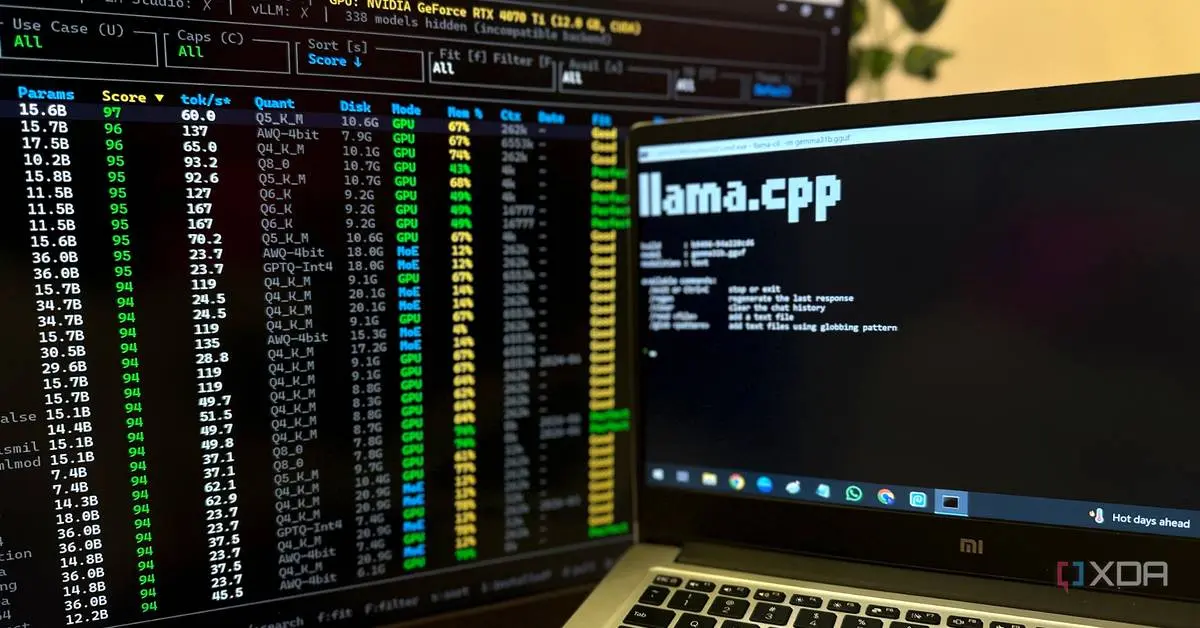
Users ditch bloated AI wrappers for llama.cpp and Ollama as LLMFit solves compatibility issues
08 Jun 2026•Technology
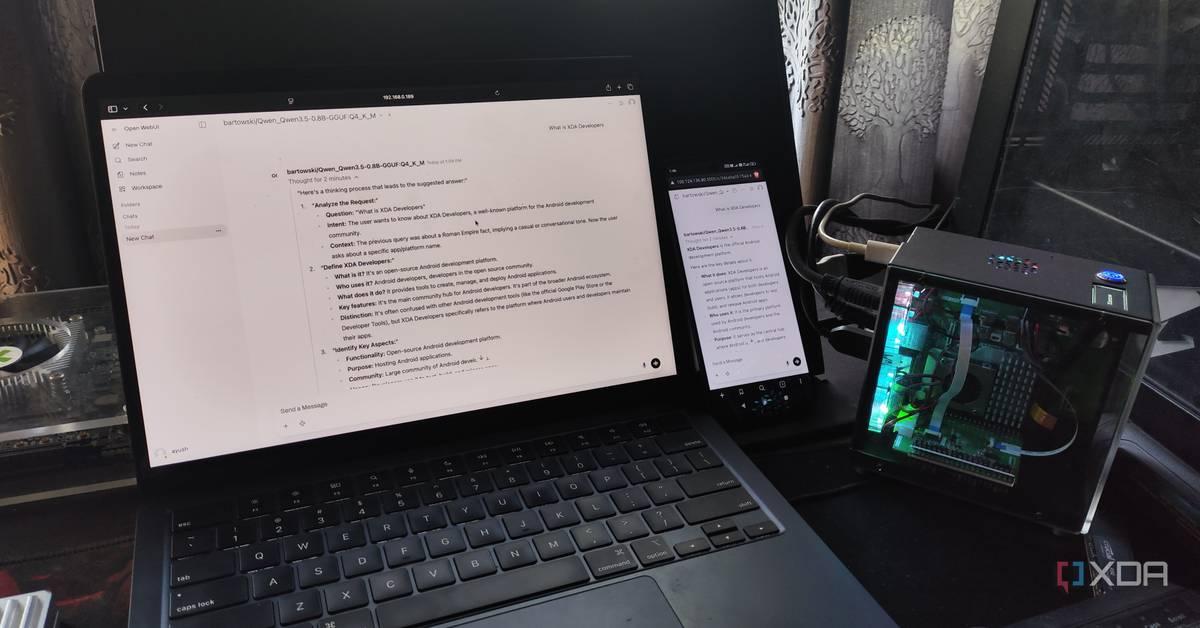
Tech enthusiasts build local LLM servers on Raspberry Pi and phones, proving on-device AI works
17 Apr 2026•Technology
Users Are Ditching Claude and ChatGPT for Local AI Models That Run on Personal Computers
04 Sept 2026•Technology

Recent Highlights
1
OpenAI's AI Models Disprove 27-Year Exponential Time Hypothesis, Rendering Decades of Research Obsolete
Science and Research

2
Google DeepMind unveils Genie 4 world model with audio and 2-minute interactive simulations
Technology
3
Anthropic Faces $379 Million in Copyright Infringement Lawsuits Over Unlawfully Using Songs
Policy and Regulation

Recent Highlights
Today's Top Stories








Don’t drown in AI news. We cut through the noise - filtering, ranking and summarizing the most important AI news, breakthroughs and research daily. Follow topics that matter to you and stay ahead.


